How to export a course from Moodle LMS
Moodle is a robust, secure, and integrated learning platform that allows educators, administrators, and learners to develop personalized learning environments. It allows University/College faculties to author courses in Frost and distribute in Moodle LMS (Frost—Moodle Export). Alternatively, it also allows University/College faculties to bring an already authored content in Moodle to Frost (Moodle—Frost Import).
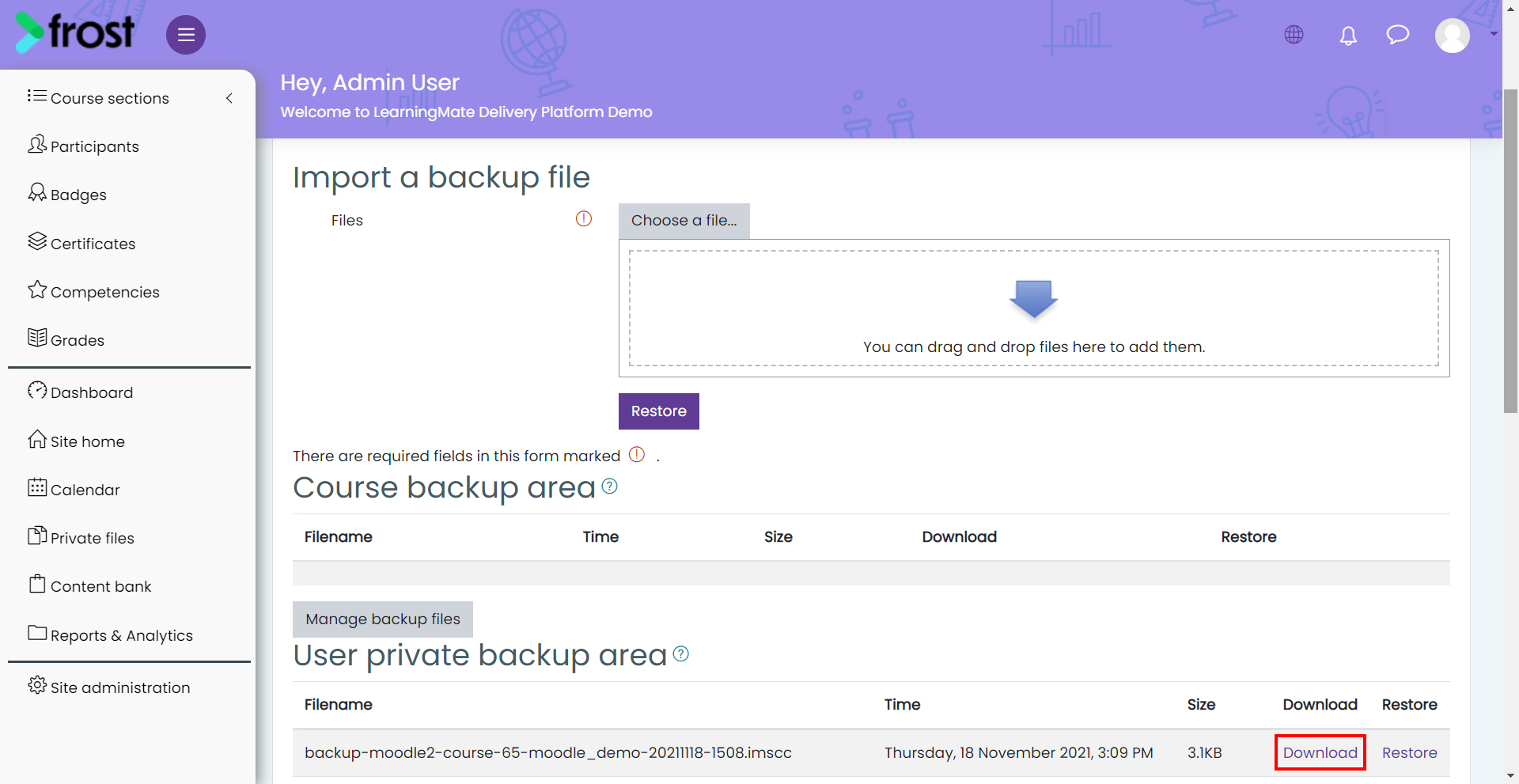
To export a course from Moodle LMS:
- Login into Moodle.
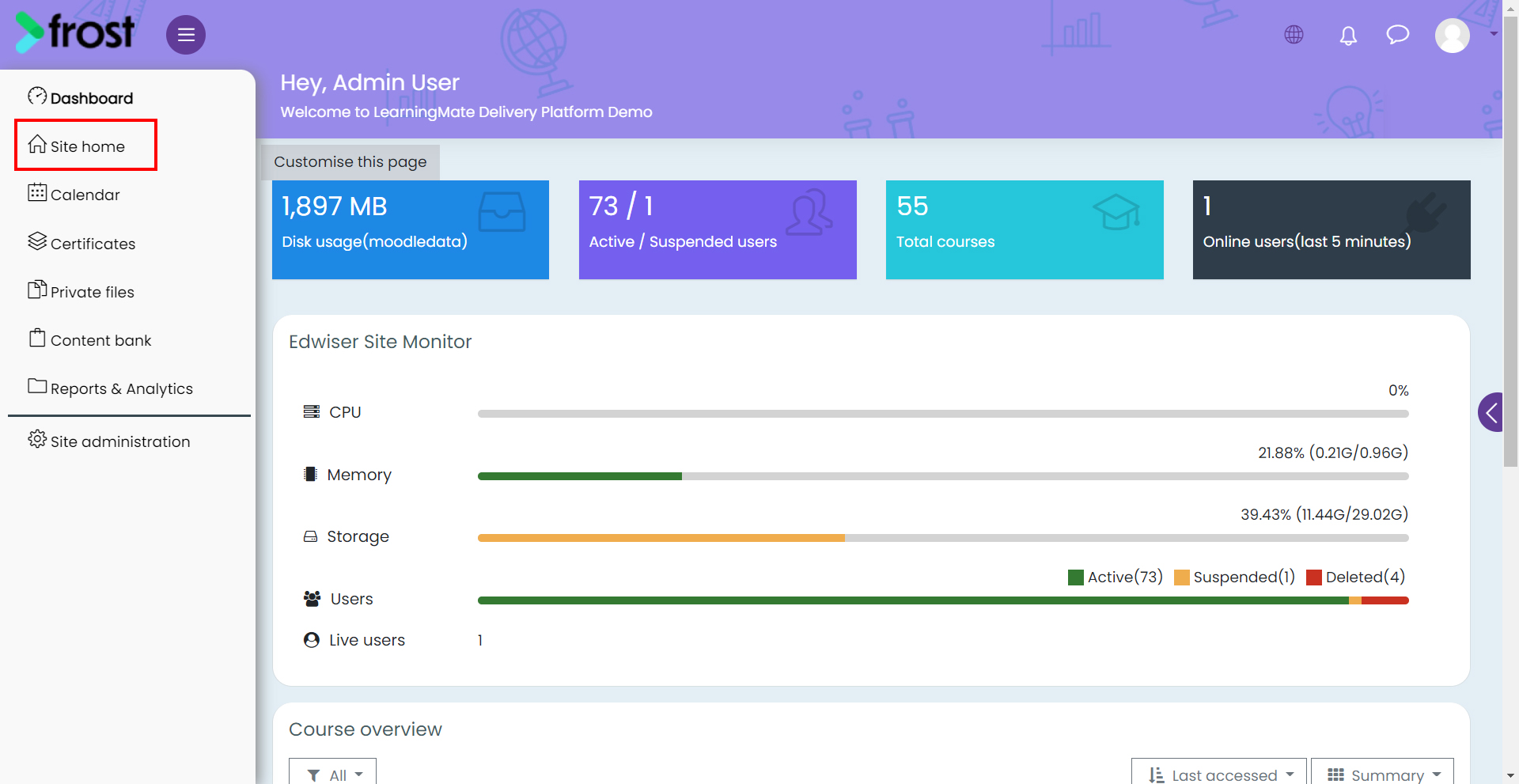
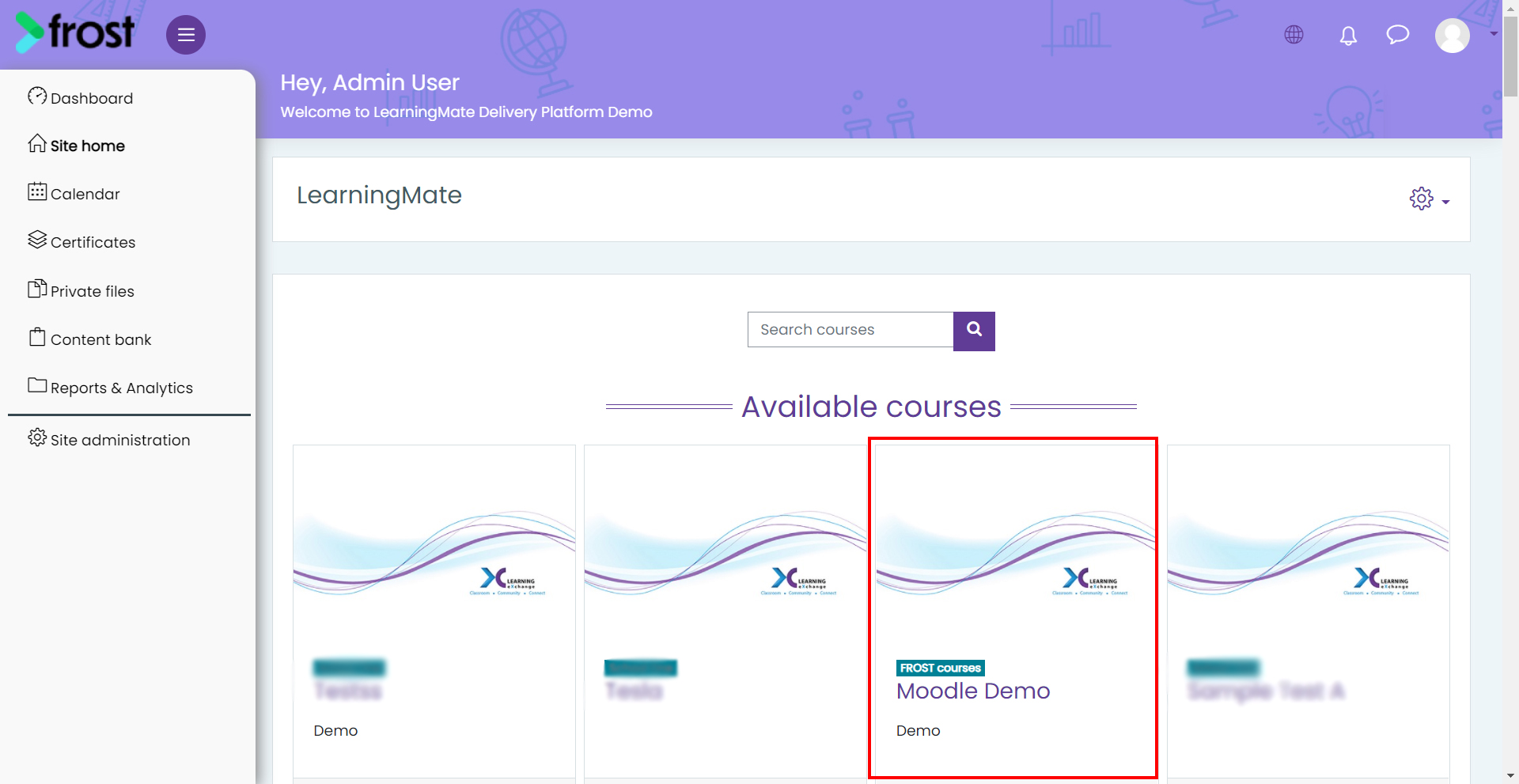
- Navigate to the Site home section on the left panel and select the course.
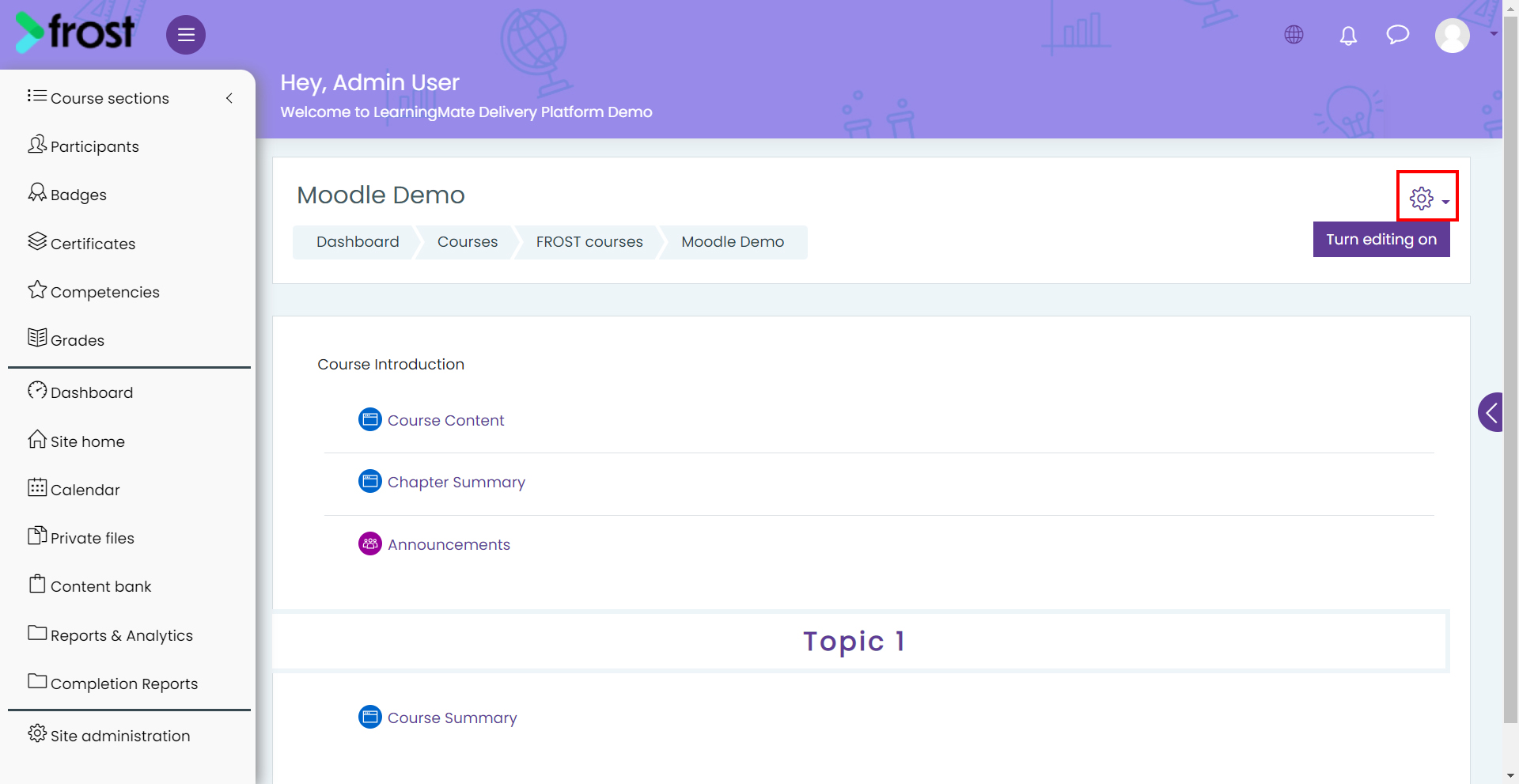
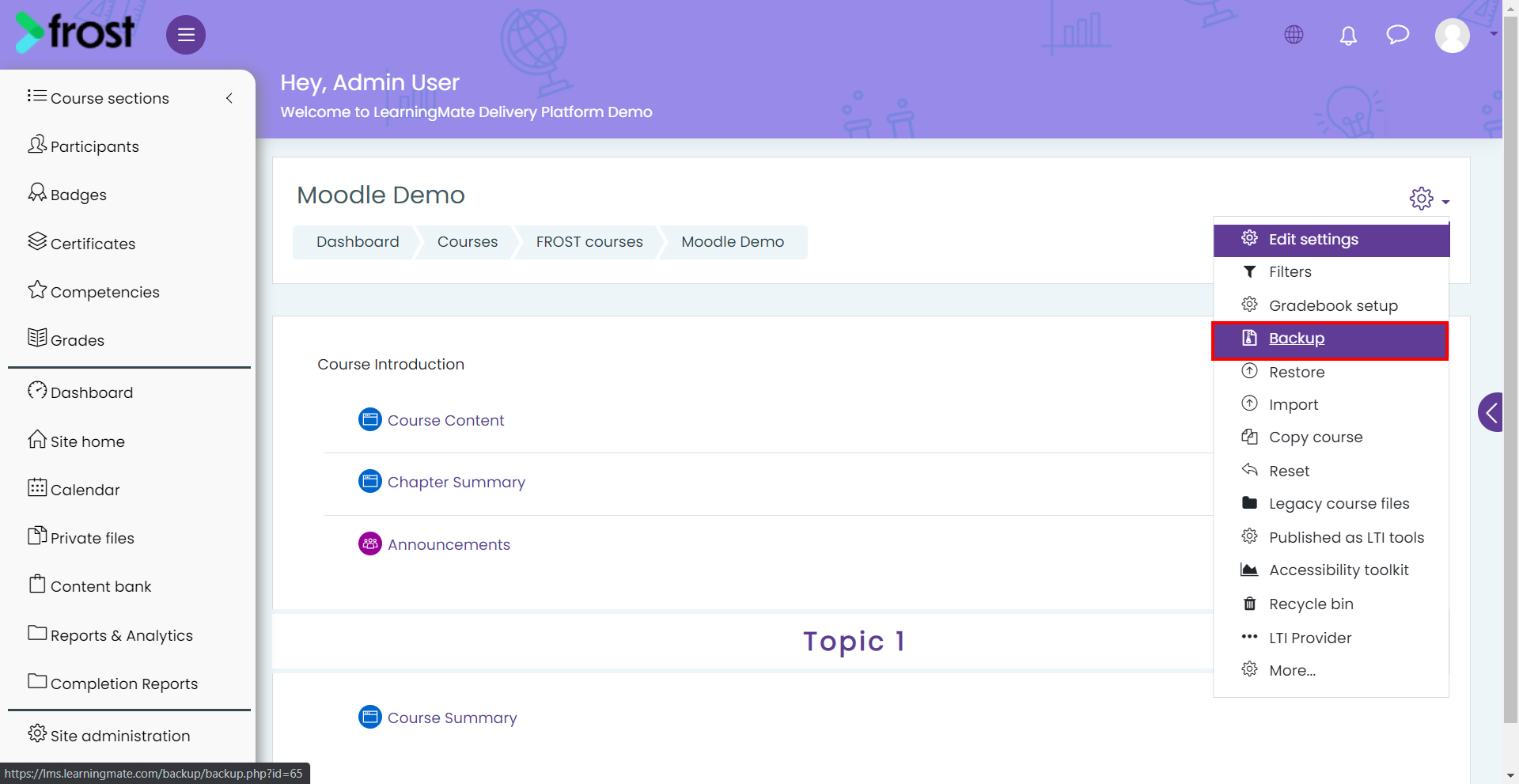
- Click the Settings icon and select Backup.
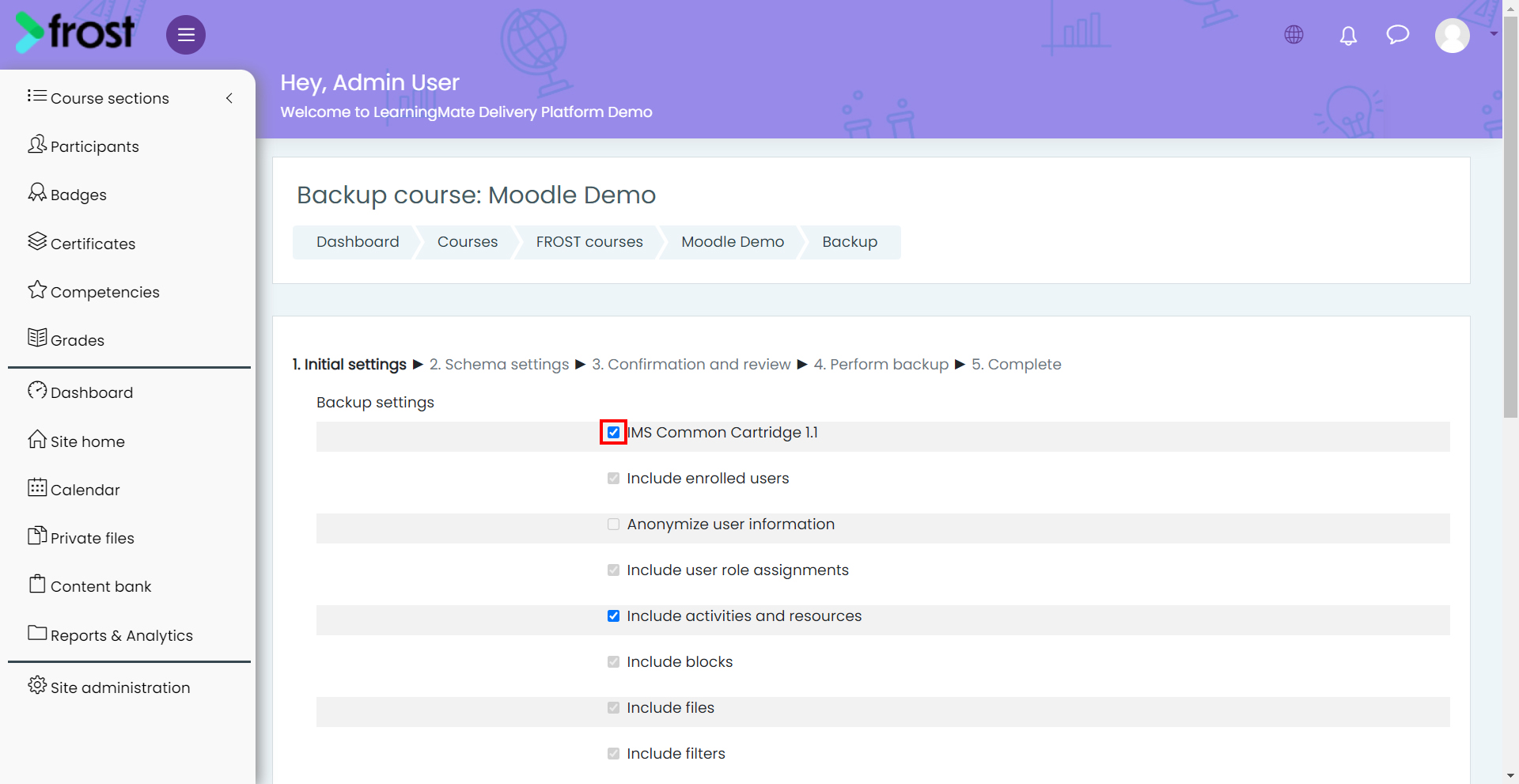
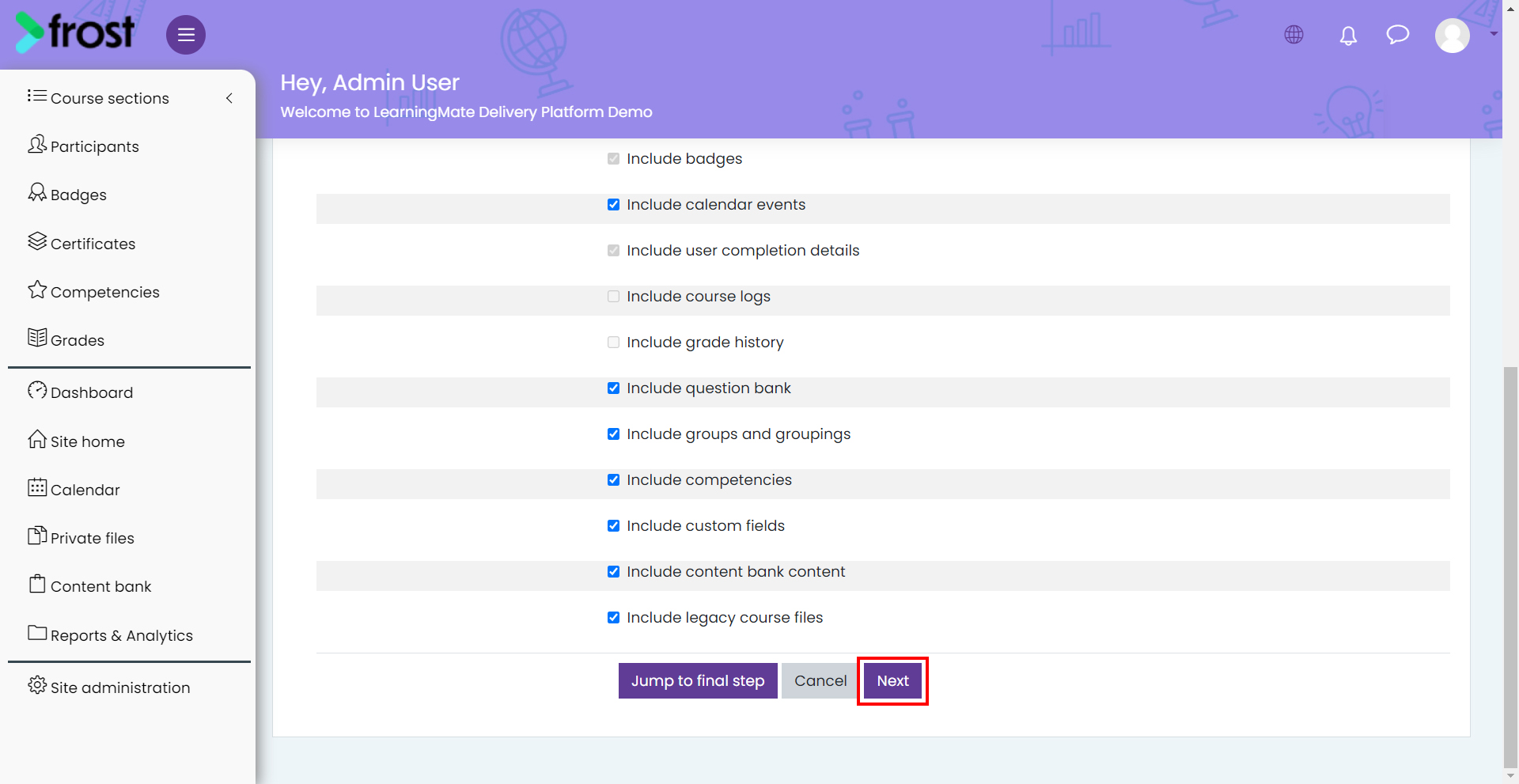
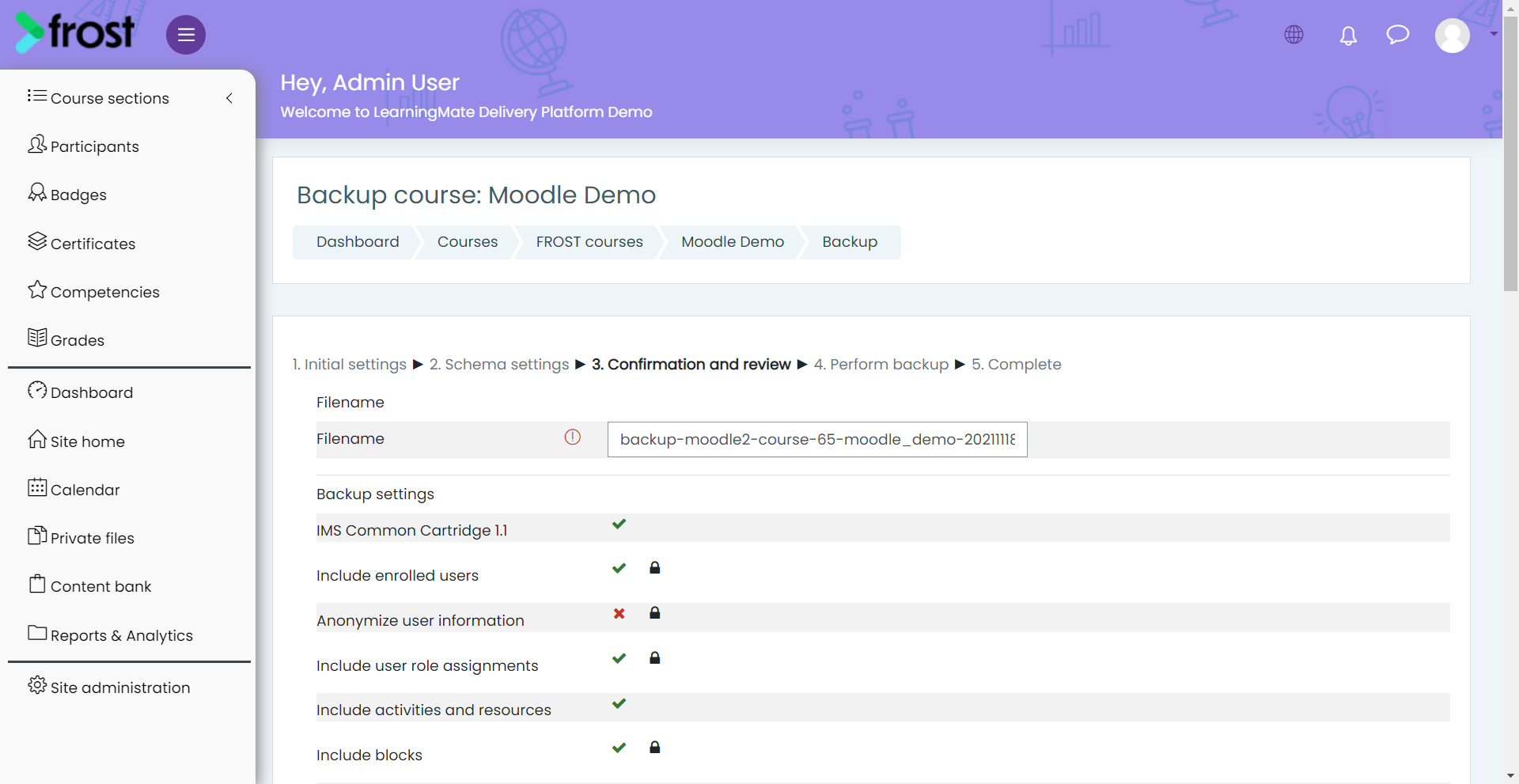
- On the Initial settings page, select IMS Common Cartridge 1.1, and click Next.
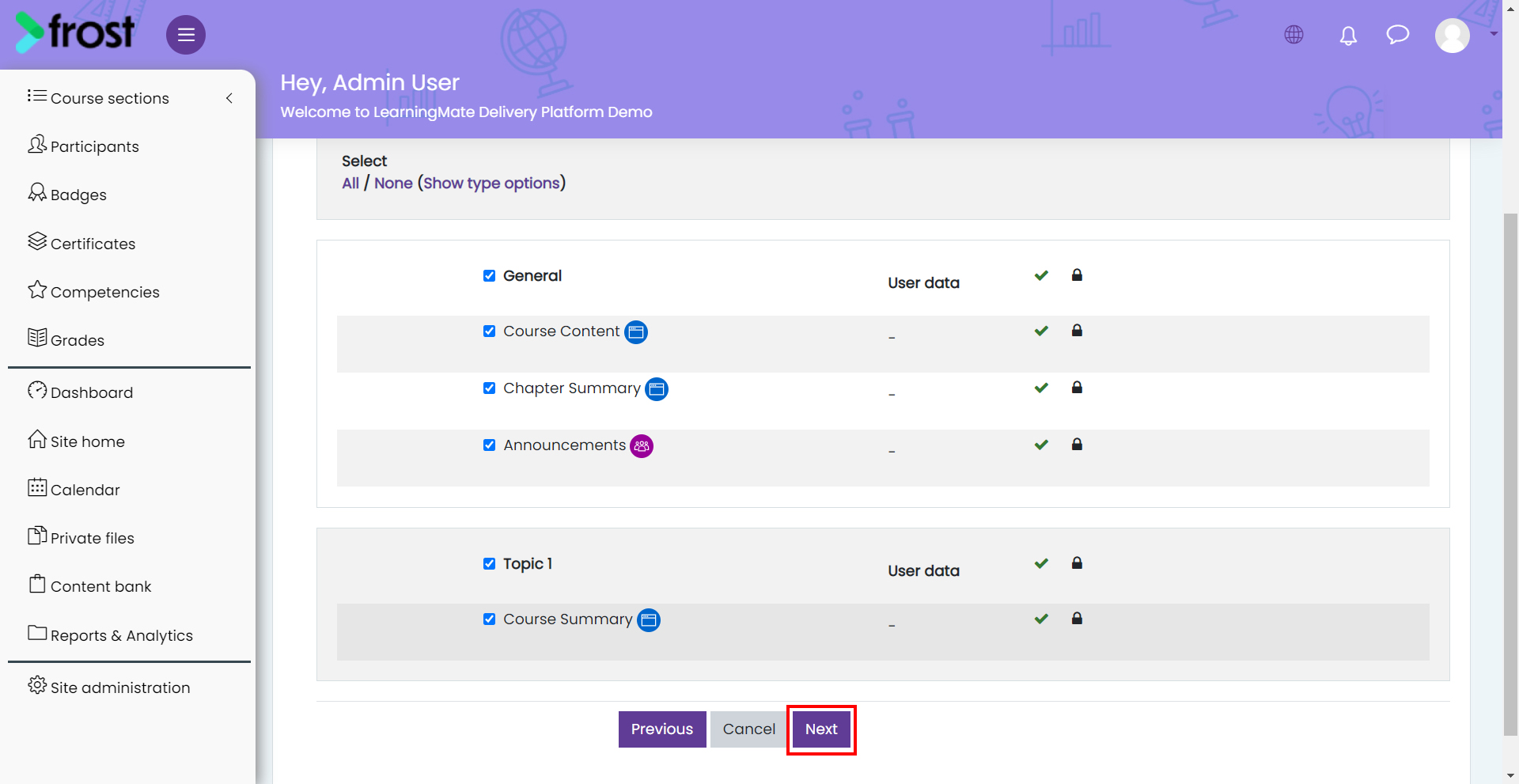
- On the Schema settings page, review the modules selected and click Next.
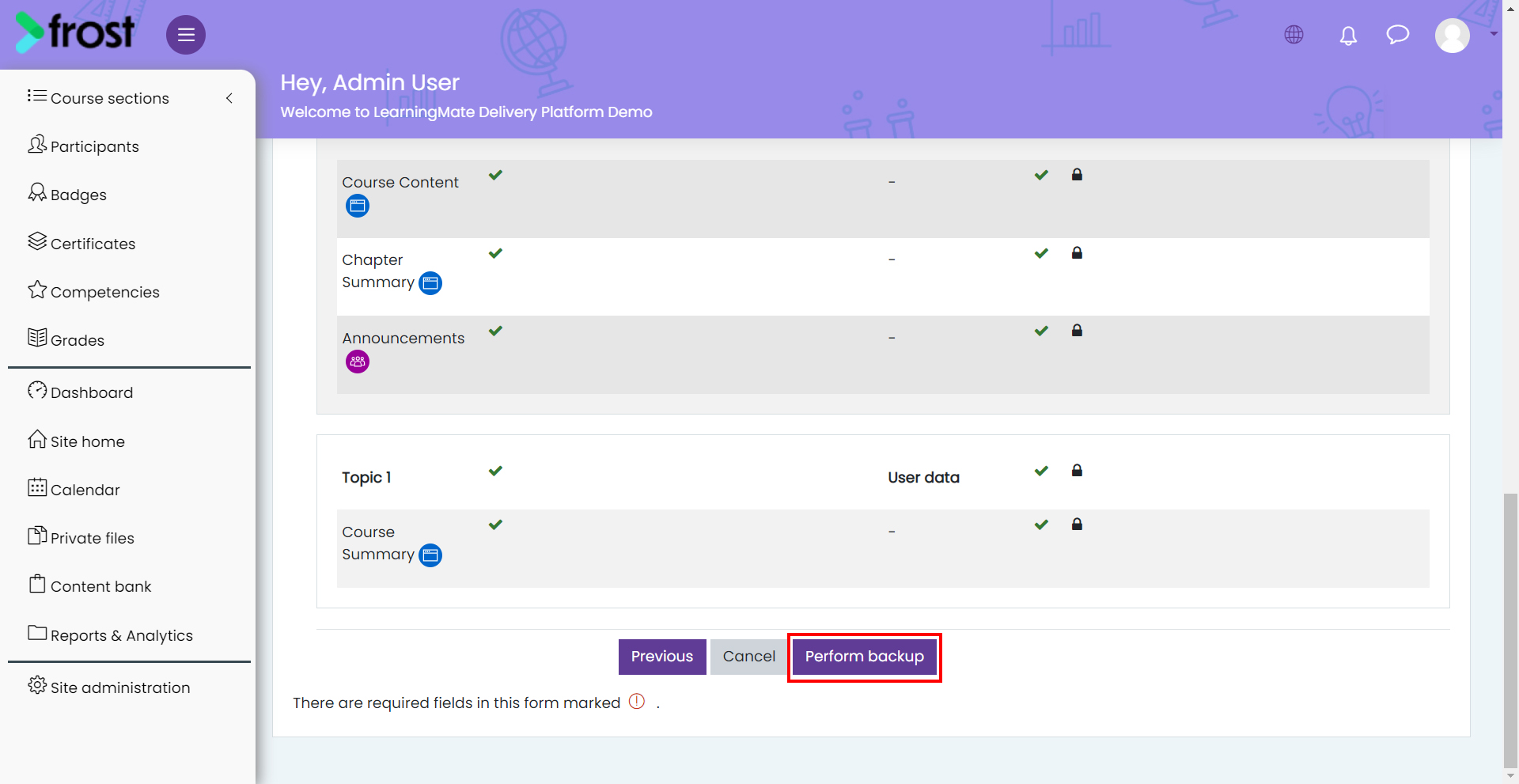
- On the Confirmation and review page, click Perform Backup.
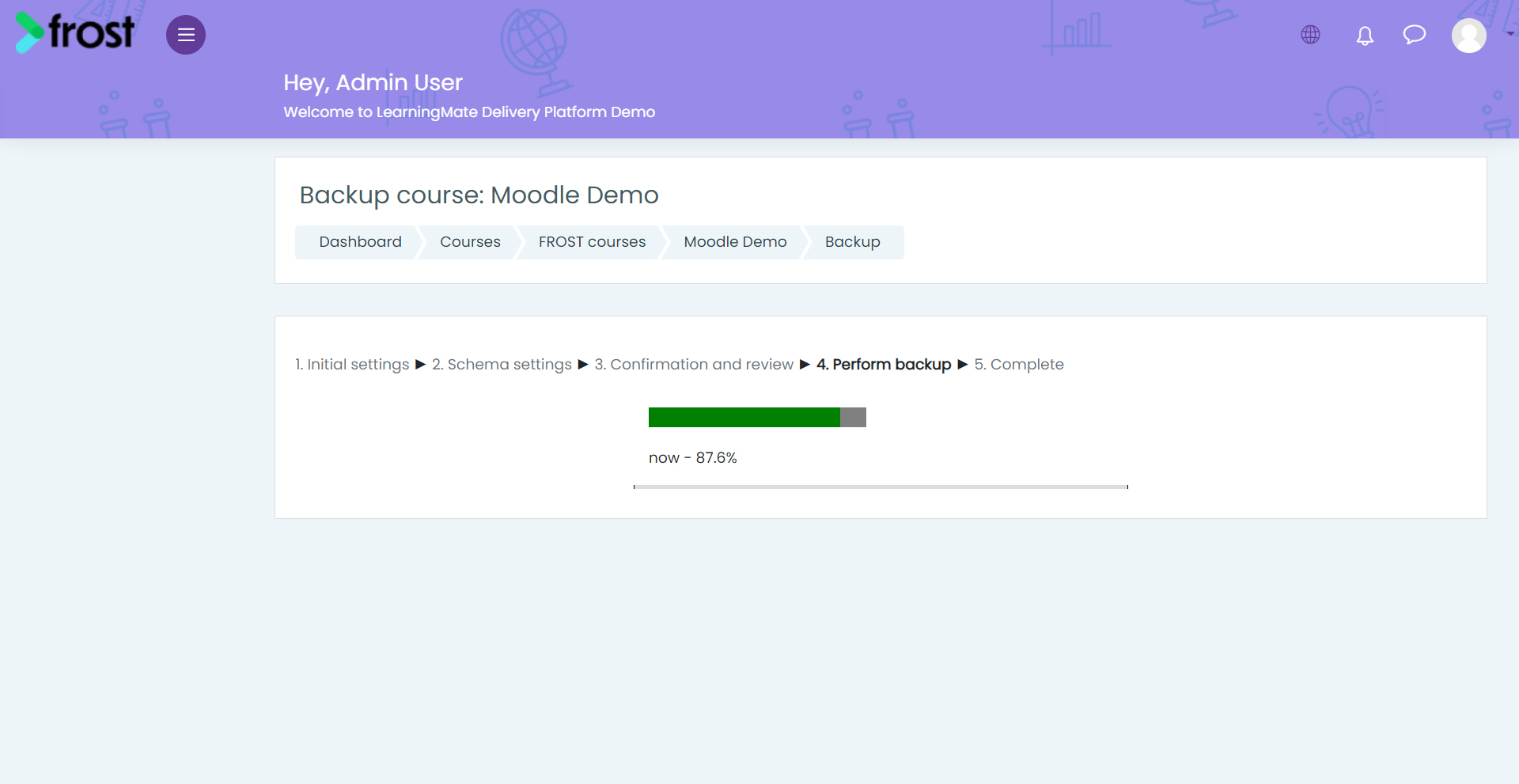
Note: Exporting a course in Moodle may take a few minutes, depending on its size. You will receive an email when the export is complete.
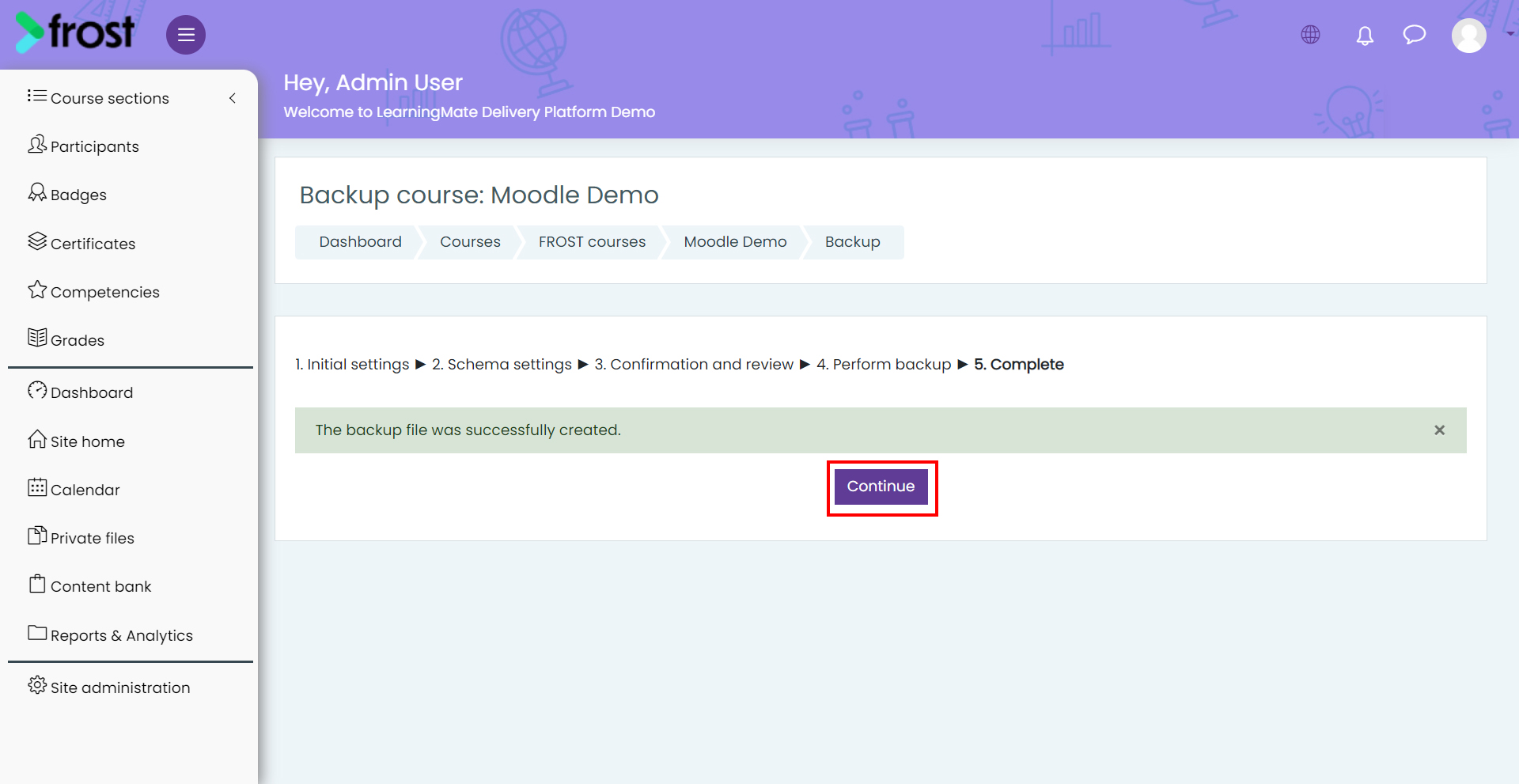
- Once the backup is ready, click Continue.
- Under the User private backup area section, click Download next to the exported package and click Save.
Note: On successful download, users can import the package in Frost Designer as an Online Course.