How to export a course from Canvas LMS
Canvas is an online learning and teaching platform that uses a course management system. It is being widely used by universities and colleges all over the world. It allows University/College faculties to author courses in Frost and distribute in Canvas LMS (Frost—Canvas Export). Alternatively, it also allows University/College faculties to bring an already authored content in Canvas to Frost (Canvas—Frost Import).



To export a course from Canvas LMS:
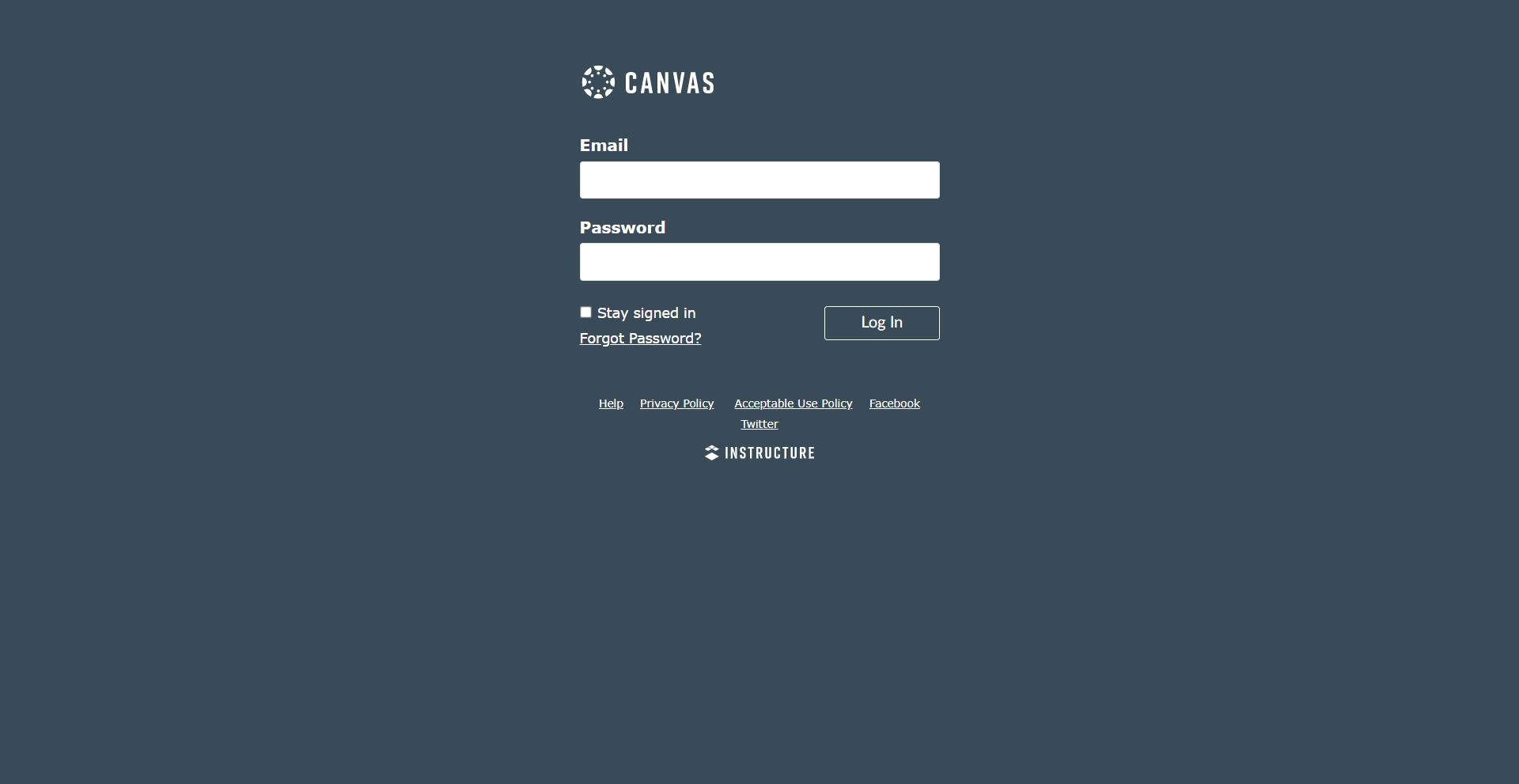
- Login into Canvas.
- Navigate to the Courses section on the left panel and select the course.
- Navigate to Settings.
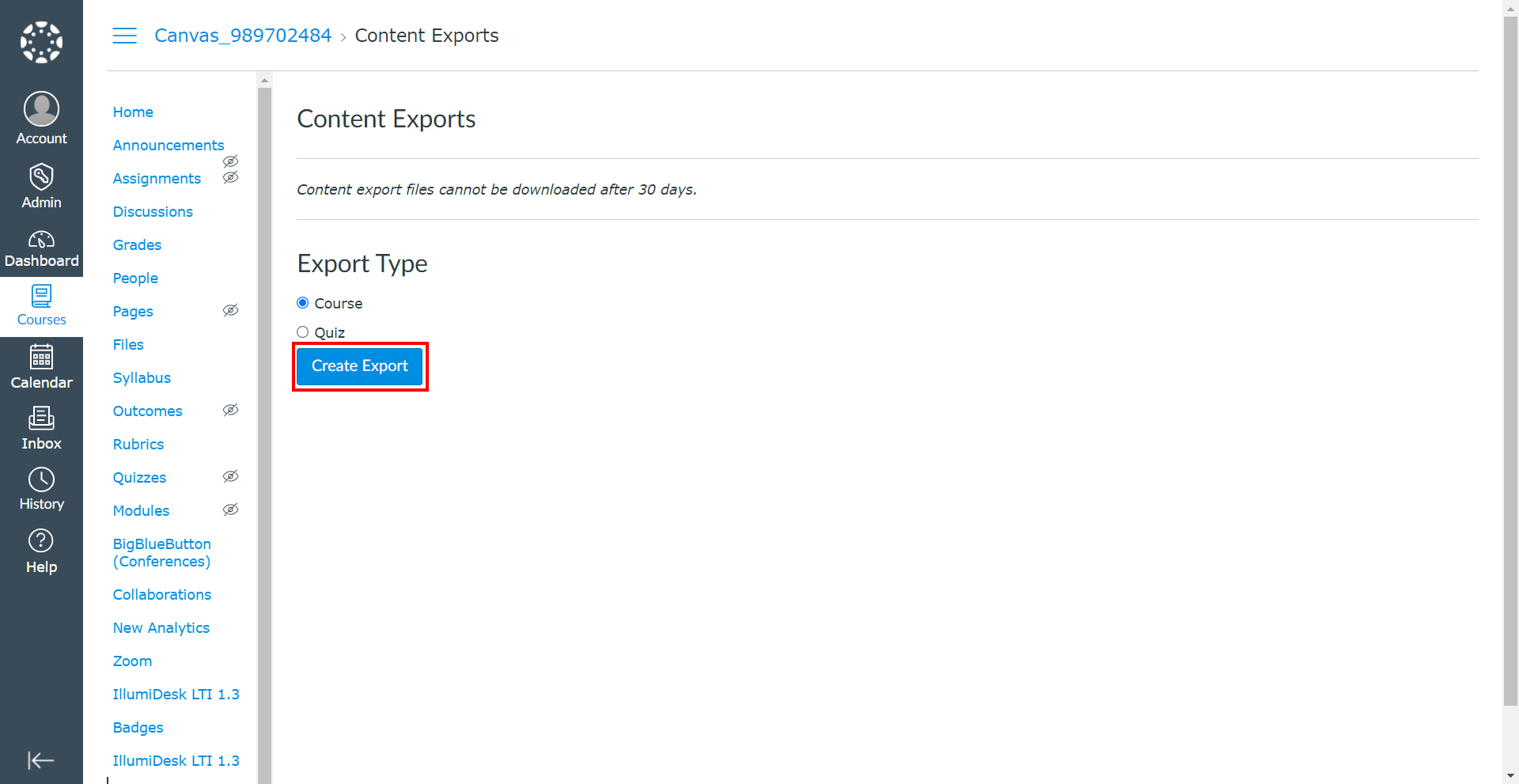
- Under the Course Details tab, select Export Course Content.
- Select the Export Type as Course and click Create Export.
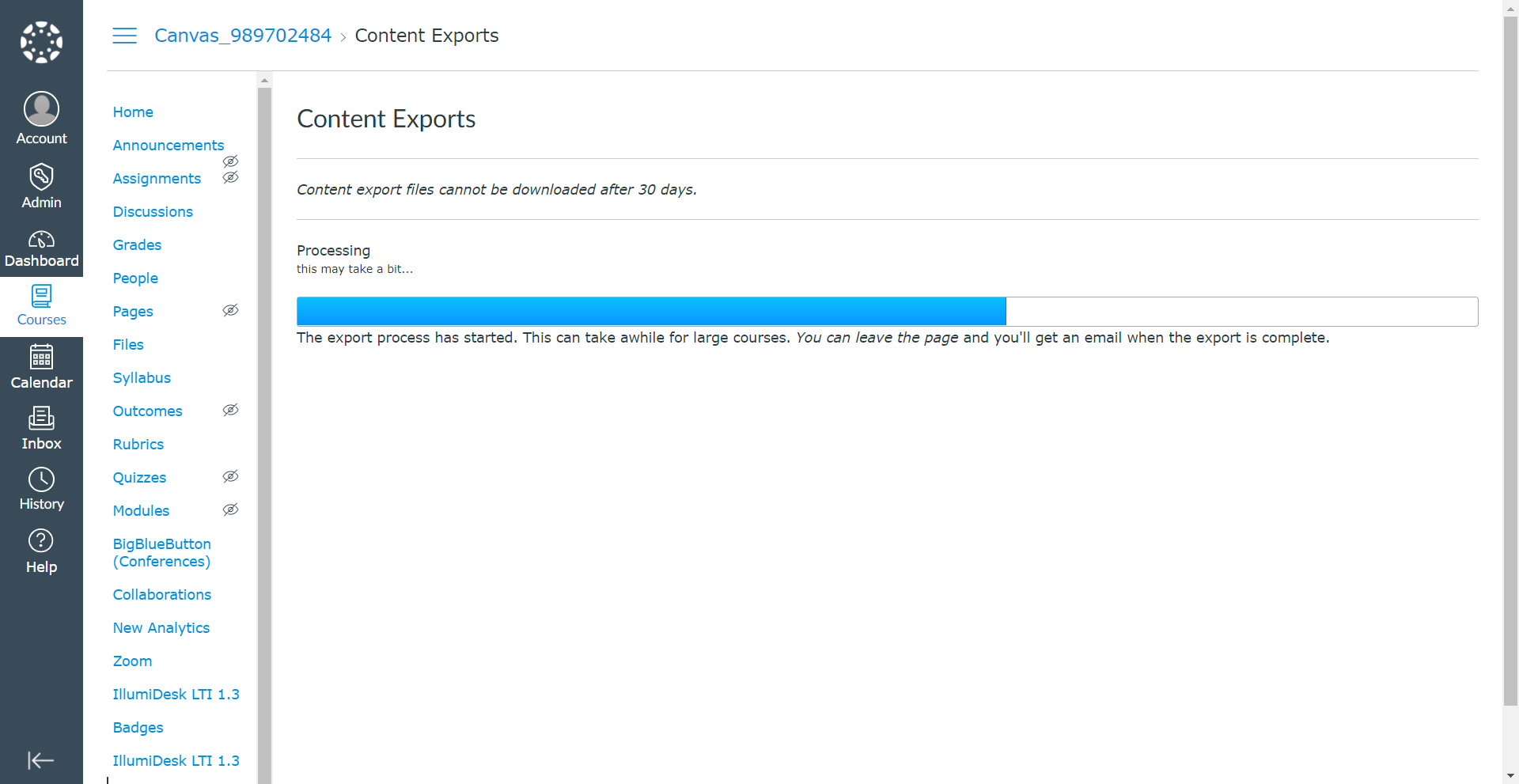
Note: Exporting a course in Canvas may take a few minutes, depending on its size. You will receive an email when the export is complete.
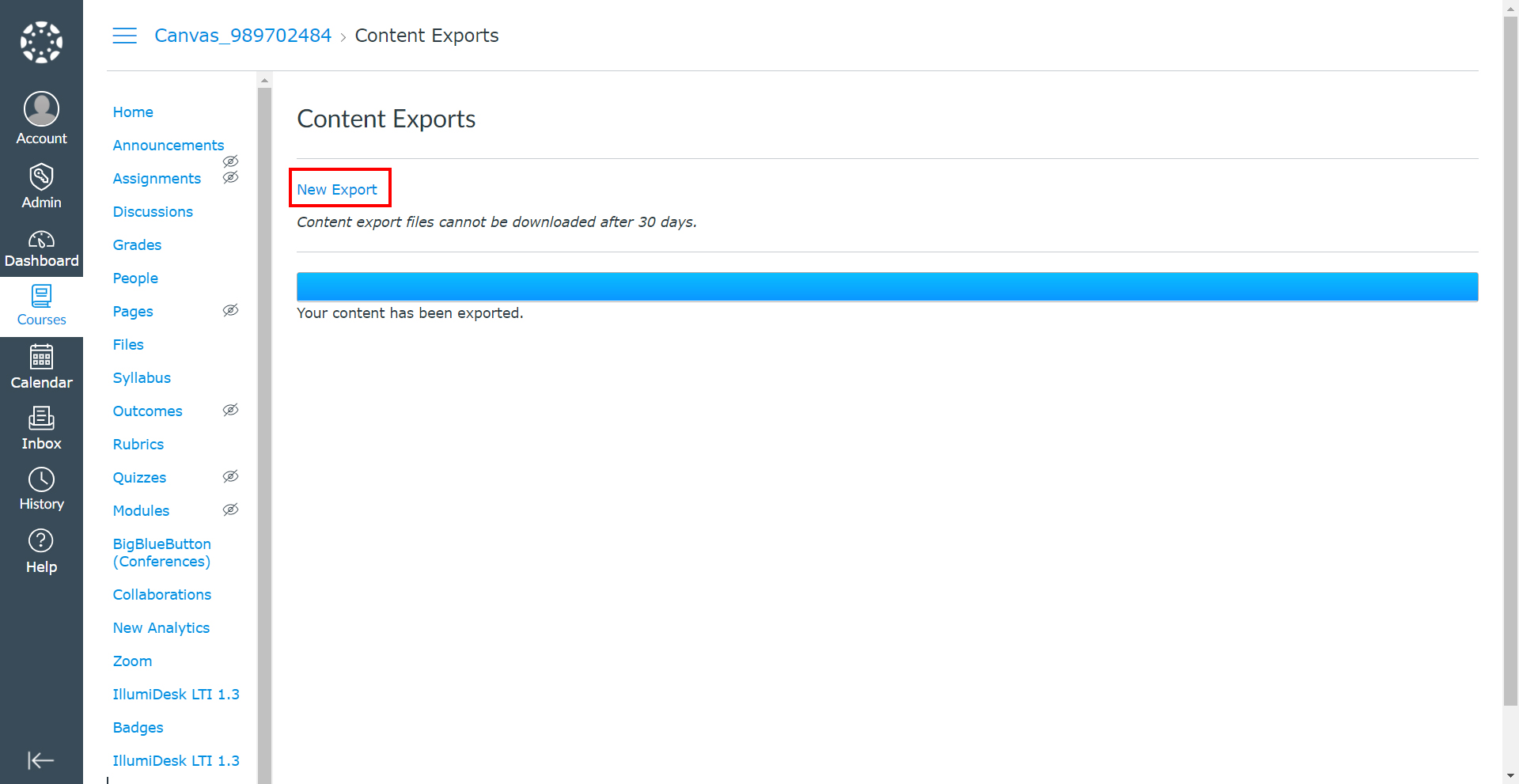
- Once the download is ready, the New Export link will be displayed under Content Exports.
- Click the New Export link.
- Click Save.
Note: On successful download, users can import the package in Frost Designer as an Online Course.