How to Edit Existing KVPs
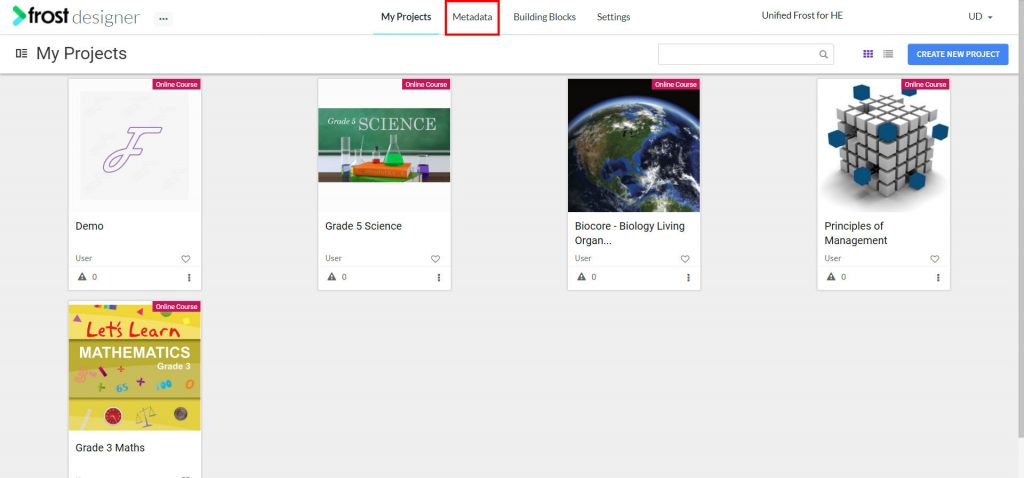
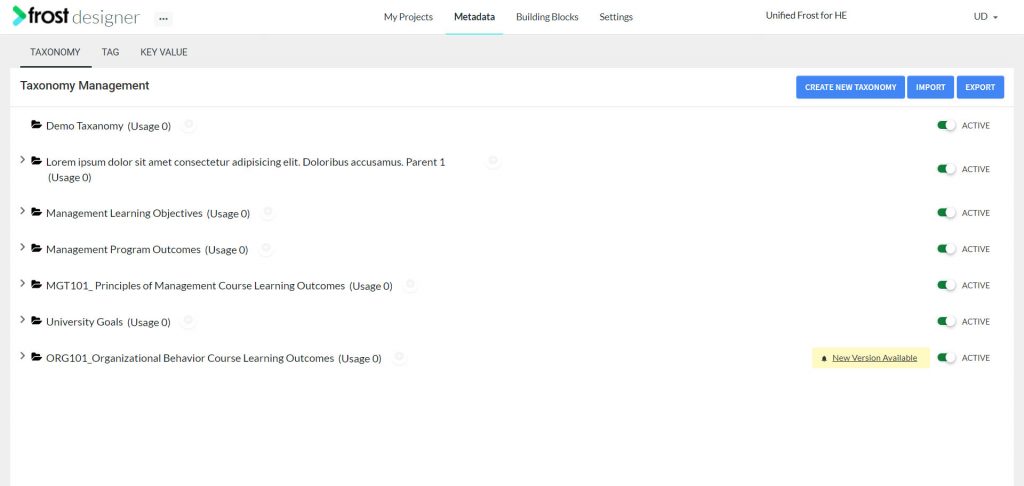
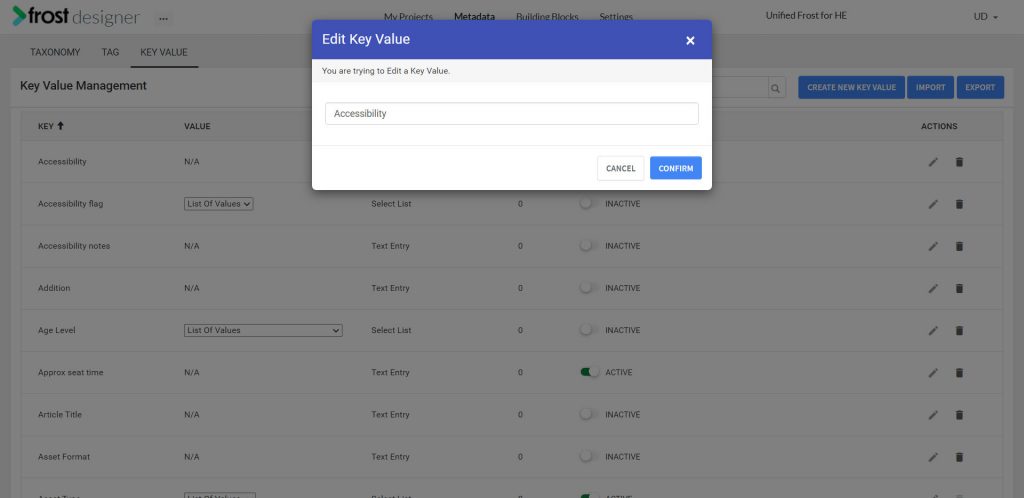
- From the Frost dashboard, click the Metadata option on the top menu of the screen.
Note: If you are working on a project page, you need to navigate back to the Frost landing page first.
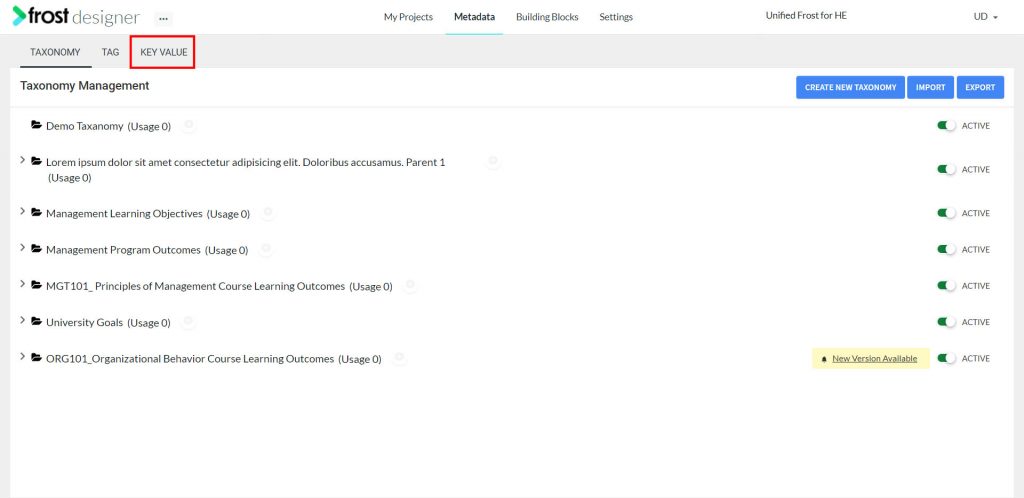
- From the Metadata dashboard, select the KEY VALUE tab for navigating to the Key Value Management screen.
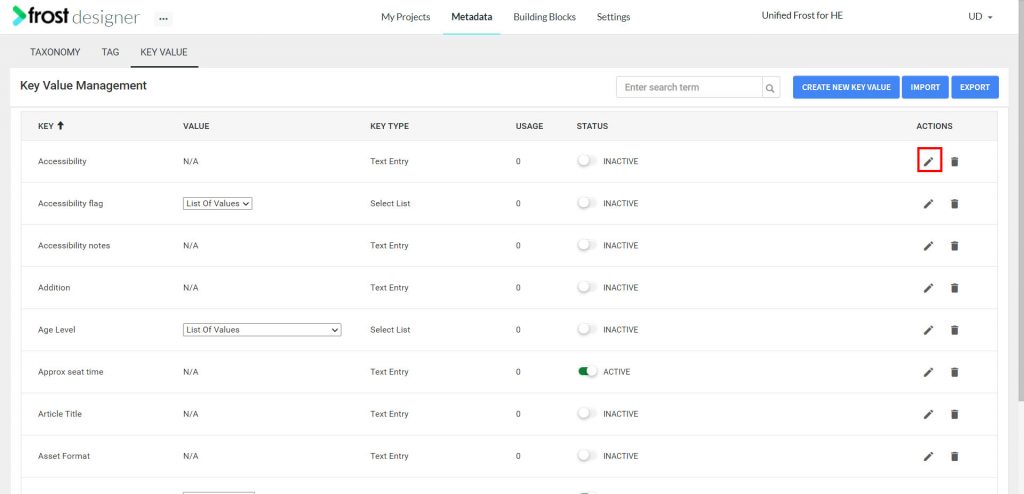
- Click the Edit button under Action Column to edit a KVP. This opens up a popup window called Edit KVP.
- Edit the Key.
Note: Input type selected while creating a KVP cannot be edited. Using the Edit icon, a Key can be updated. If you want to change an input type, you will need to delete the existing KVP and recreate it with desired input type.
- On editing the Key, click Confirm.