How to Create New KVPs
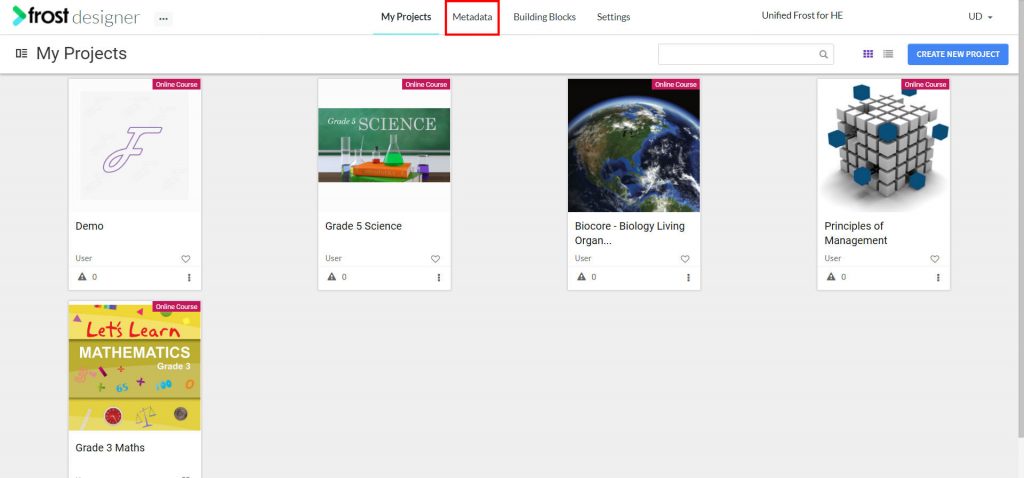
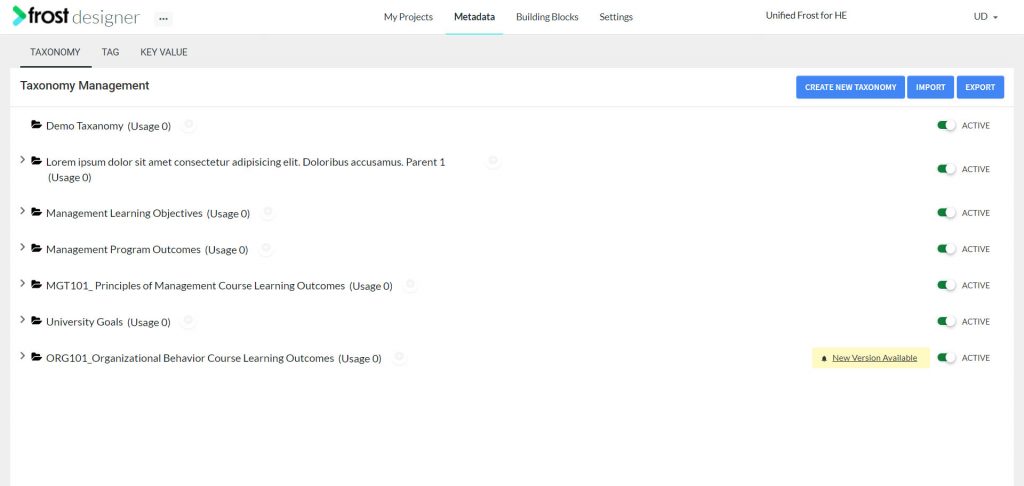
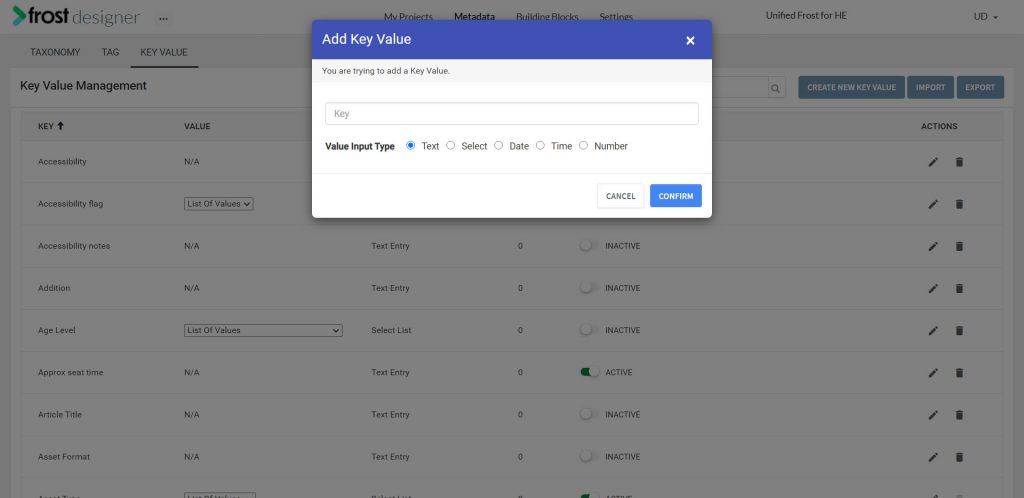
- From the Frost dashboard, click the Metadata option in the top menu of the screen.
Note: If you are working on a project page, you need to navigate back to the Frost landing page first.
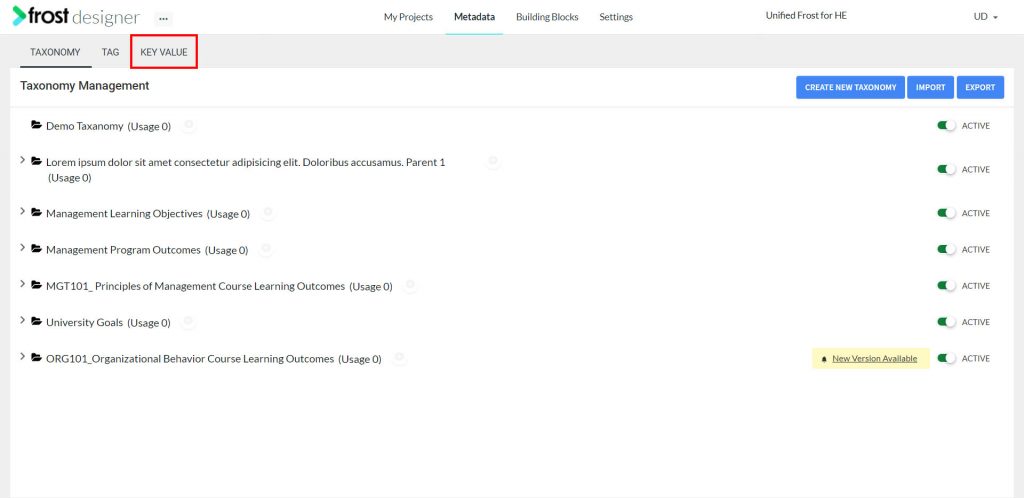
- From the Metadata dashboard, select the KEY VALUE tab to navigate to the Key Value Management screen .
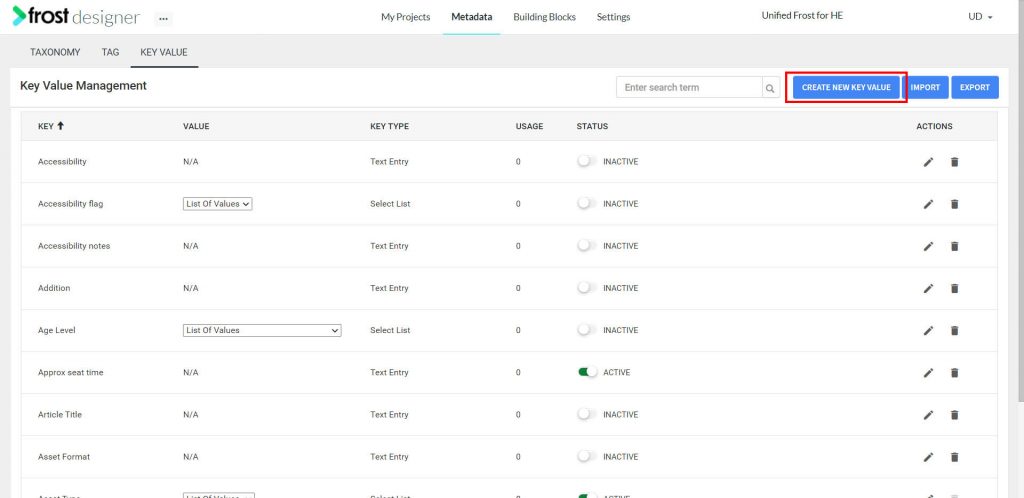
- Click Create New Key Value.
- You can add the new key value by providing the “Key” name and select the “Value Input Type”.
- Input type can be any of the following:
- Text – for keys with value type as Text, you can define the value while associating the key to an object
- Select – for keys with value type Select, you will need to pre-define a list from which a value can be selected to associate to the object.
- Date – choosing type as Date, will open up a date picker, while associating the KVP to an object.
- Time – choosing type as Time, will open up a time picker while associating the KVP to an object.
- Number – choosing type as Number, will restrict input value to a numeric value.
- Click Confirm to add the new KVP.