How to delete content fragments in LOR
Note: Users will not be able to recover the content fragment once deleted.
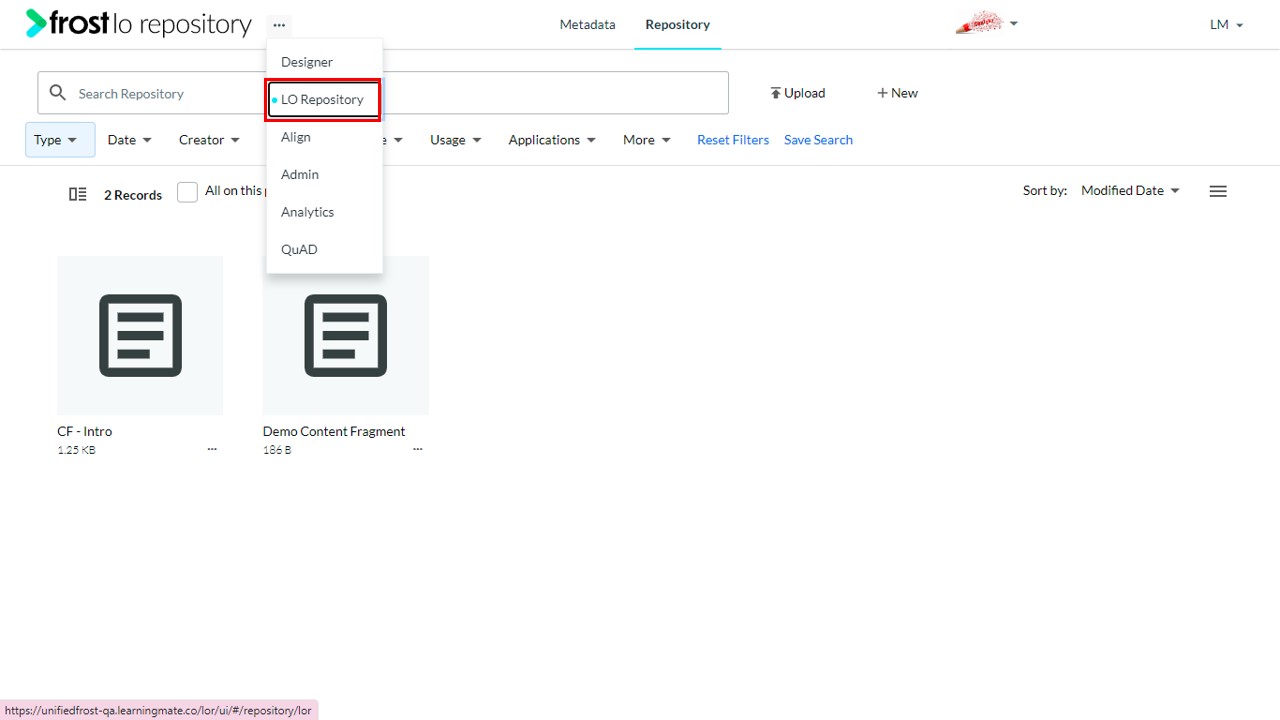
- Navigate to the LO Repository.
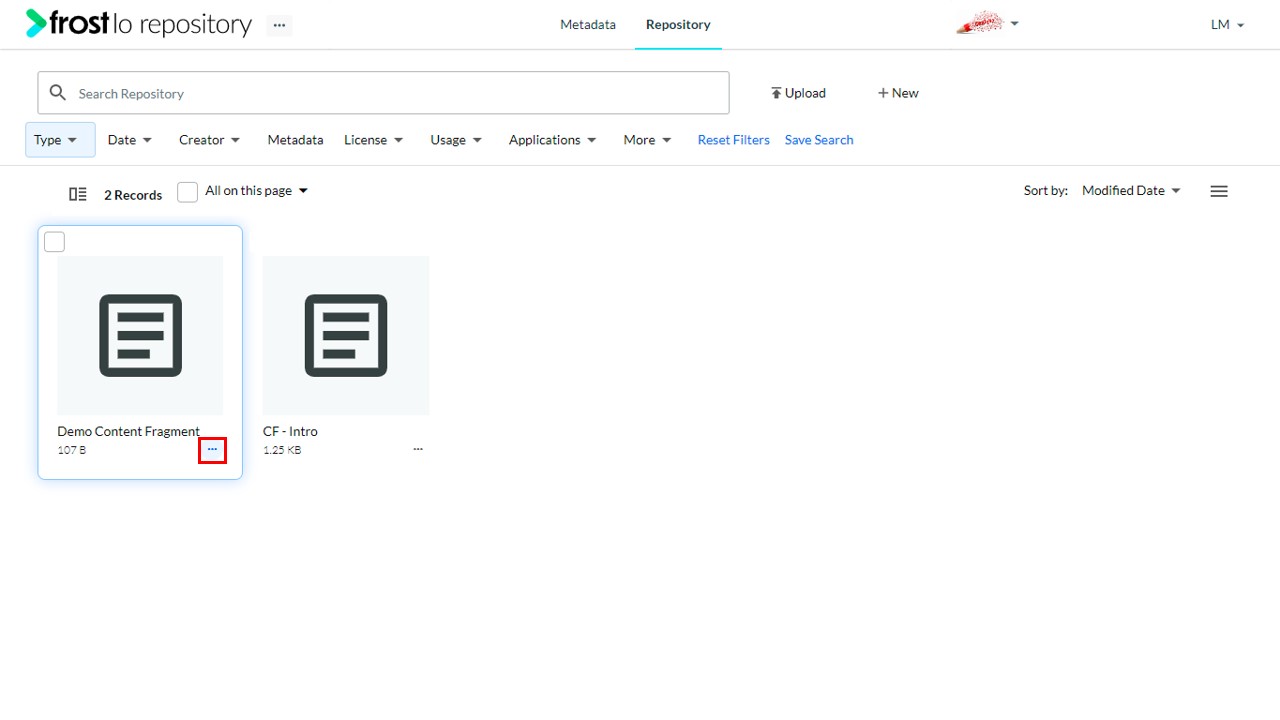
- On the Content Fragment object, click the horizontal ellipsis icon (⋯).
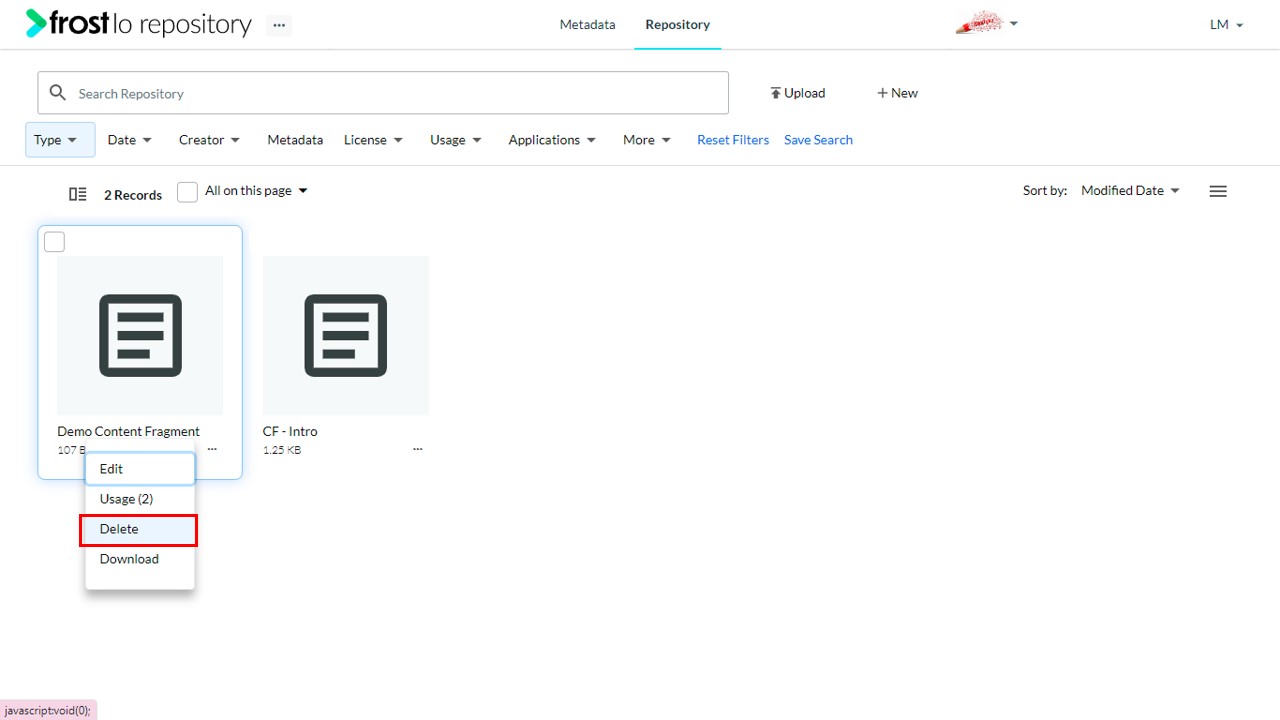
- Select Delete.
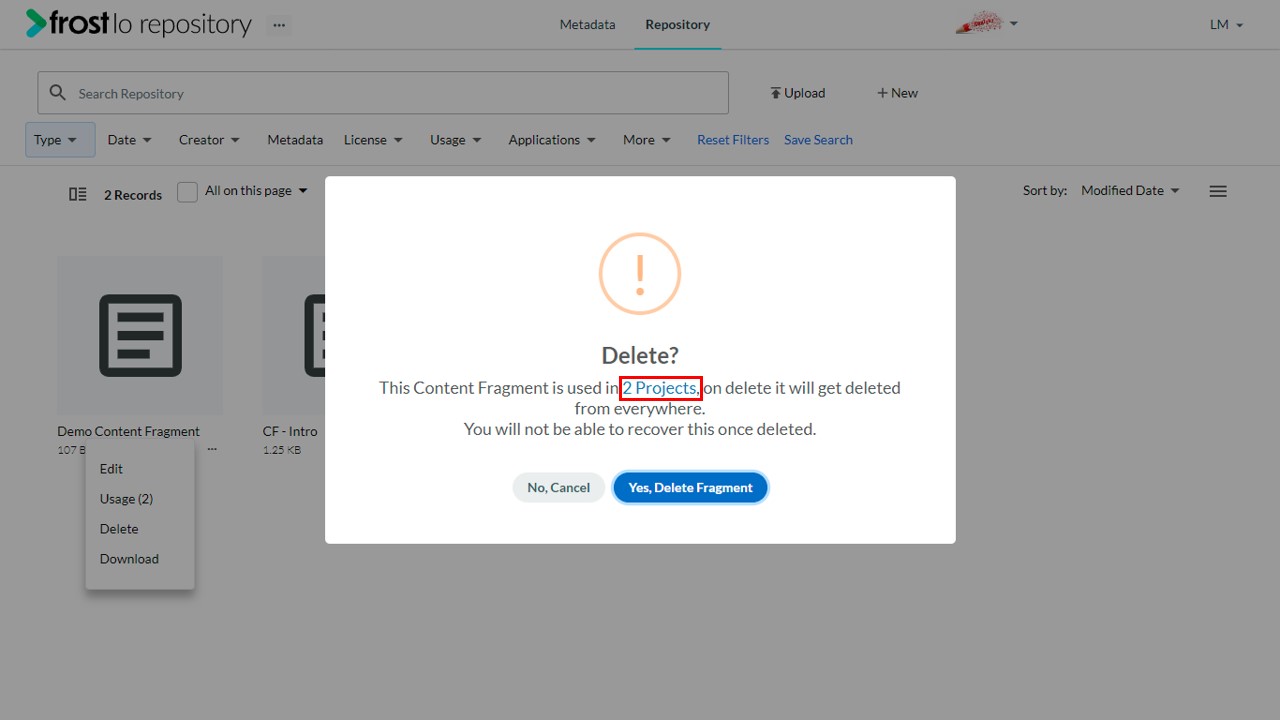
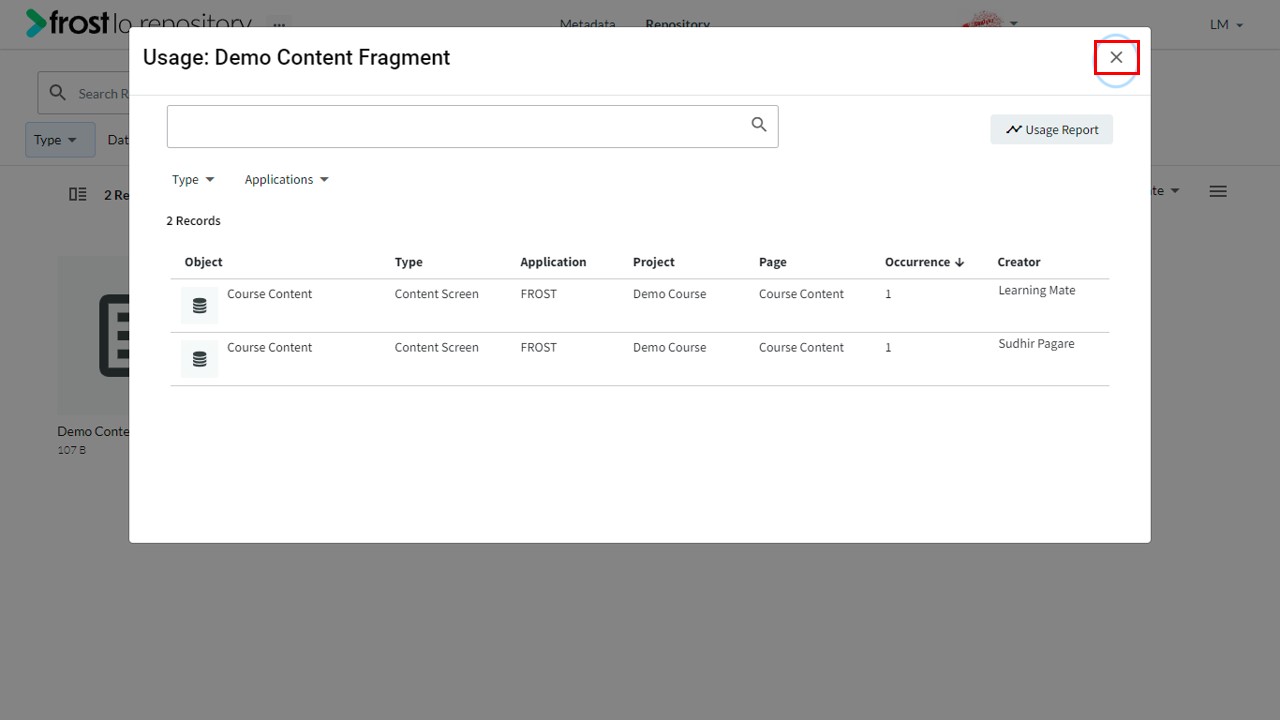
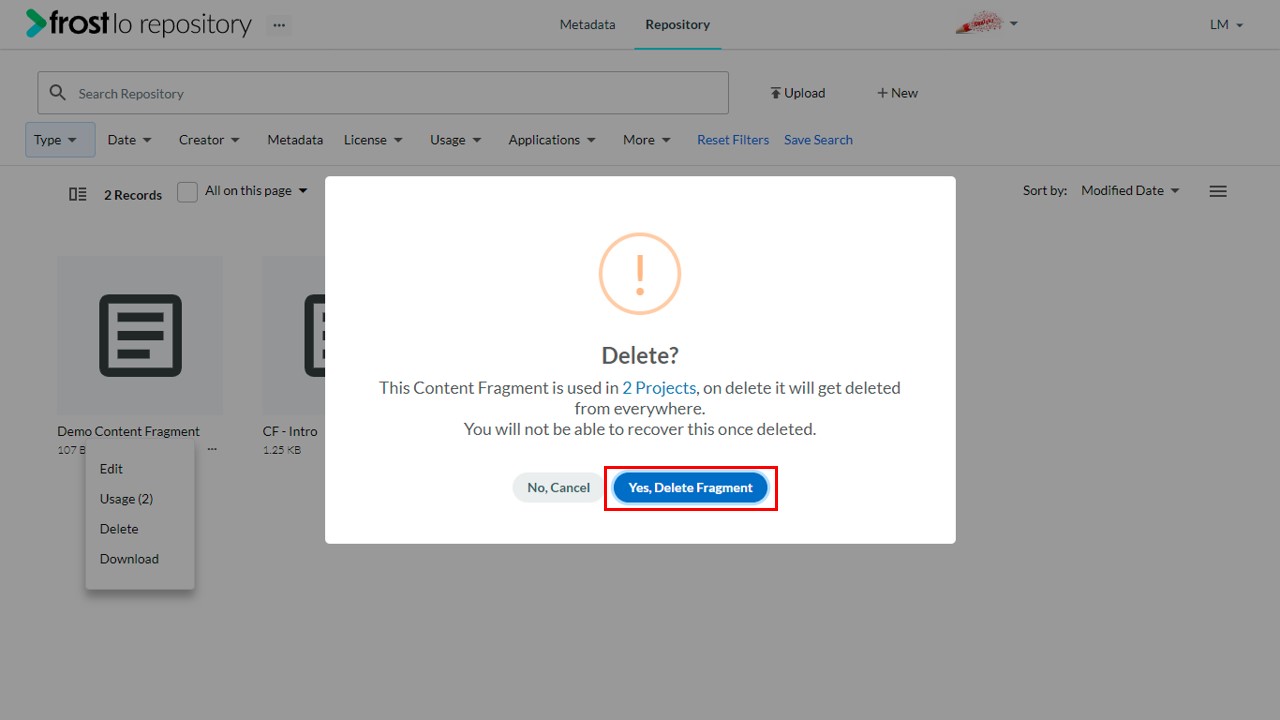
Note: On a deleting content fragment a prompt is displayed with the number of projects in which it is used. Users can click the number to view the details of the usage.
- The delete confirmation popup provides the following options:
- No, Cancel - Cancels the delete process and retains the object.
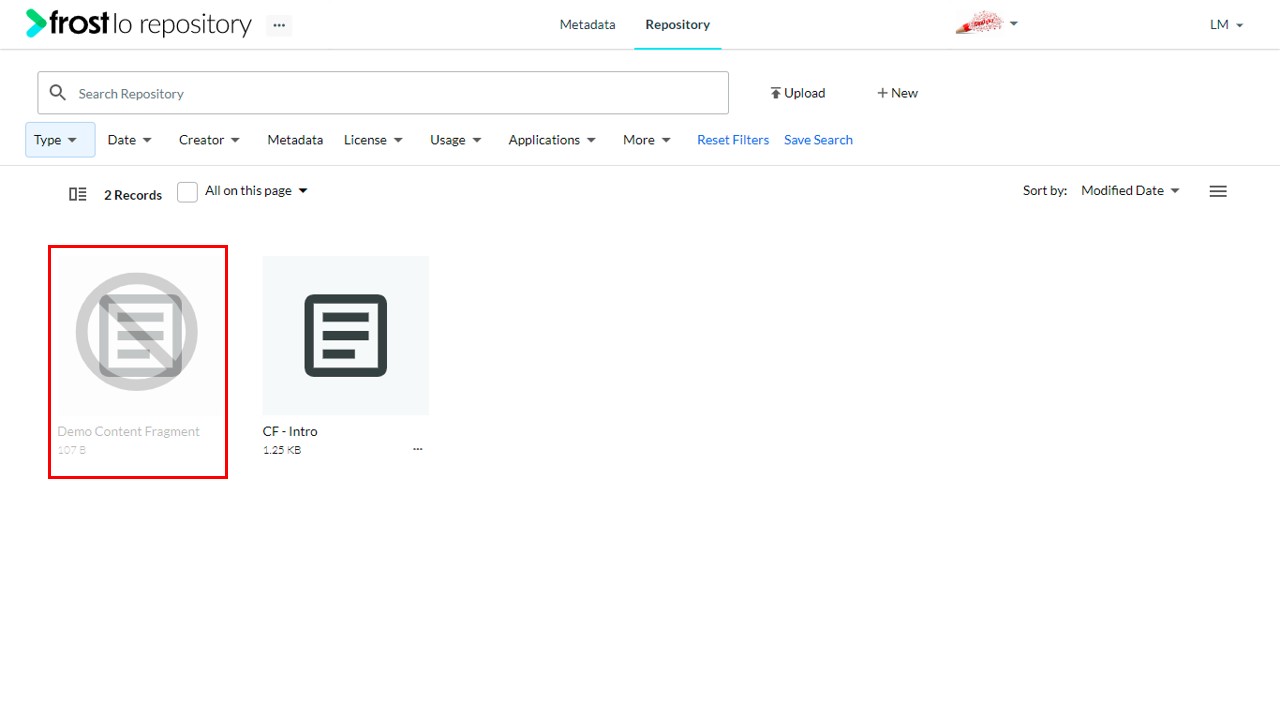
- Yes, Delete Fragment - deletes the content fragment and the placeholder widget on the content node as well.
- On successful deletion, a notification is displayed.
Note: For courses published to LMS, the experience fragment will be get deleted from LMS once republished.