Editing a Content Fragment in LO Repository
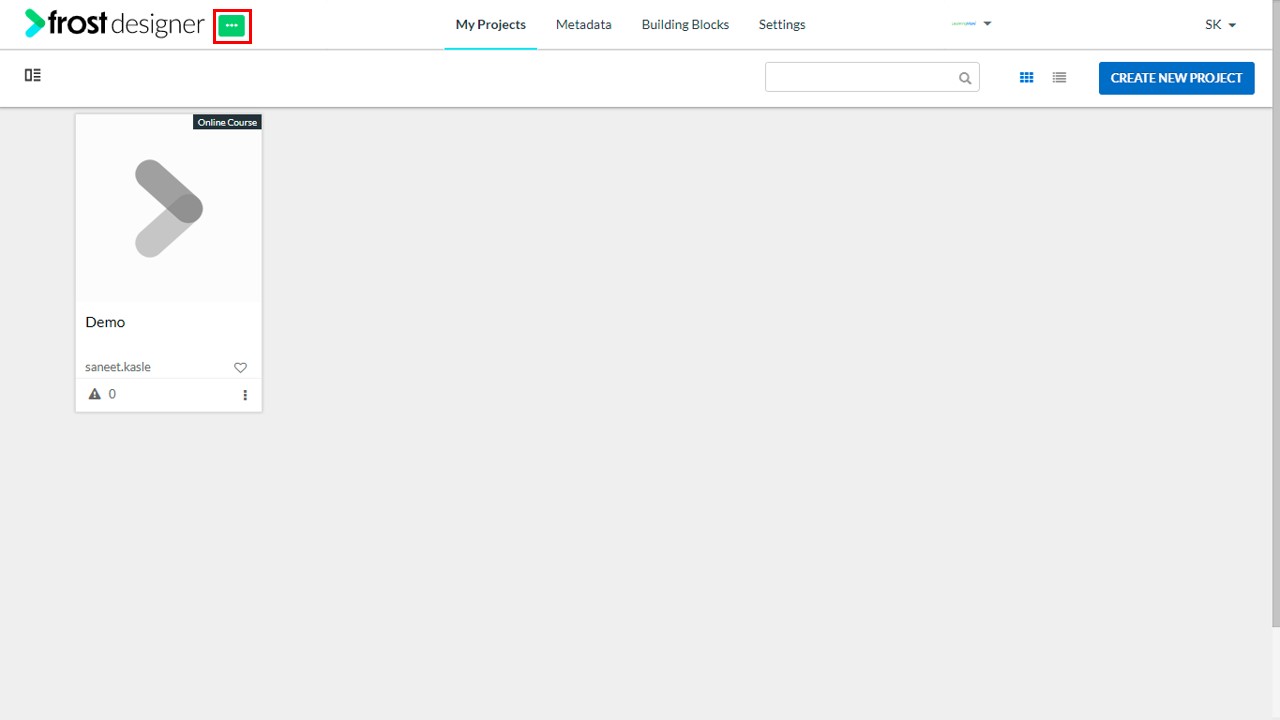
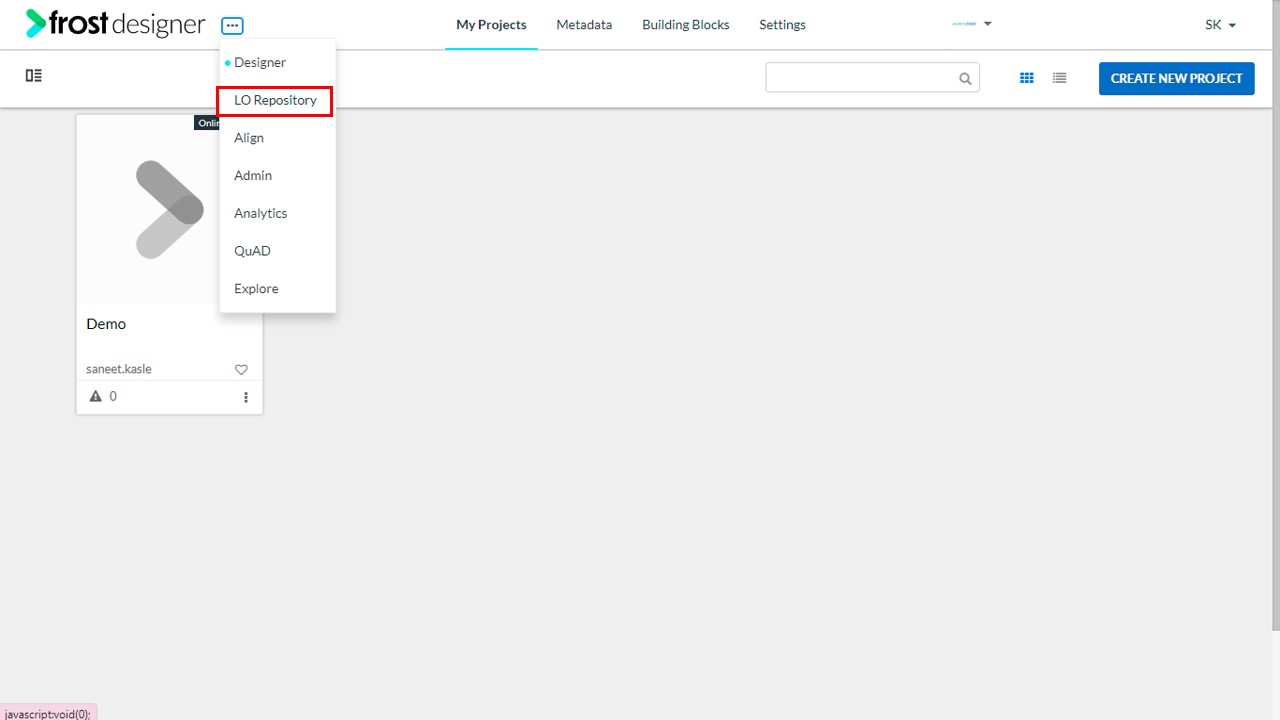
- Navigate to the LO Repository.
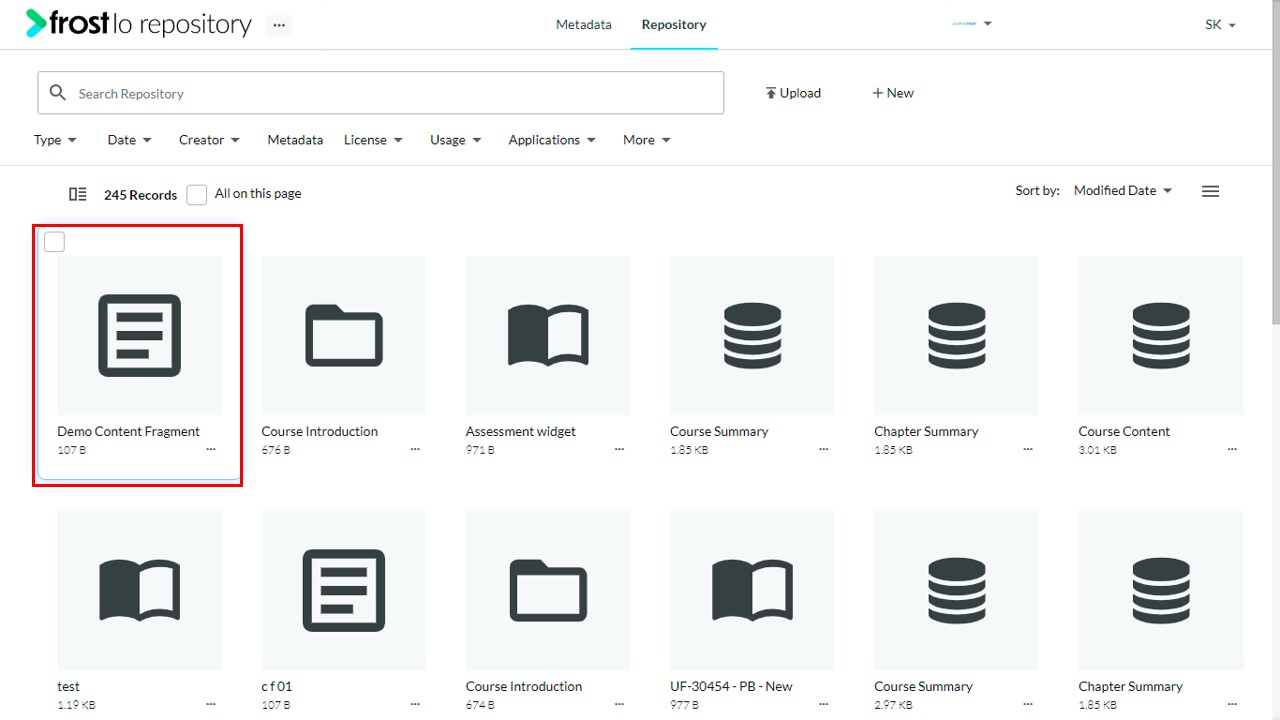
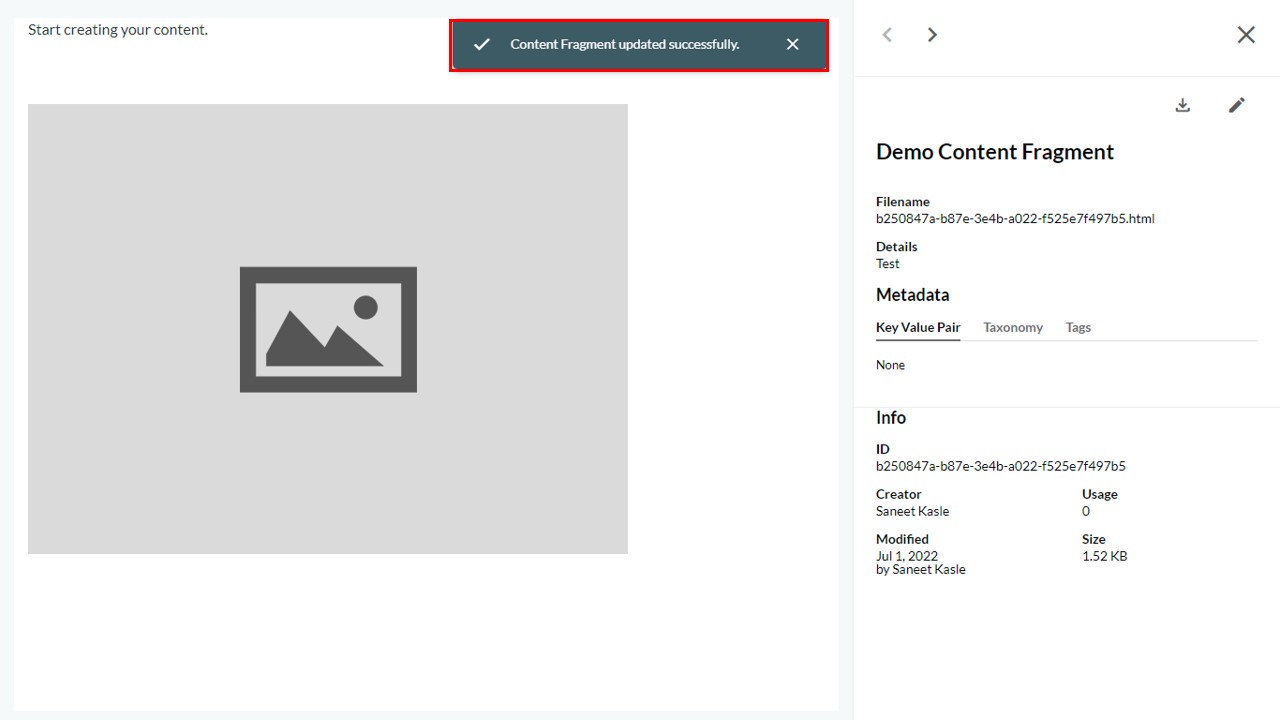
- Select a Content Fragment to open its detail page.
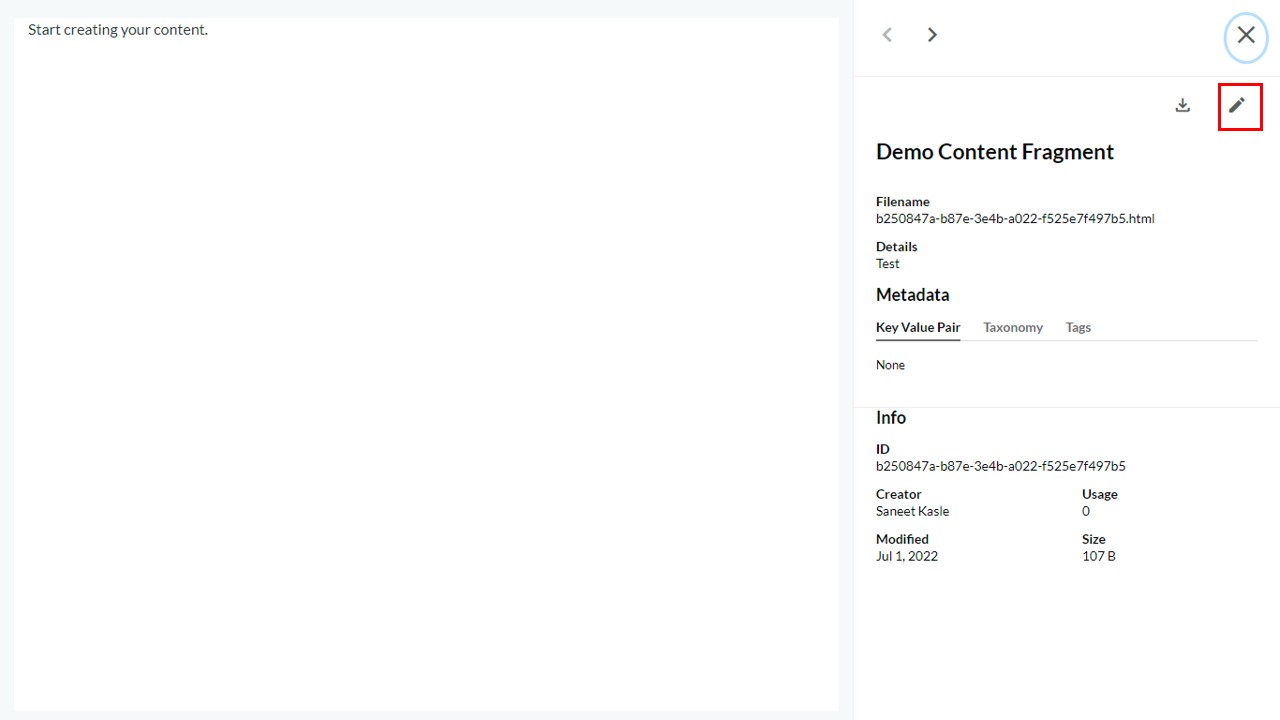
- Click the edit icon.
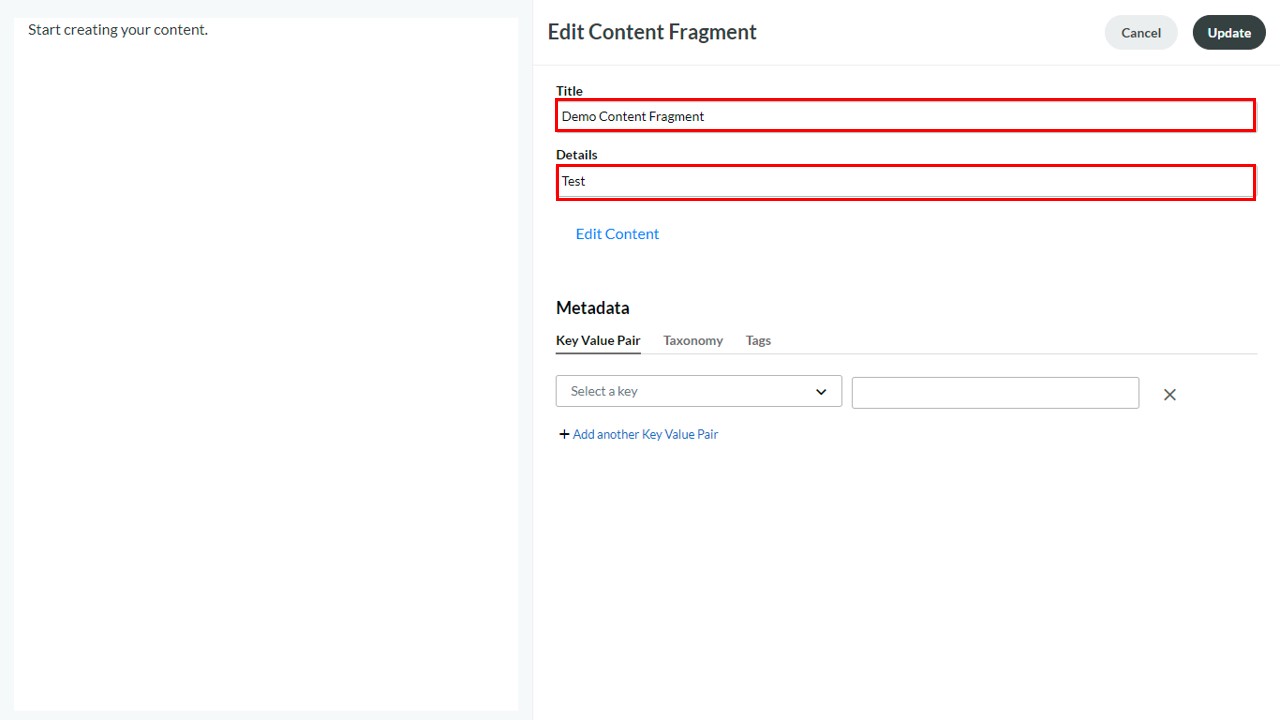
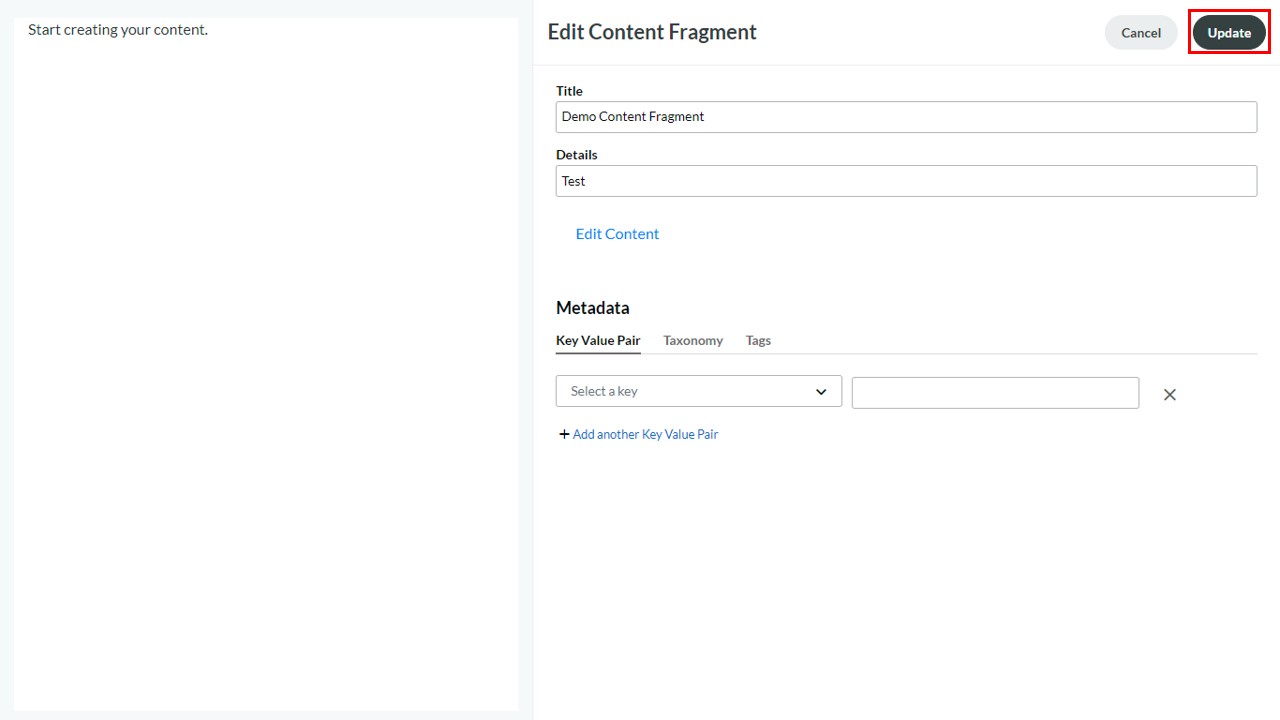
- In the Edit Form, users can edit the following details:
- Title – Title of the Content Fragment
- Details – Details of the Content Fragment(non-mandatory)
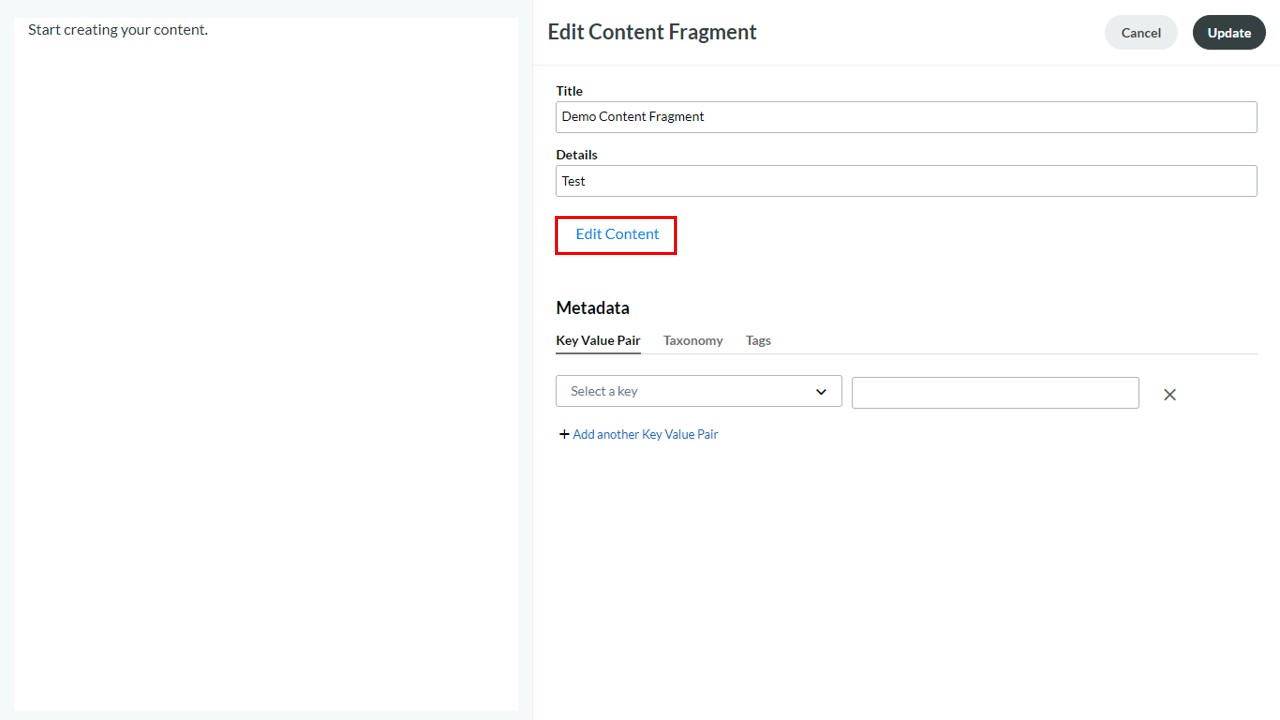
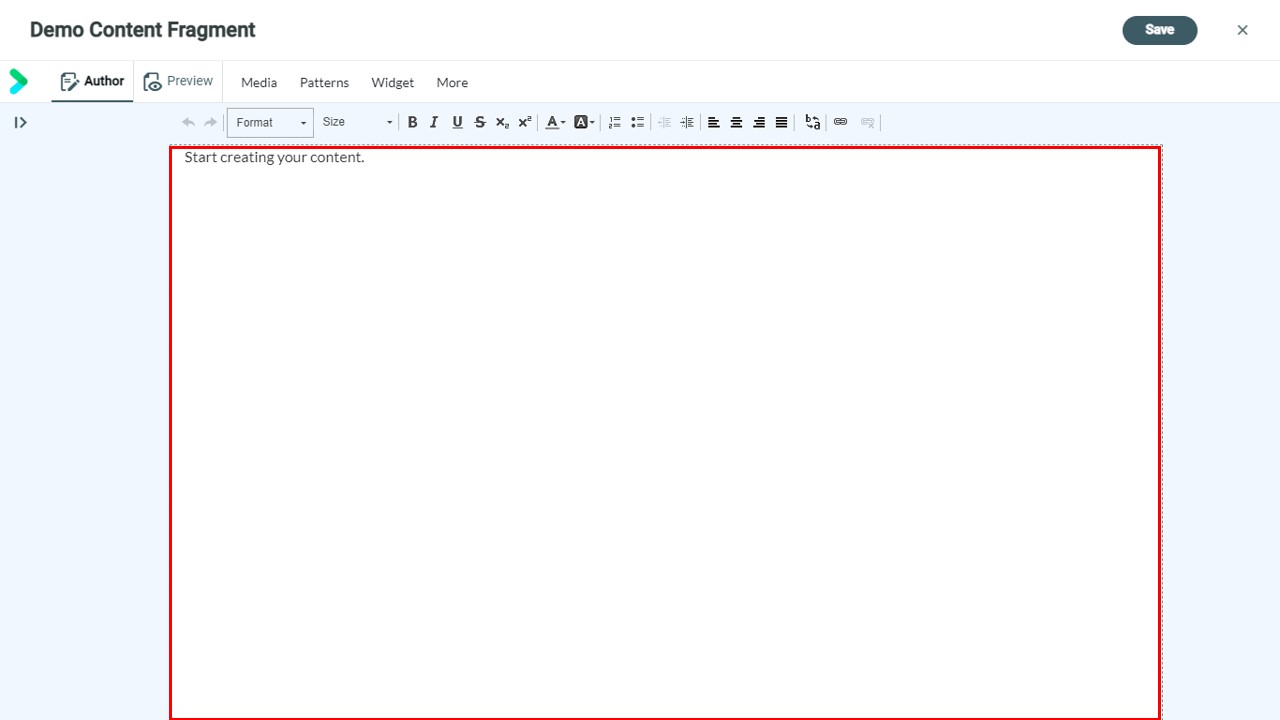
- Edit Content - to open the Content Fragment in the editor for content updation
- Metadata – to associate KVP, Tag, and Taxonomy
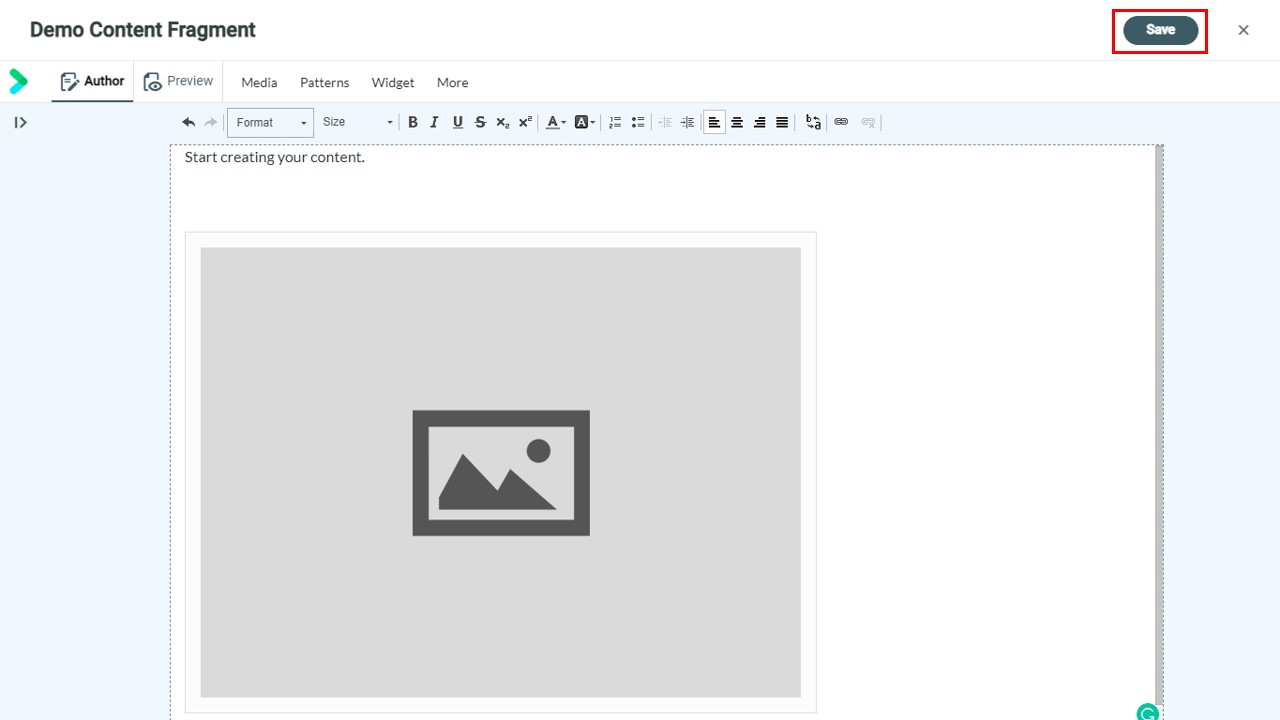
- On updating the required details, click Update.
Note: The updates will reflect within 15 minutes and can be previewed in LOR on the objects detail page.