How to Import KVPs
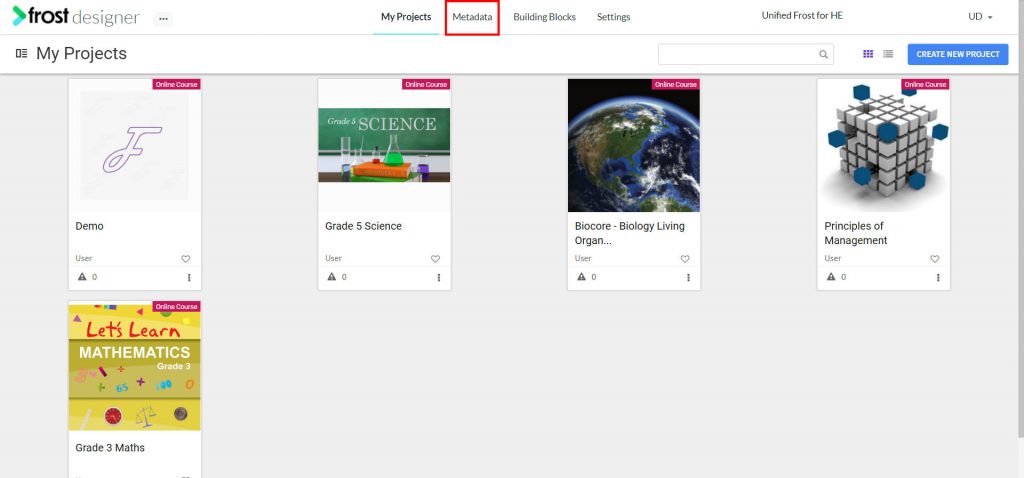
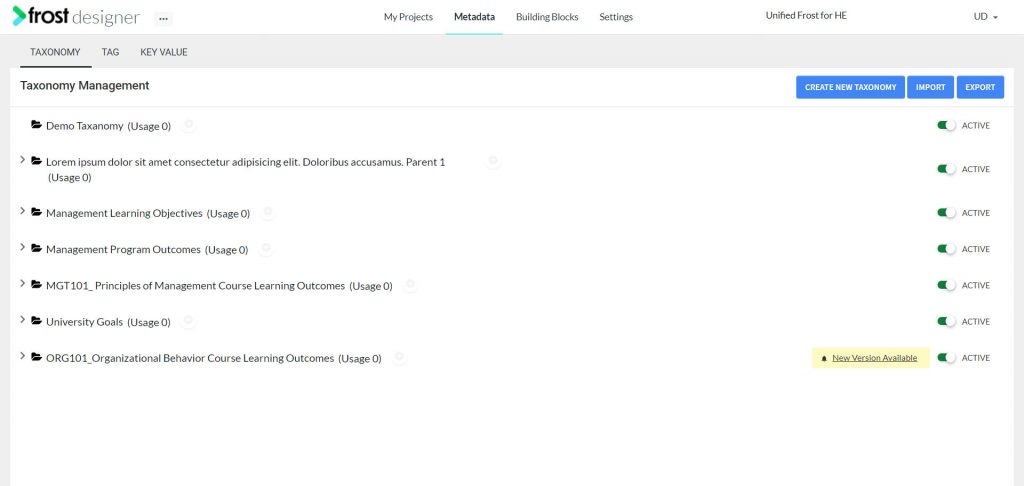

- From the Frost dashboard, click the Metadata option in the top menu of the screen.
Note: If you are working on a project page, you need to navigate back to the Frost landing page first.
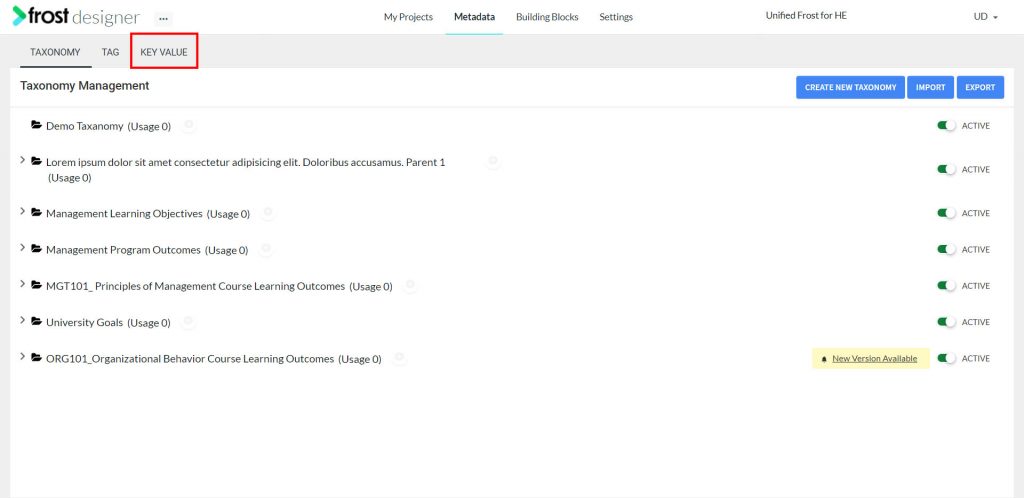
- From the Metadata dashboard, select the KEY VALUE tab to navigate to the Key Value Management screen.
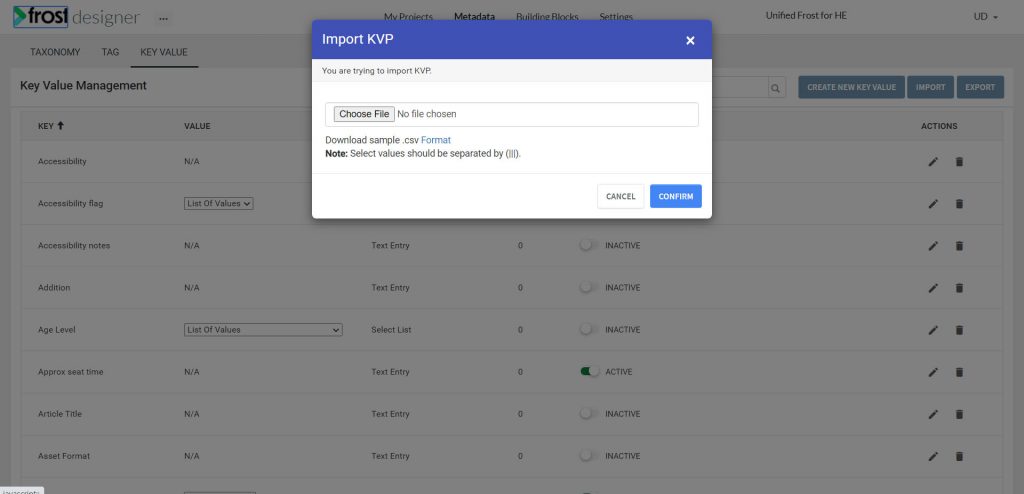
- Click Import.
- Click Choose File and select the CSV file with KVPs to be imported from your system. To download a sample CSV file click on Format.
- Click Confirm to import the KVPs.
- A status notification will be displayed on successful import.