How to Add New Referenced Objects in LOR
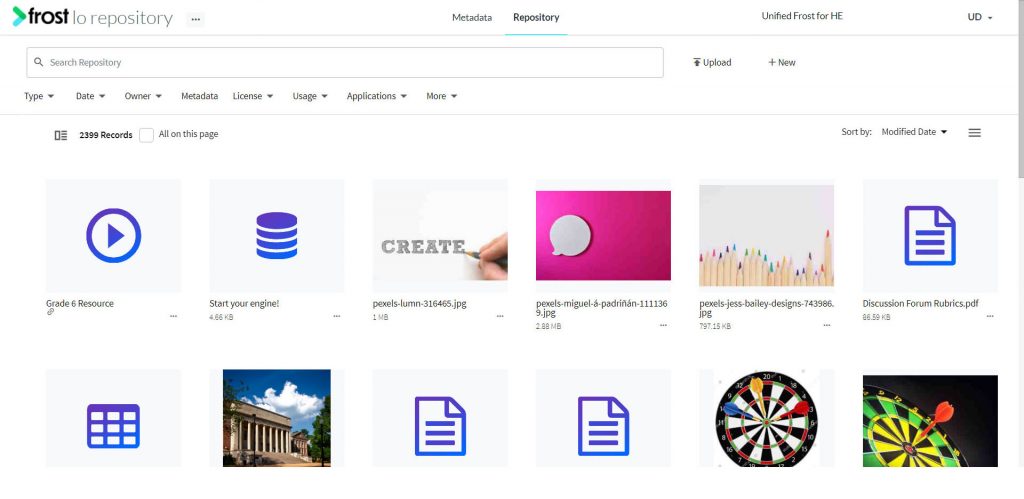
- Navigate to the LO Repository.
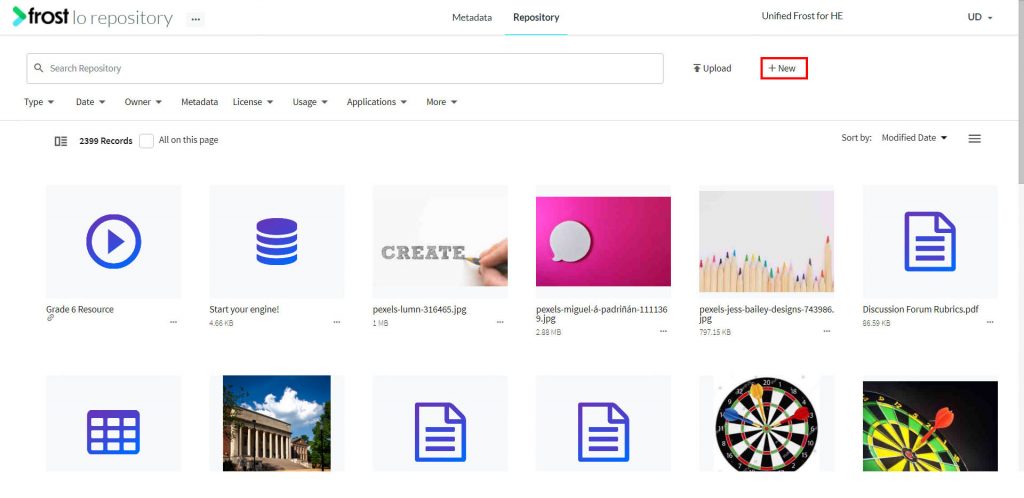
- Click the “+ New” button.
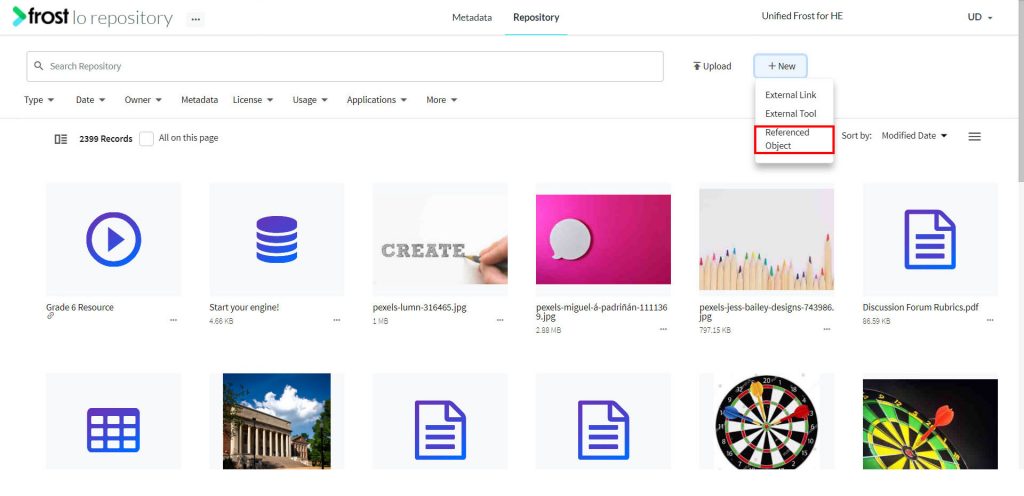
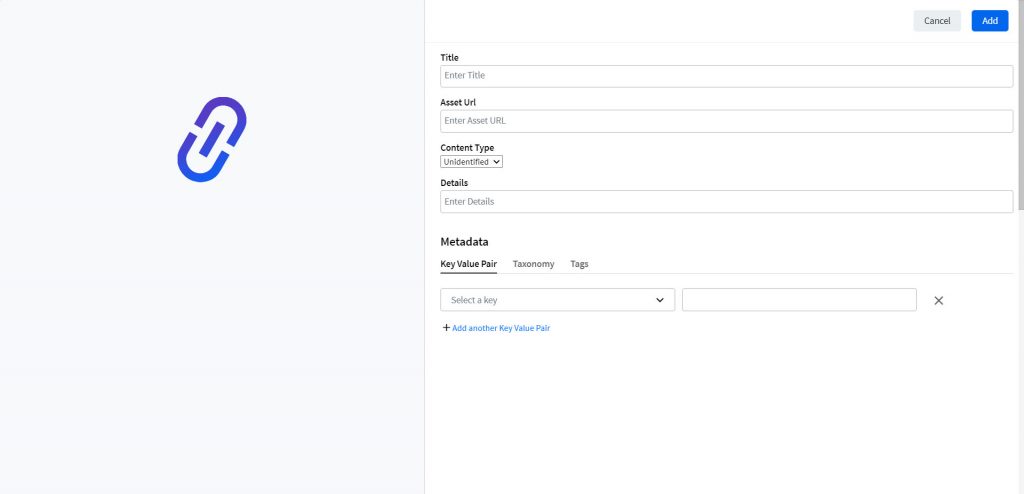
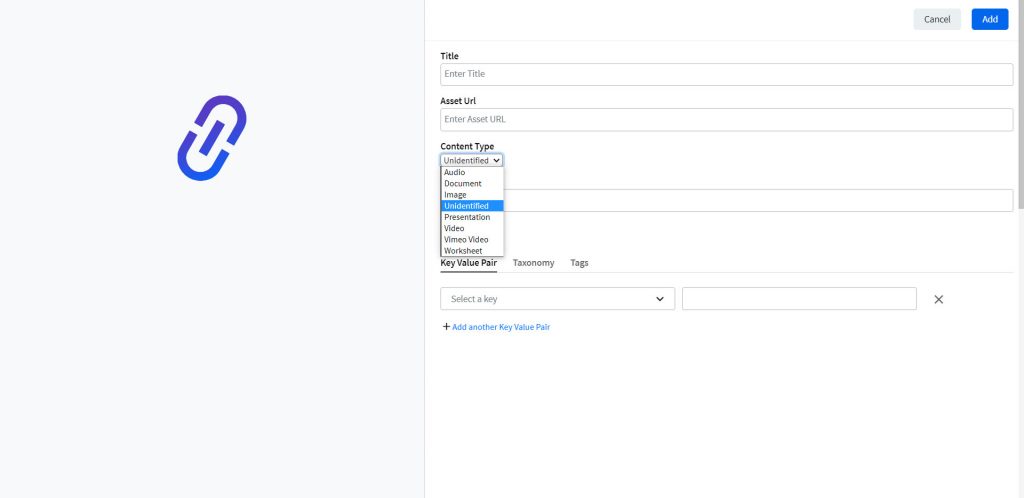
- Select Referenced Object. This opens up a form to add a Referenced Object.
- In the Add Form, you need to add details like:
- On adding the required details, click Add.
- Alternatively, you can bulk upload reference objects using a CSV file.
Note: Based on the content type chosen, the corresponding thumbnail is generated.