How to Add New External Link in LOR
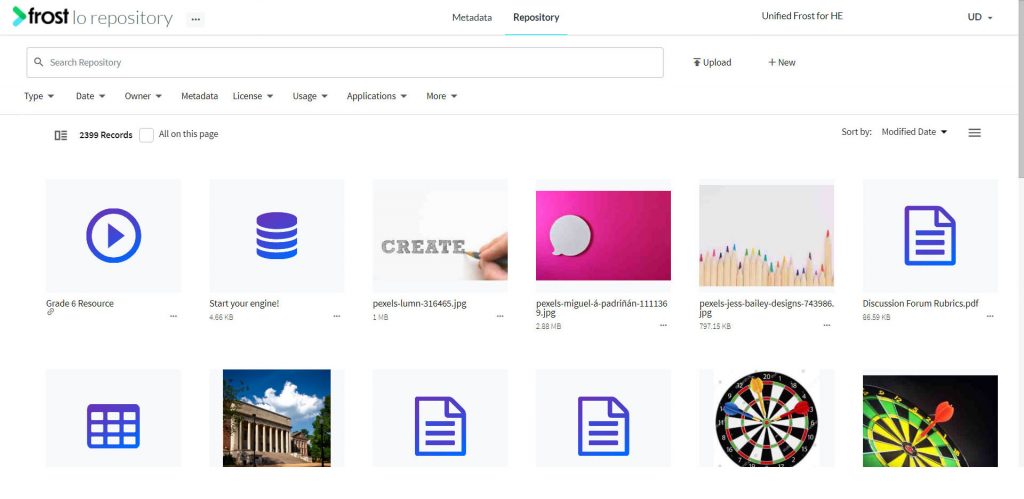
- Navigate to the LO Repository.
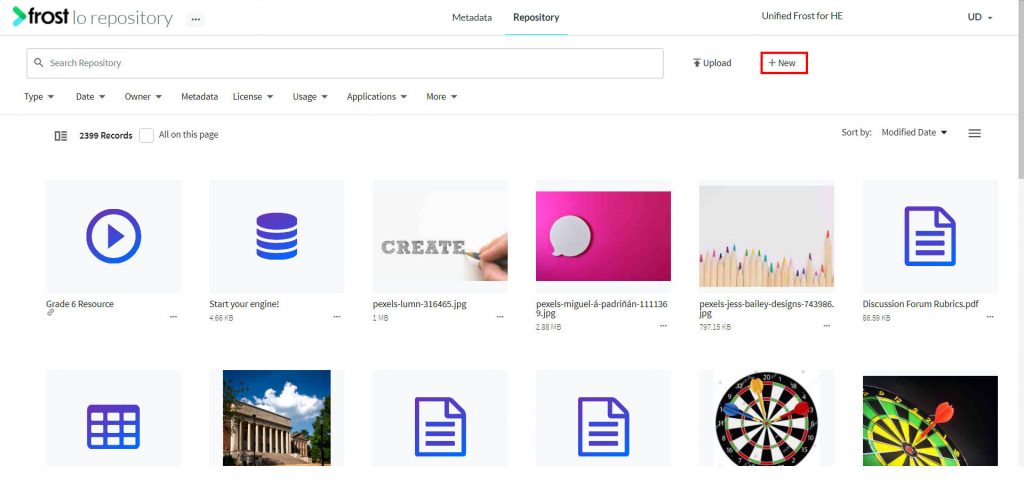
- Click the “+ New” button.
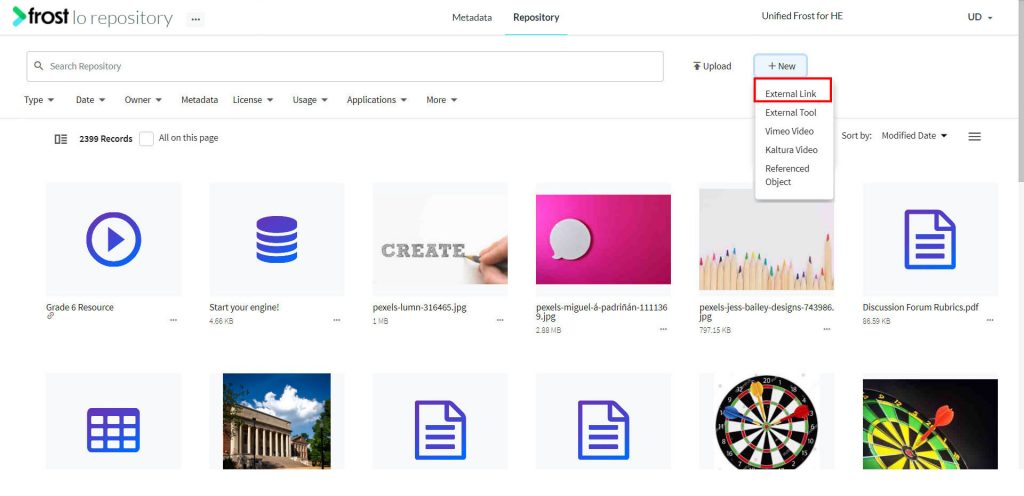
- Select External Link. This opens up a form to add an external link.
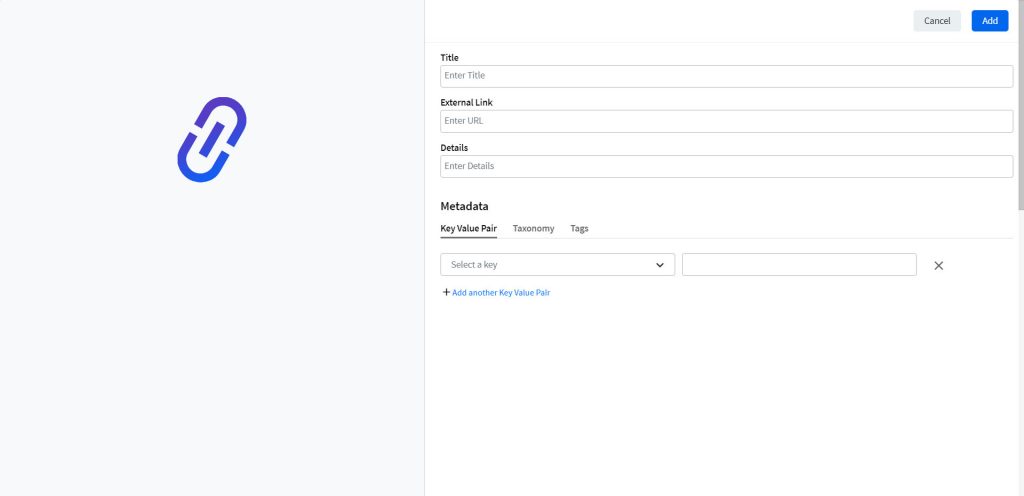
- In the Add Form, you need to input details like:
- On adding the required details, click Add.
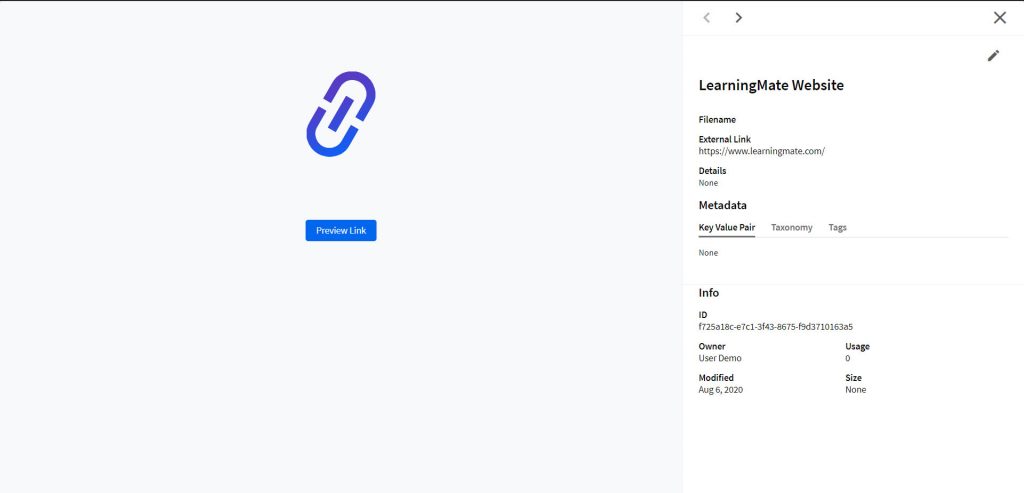
Note: To preview the URLs, a Preview Link button is displayed on previewing the object. This opens the URL in a new tab.