How to Create a Taxonomy
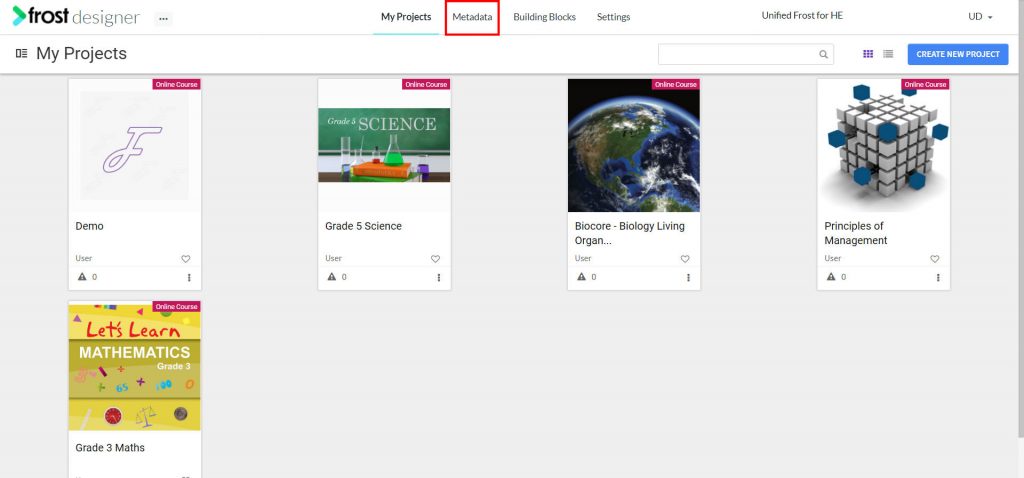
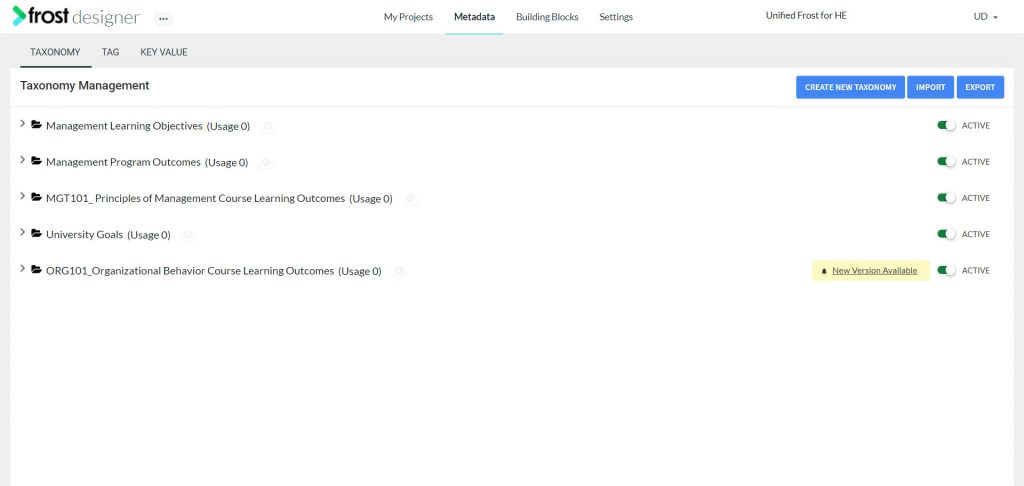
- From the Frost dashboard, click the Metadata option in the top menu of the screen.
Note: If you are working on a project page, you need to navigate back to the Frost landing page first.
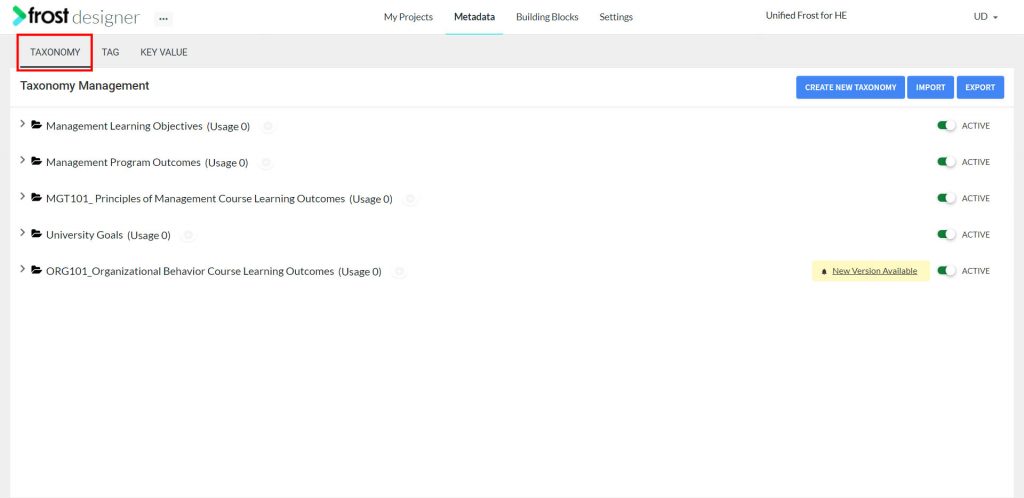
- From the Metadata dashboard, select the TAXONOMY tab to navigate to the Taxonomy Management screen.
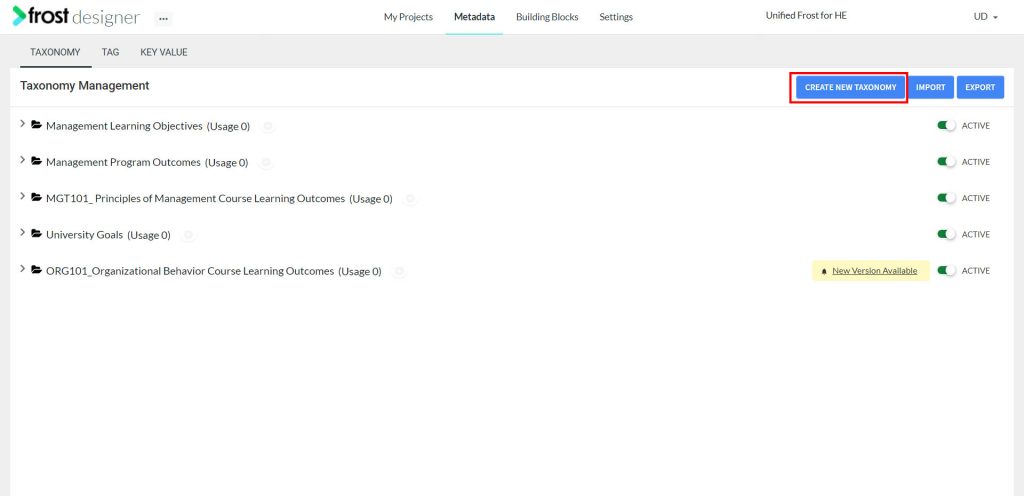
- Click Create New Taxonomy.
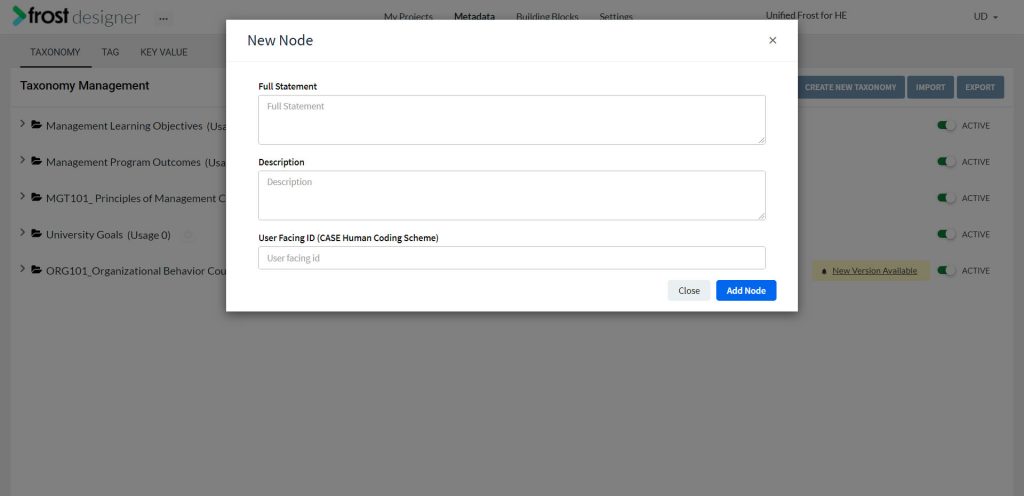
- Enter the requested information:
- Full Statement
- Description
- User Facing ID (CASE Human Coding Scheme)
Note: Once the taxonomy has been added, a UUID will be generated by the system and assigned to that taxonomy node.
- Click Add Node, to add a new taxonomy node.
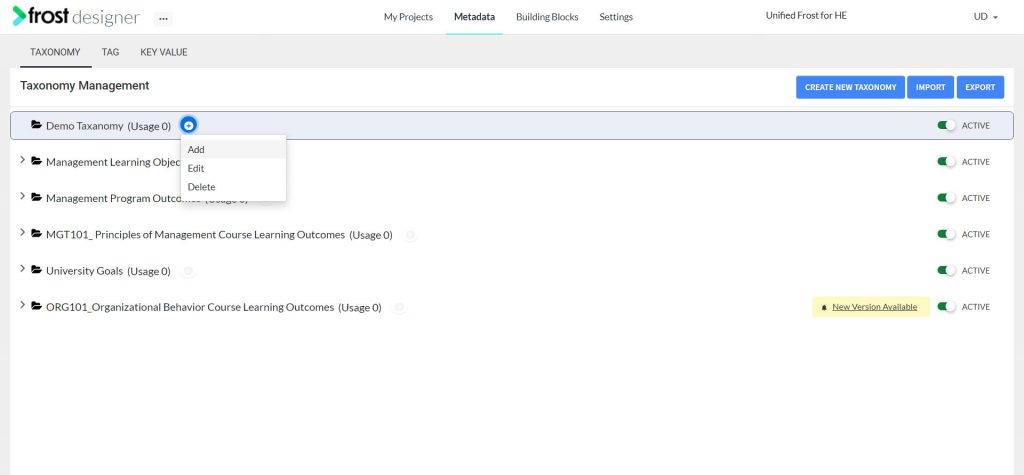
- Alternatively, you can also add a taxonomy by clicking the “+” icon next to any taxonomy on the Taxonomy Management screen and then selecting Add.