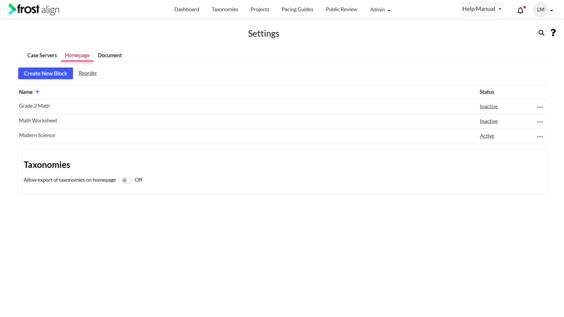
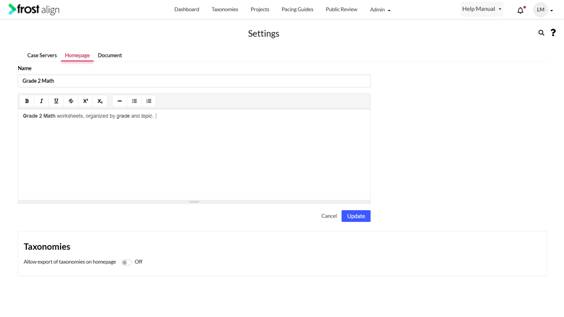
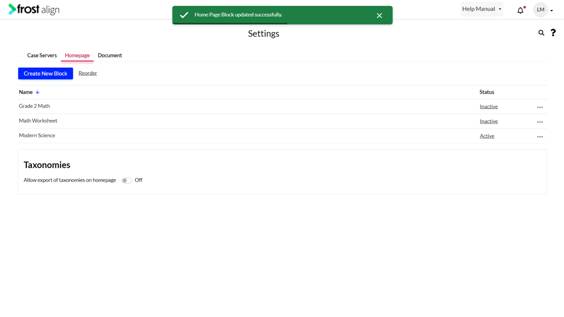
Editing Existing Block August 24, 2022 09:43 Updated Editing Existing Block How to edit an existing block? Select Settings from the Admin dropdown. Next, select Homepage. In the name list, select the ellipses (three dots) to edit the block. Select Edit. Make edits to the name and description. Select Update to confirm the changes. Previous Next