Creating a New Block
How to create a new block?
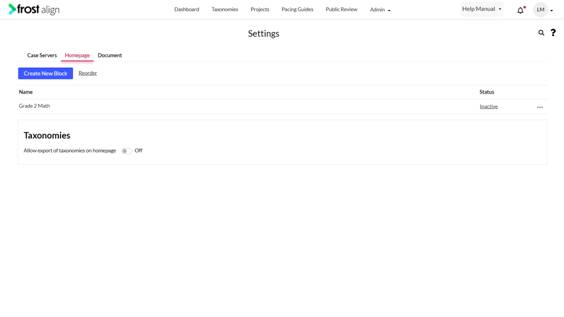
- From the Admin dropdown, Select Settings.
- Next, select Homepage Blocks.
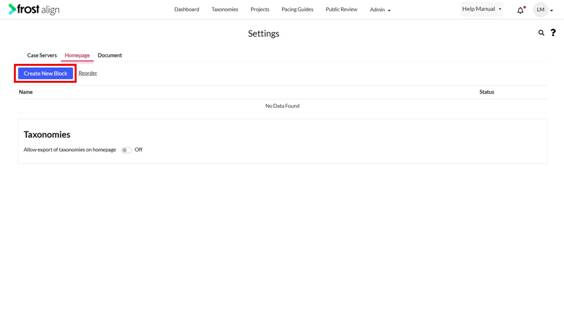
- Select Create New Block.
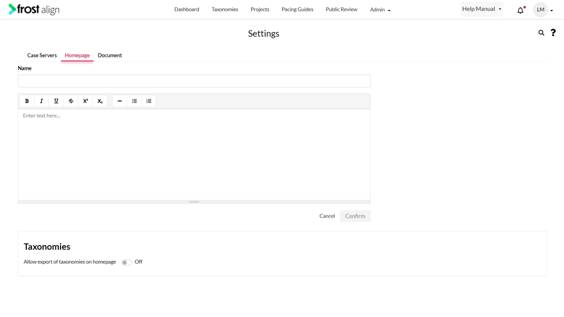
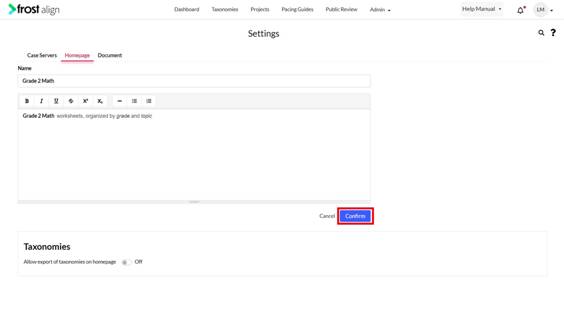
- Enter name in the Name field.
- Enter text in the next box.
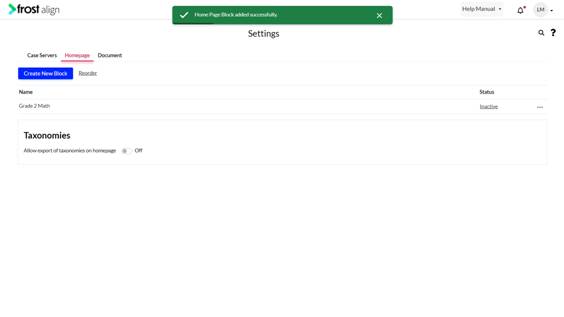
- Click Confirm.
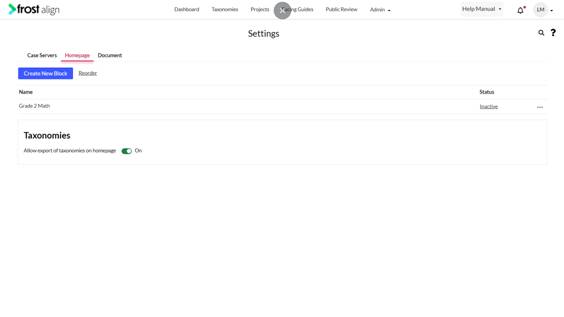
- To allow or restrict export of taxonomies on homepage switch ON or OFF respectively.