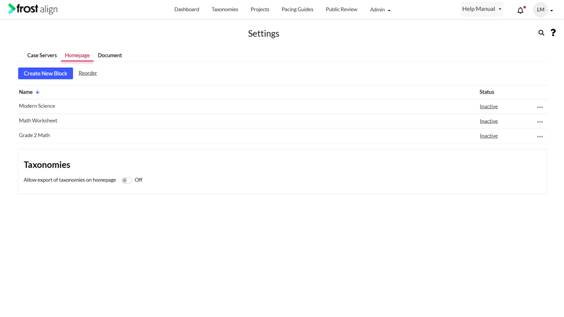
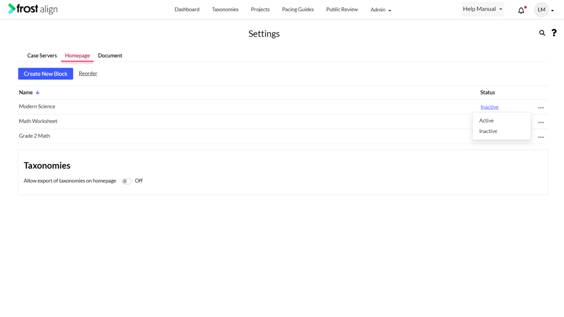
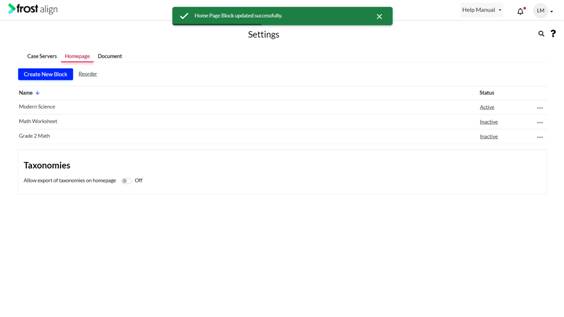
Checking the Status Column August 24, 2022 09:45 Updated Checking the Status Column How to check the status column? From the Admin dropdown, Select Settings. Next, select Homepage. In the Status column, you can check the Active/Inactive status of the blocks. Choose from Active and Inactive status. Previous Next