Skip to main content
Editing Project Permissions
Editing Project Permissions
How to edit project permissions?
- Select Workflows from the Admin drop-down. You will be redirected to the workflow management screen.
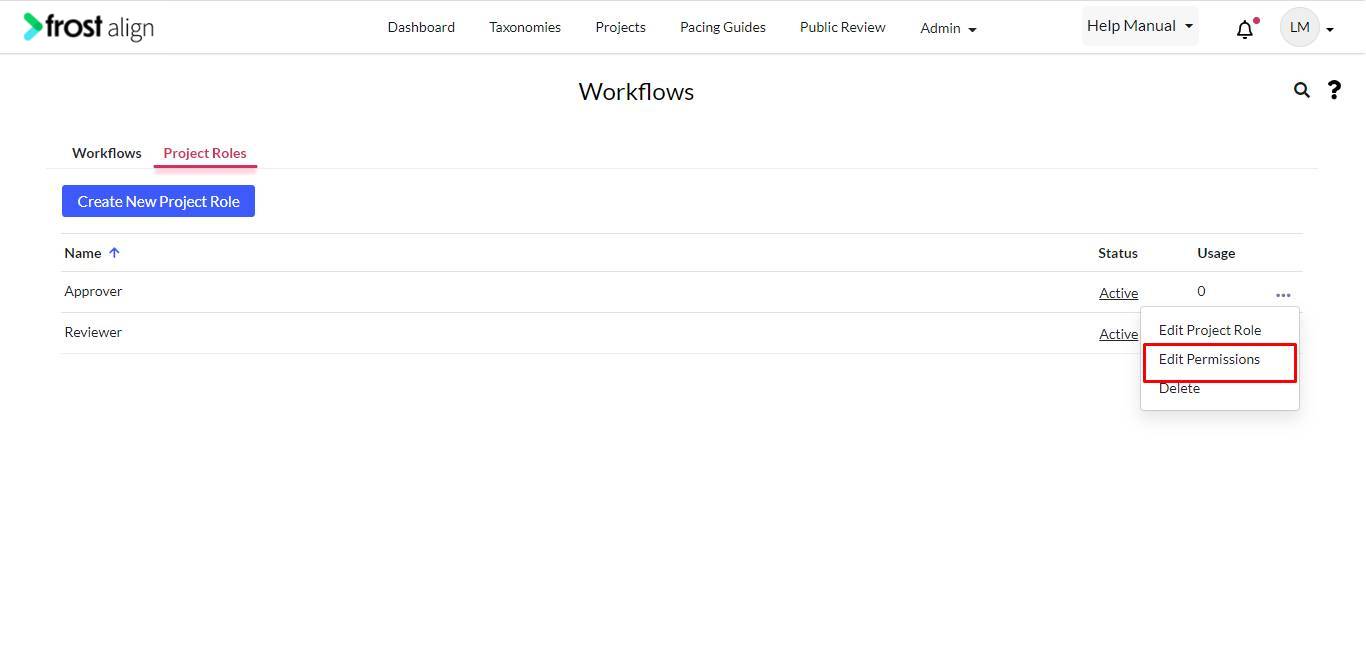
- Select Project Roles tab.
- Select your choice of project role to be edited.
- From the ellipses (three dots), select Edit Permissions.
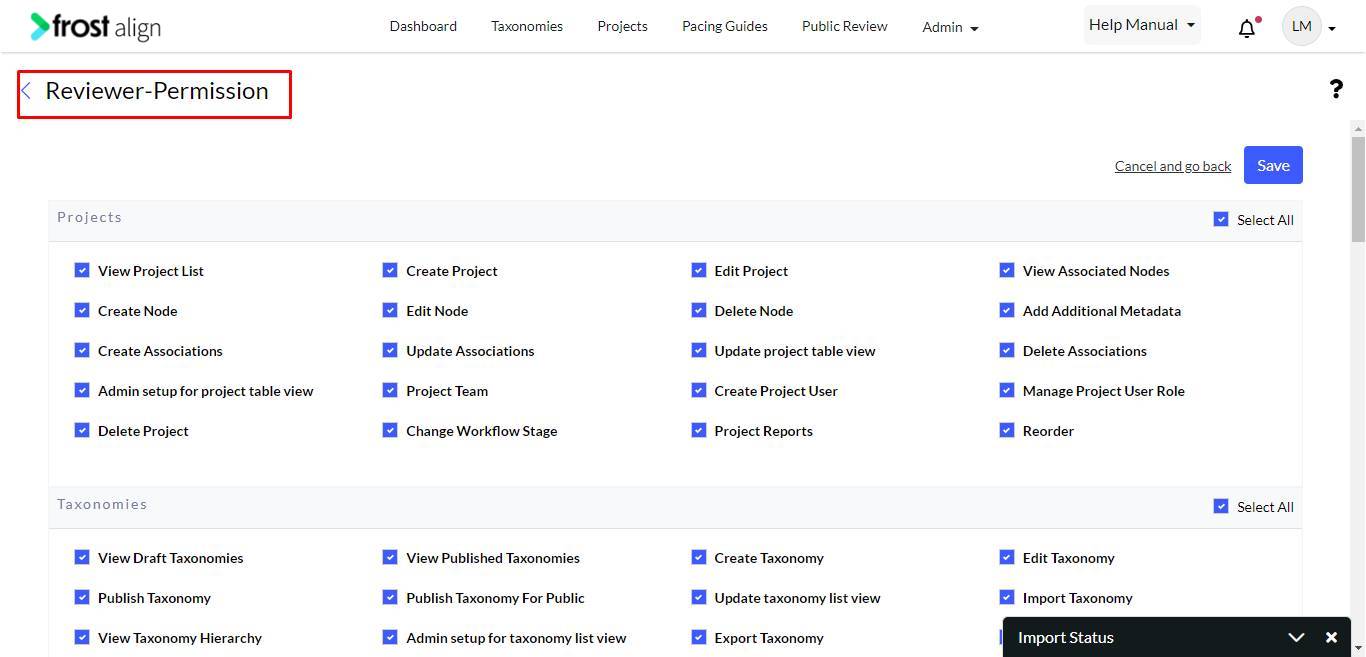
- The Reviewer-Permission pop-up appears.
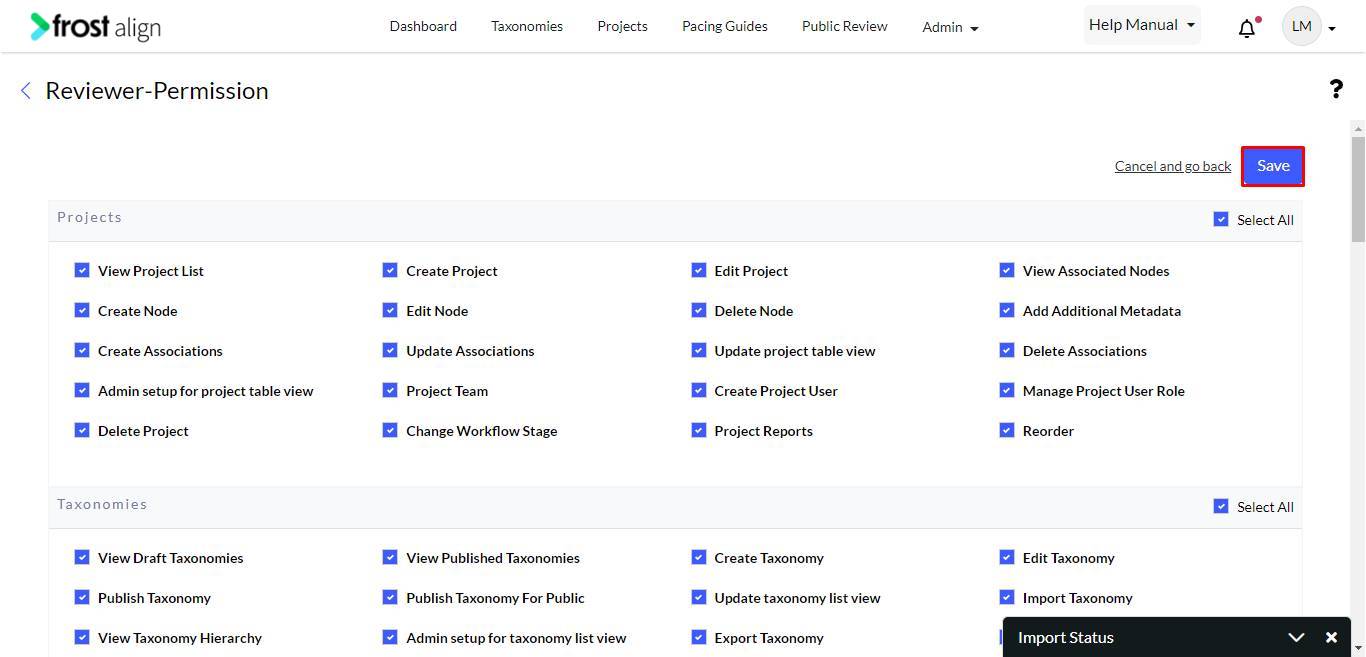
- Make changes, and click Save.