Skip to main content
Changing Status Column
How to change the status of an existing project role?
- Select Workflows from the Admin drop-down. You will be redirected to the workflow management screen.
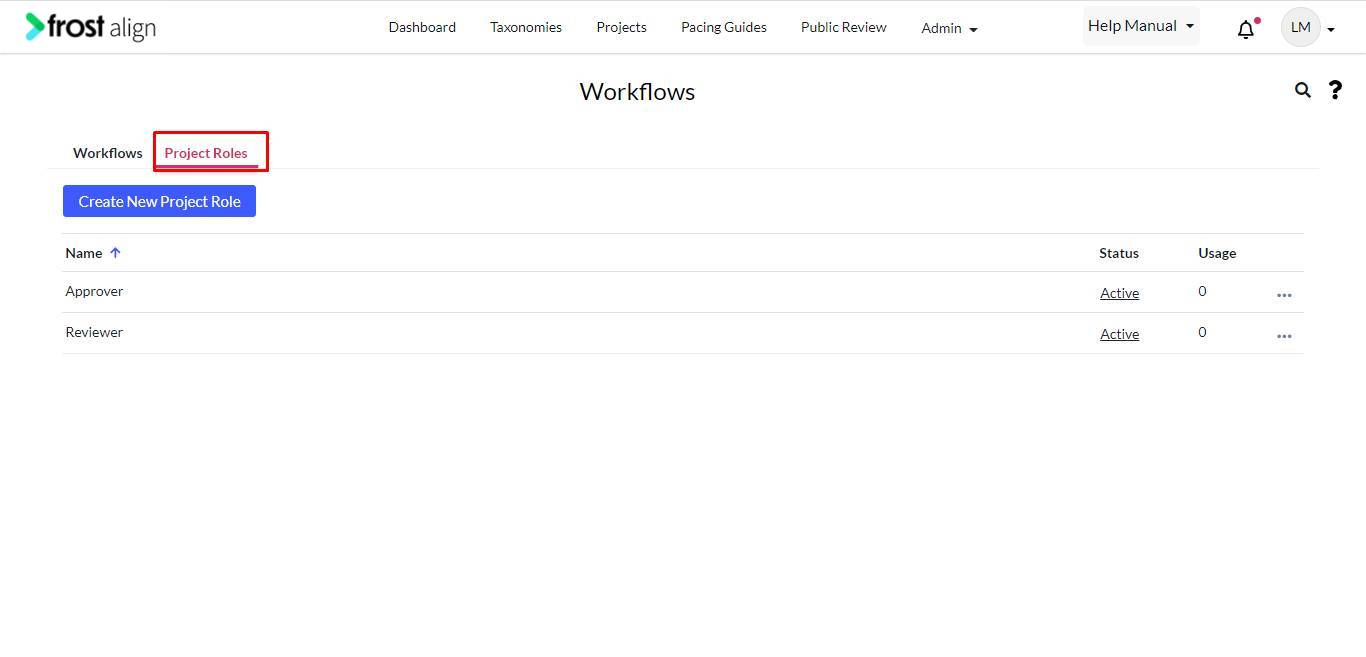
- Select Project Roles tab.
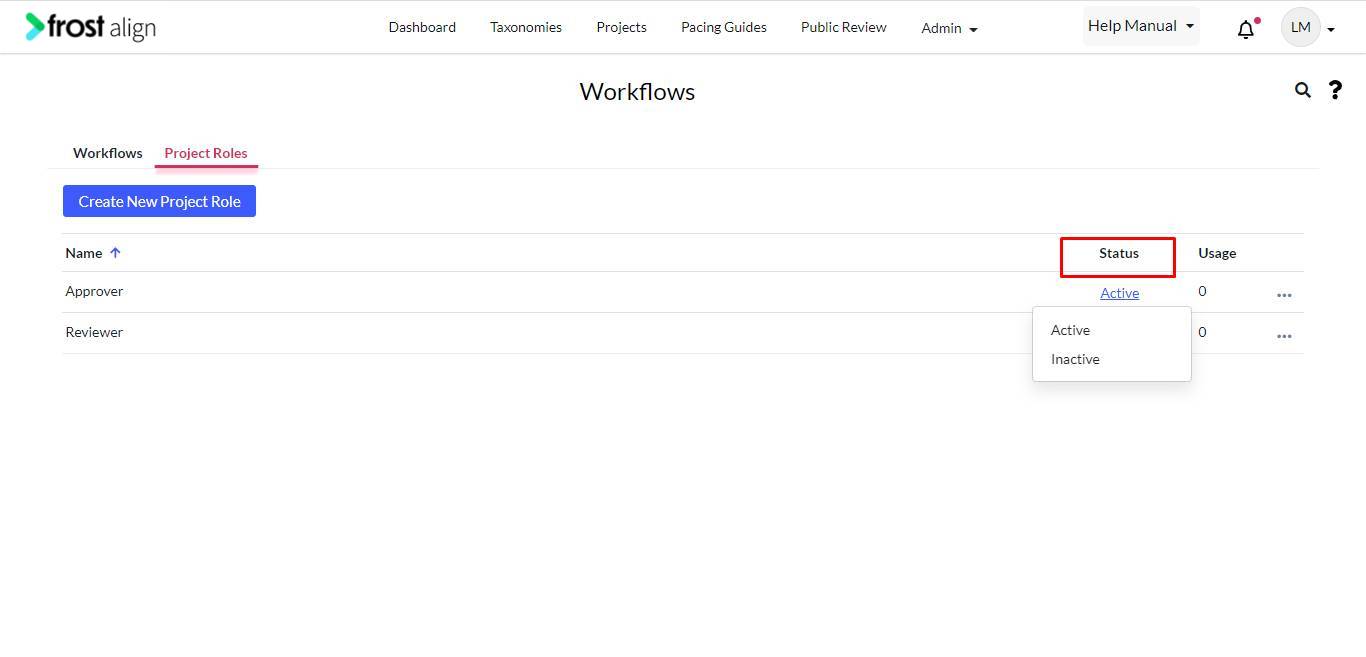
- Next, from the Status column, select from Active/Inactive.