Skip to main content
Creating a Project Role
How to create a project role?
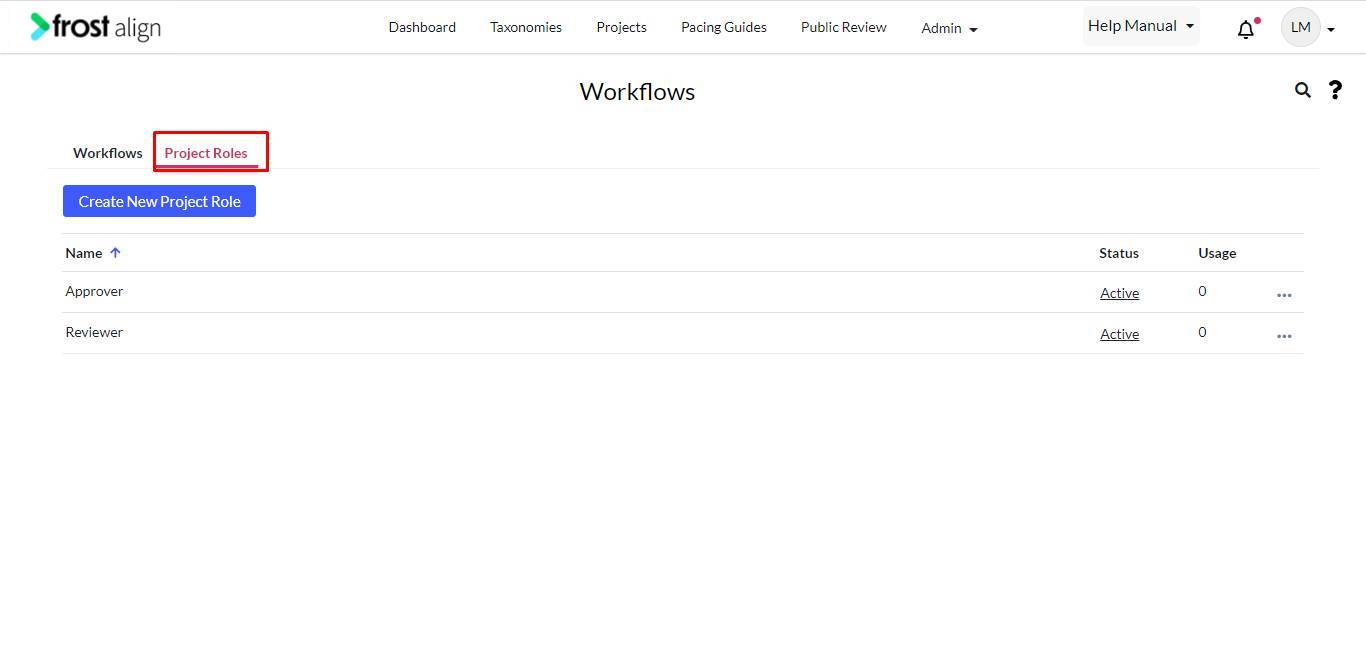
- Select Workflows from the Admin drop-down. You will be redirected to the workflow management screen.
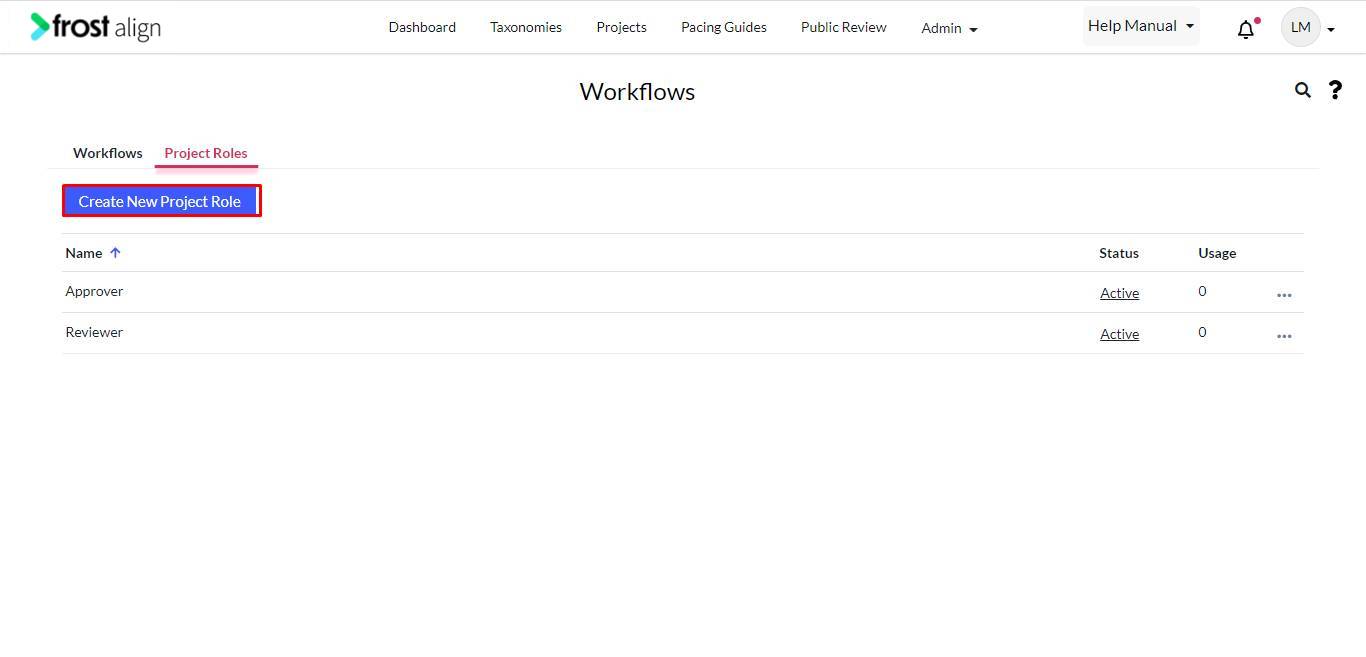
- To create a project role, select Create New Project Role.
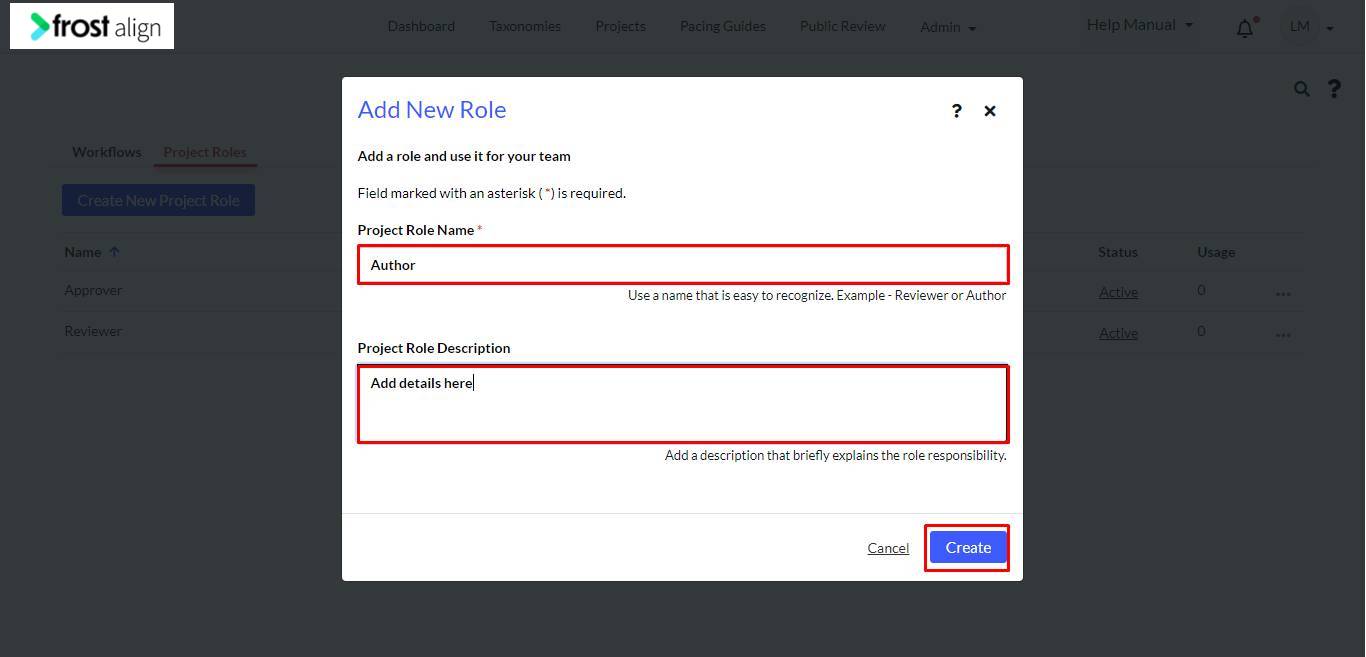
- The Add New Role pop-up page appears.
- Fill in the Project Role Name * box.
- In the Project Role Description box, add a description of the added role.
- Click Create.