Building a Pacing Guide
How to build a pacing guide?
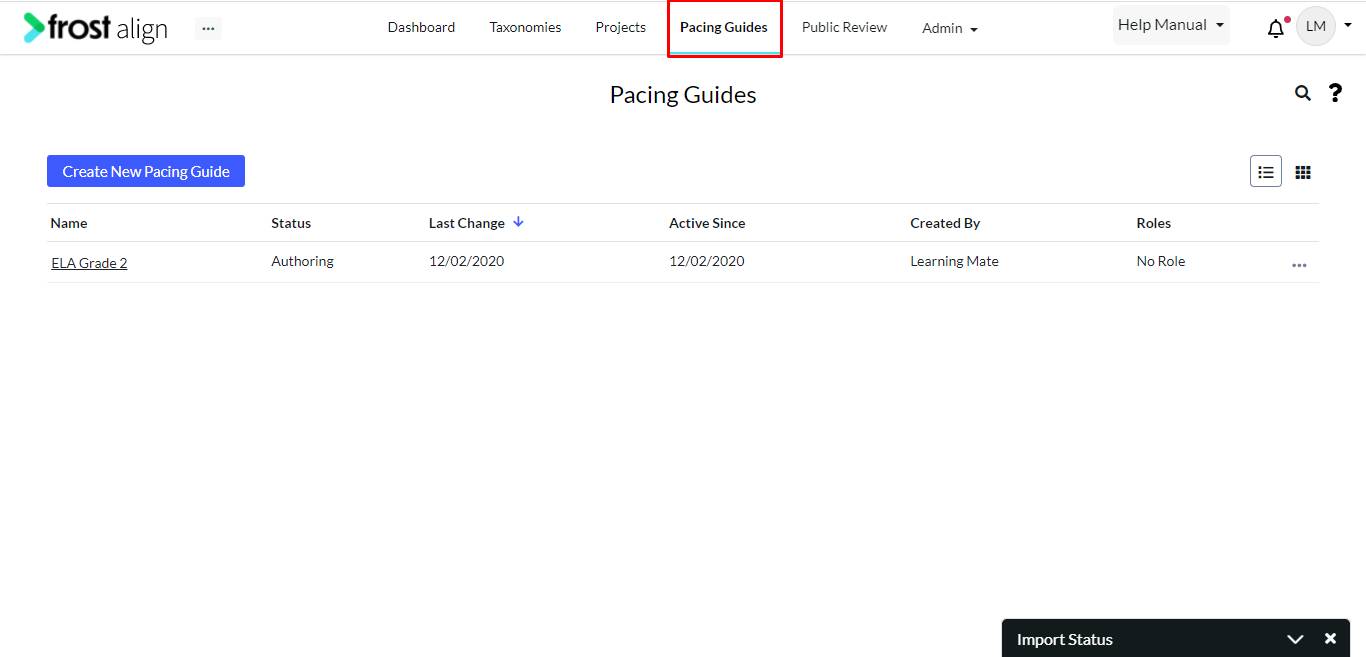
- In the Create New Pacing Guide page, select Taxonomy * from the list.
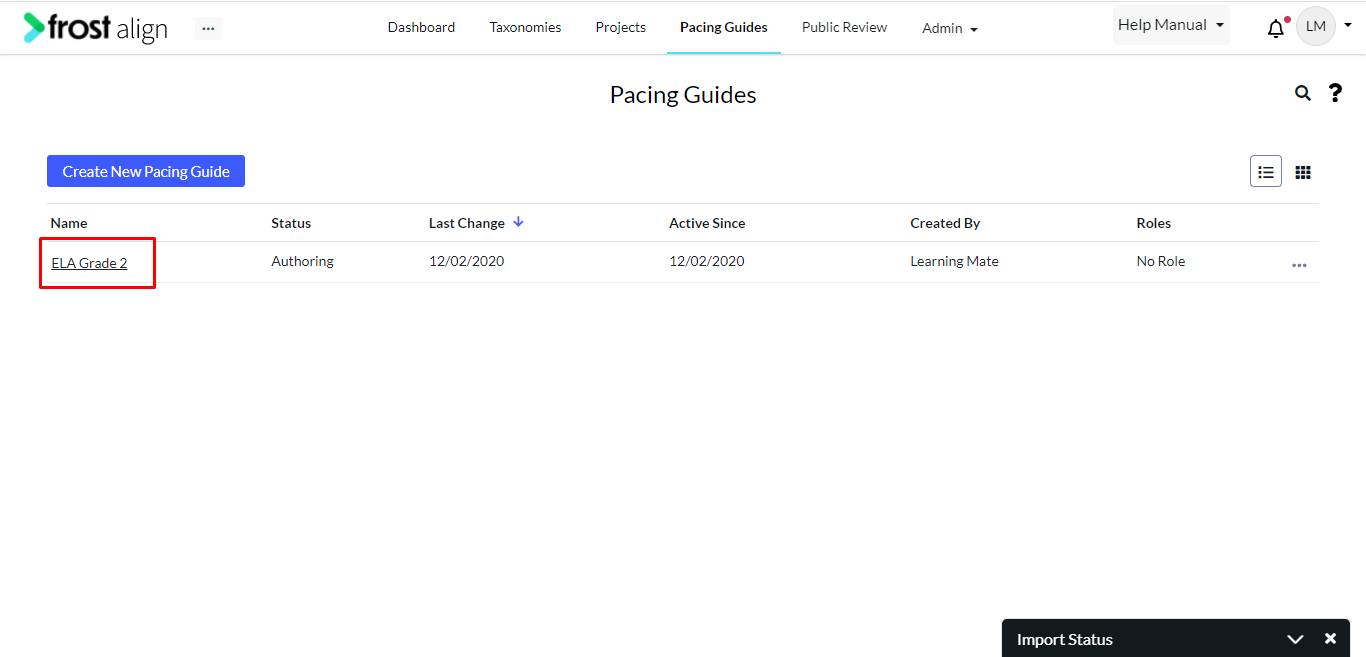
- Select the Pacing guide.
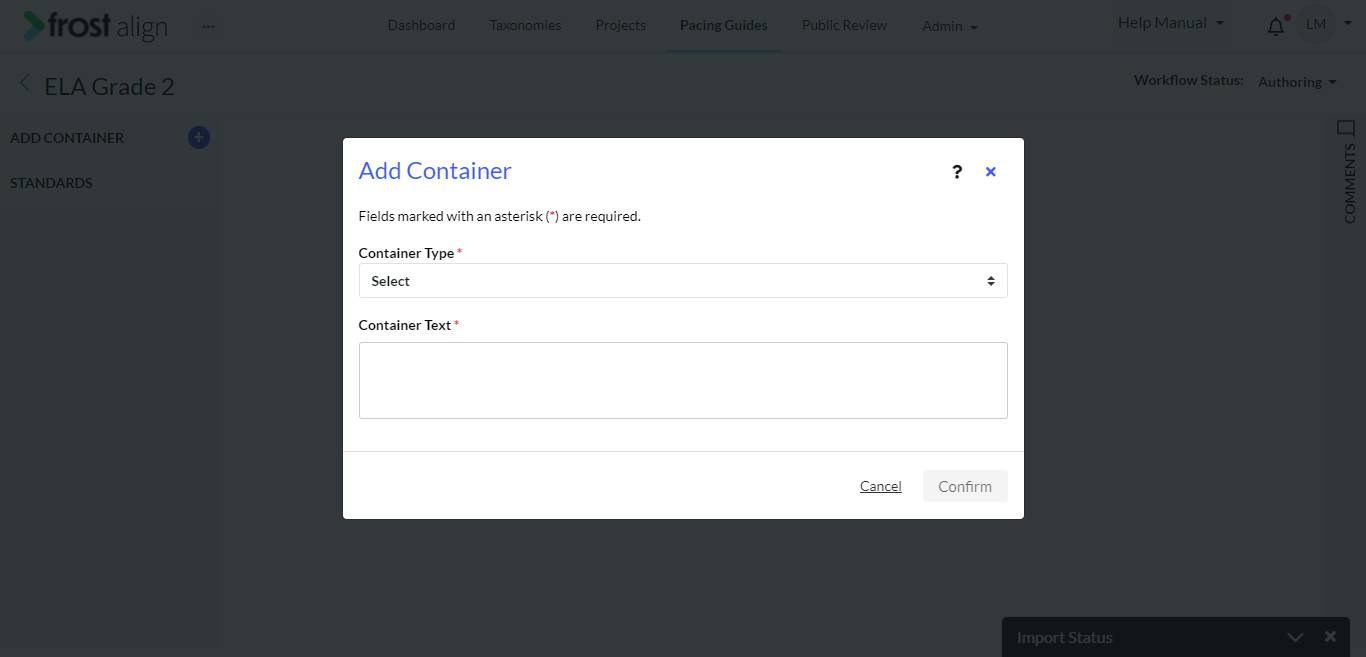
- To select pacing guides for ILOs, use the ‘+’ sign next to the ADD CONTAINER label.
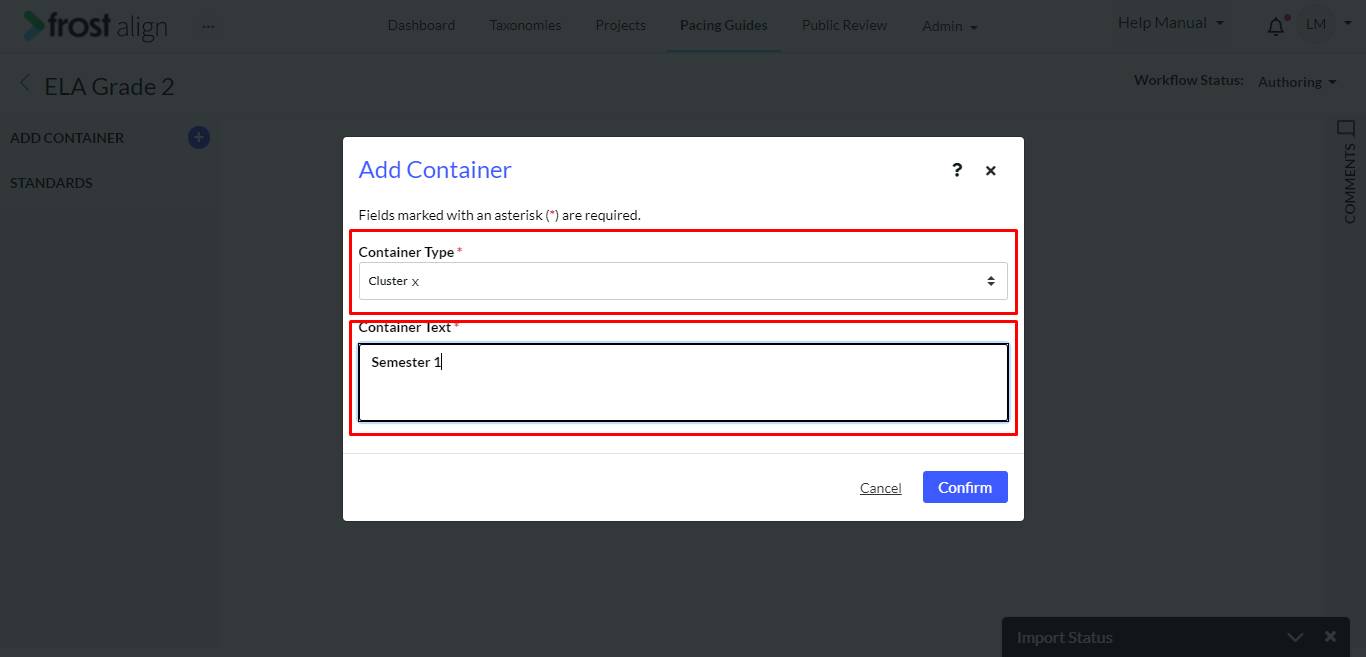
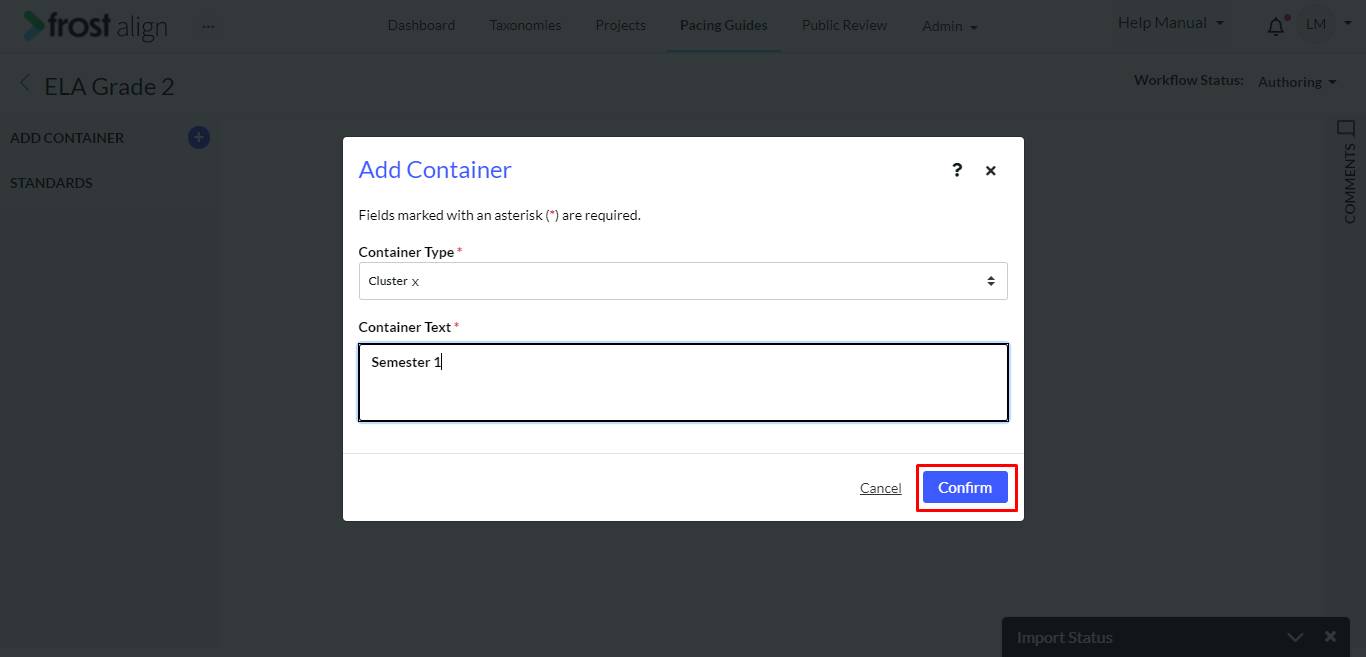
- The Add Container pop-up appears. Fill the first panel Container Type * with the container metadata that you created in the beginning.
- Fill the second panel Container Text * with a text related to your Container Type.
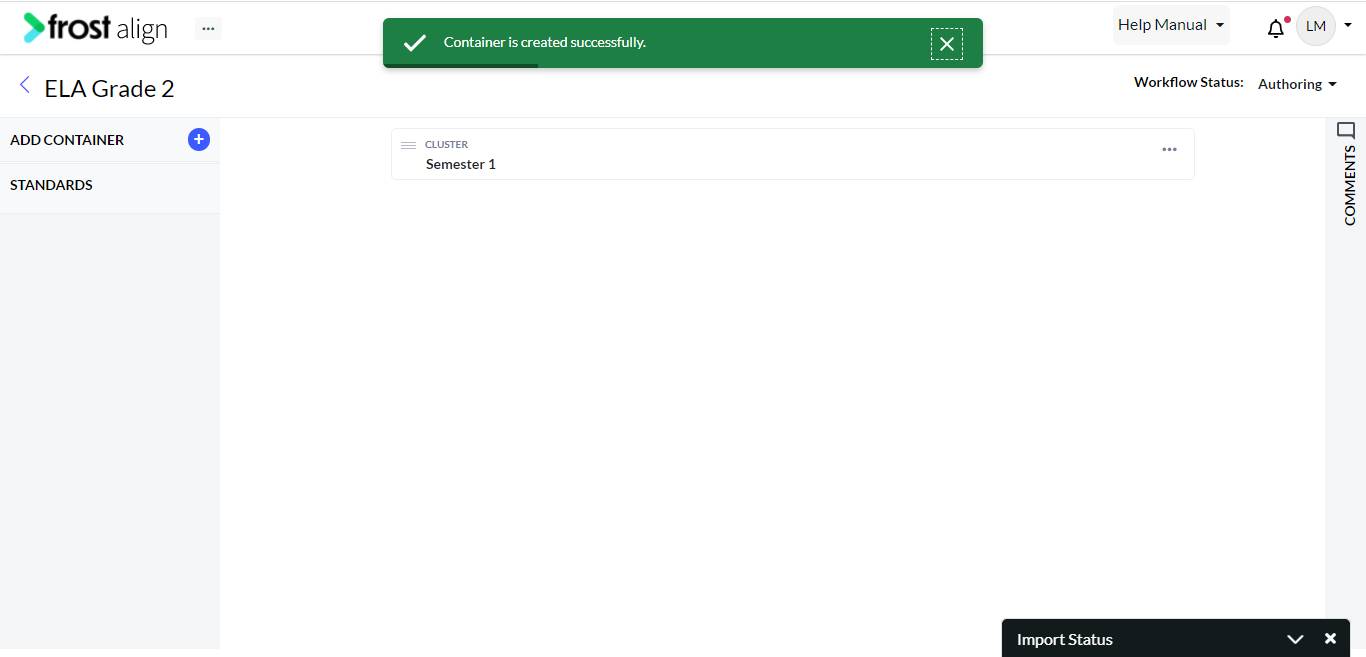
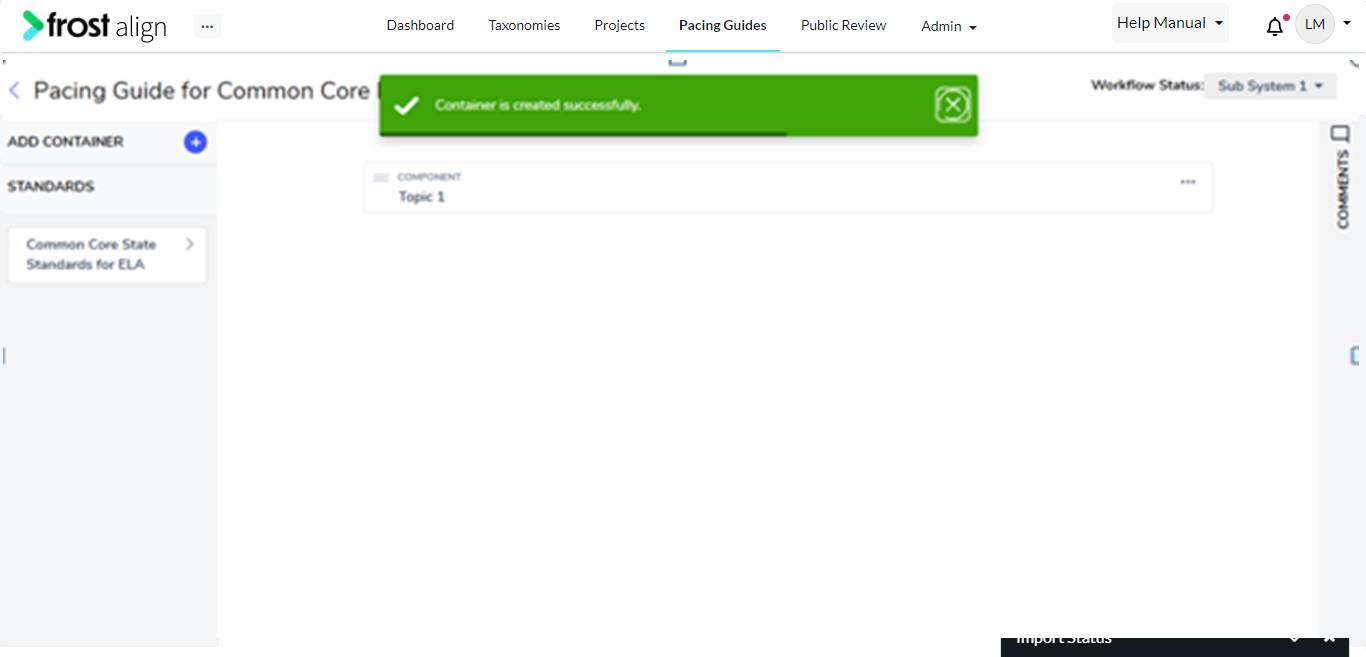
- Select the ‘+’ sign and then select the Confirm button to get the Container is created successfully. message.
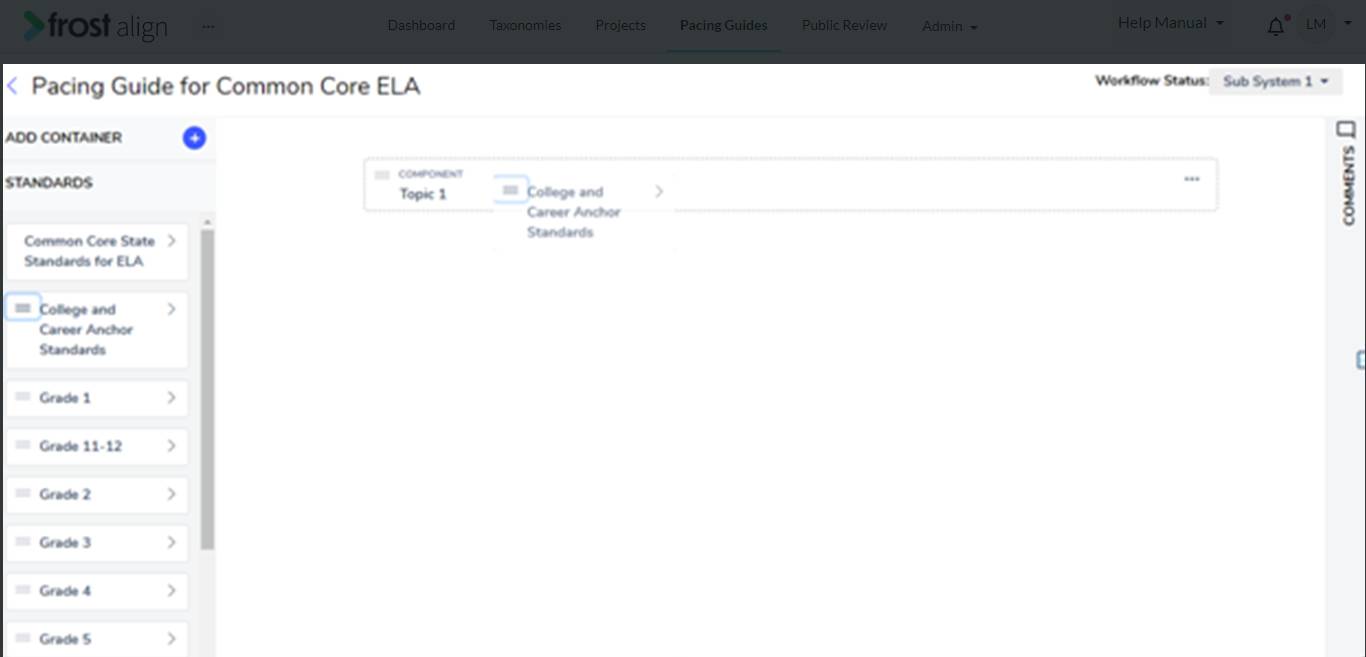
- Use the navigation arrows to get to the standards.
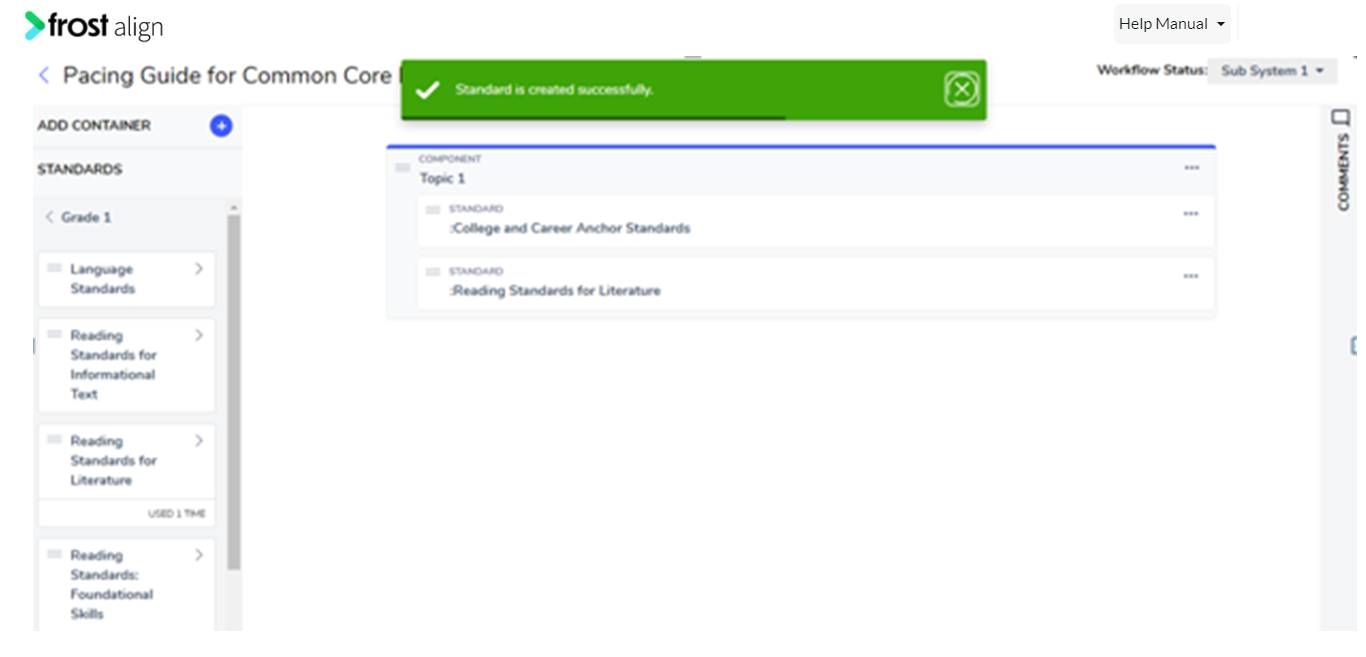
- Select one of the standards, drag it and drop it to the screen, as shown in the images.
- The Standard would be listed on the screen as a STANDARD.
- Standard is created successfully. message appears.
- Select and drag and drop one of the added standards to the canvas.
- The Standard would be listed on the screen as a STANDARD.
Note:
- Users can drag and drop the added standard under any of the added containers.
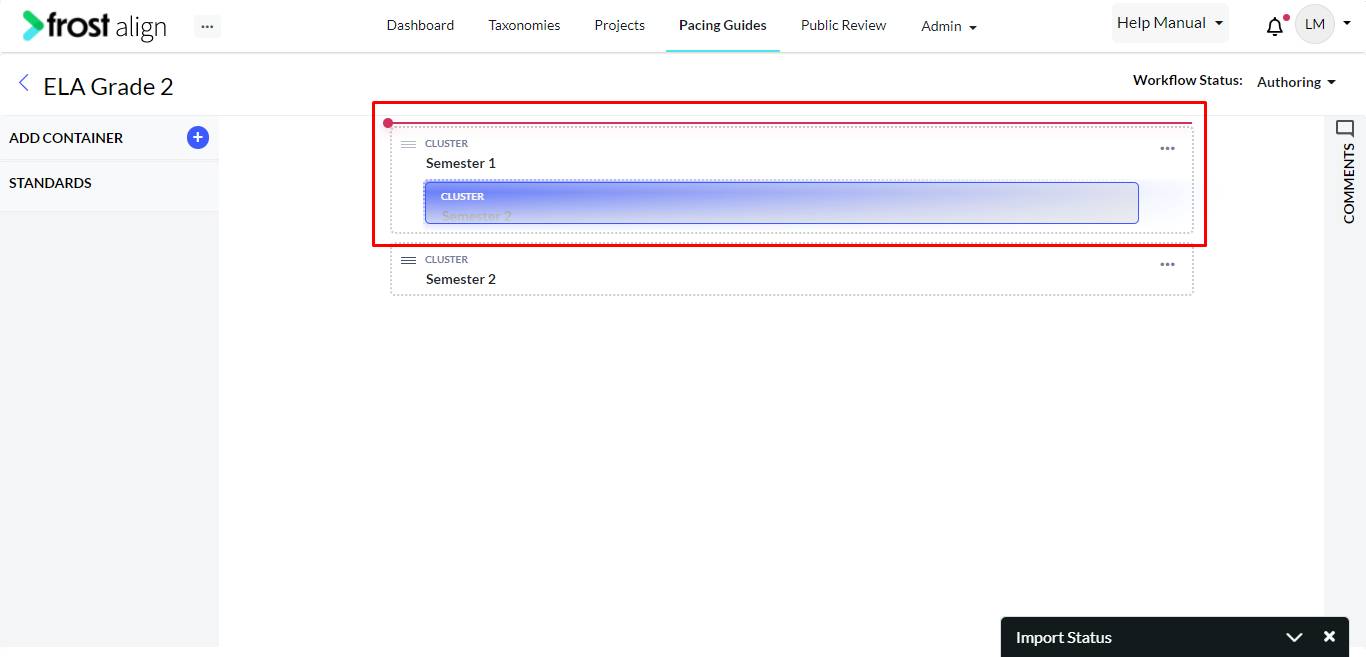
- To build the pacing guide layout as required, drag and drop a container into another container.
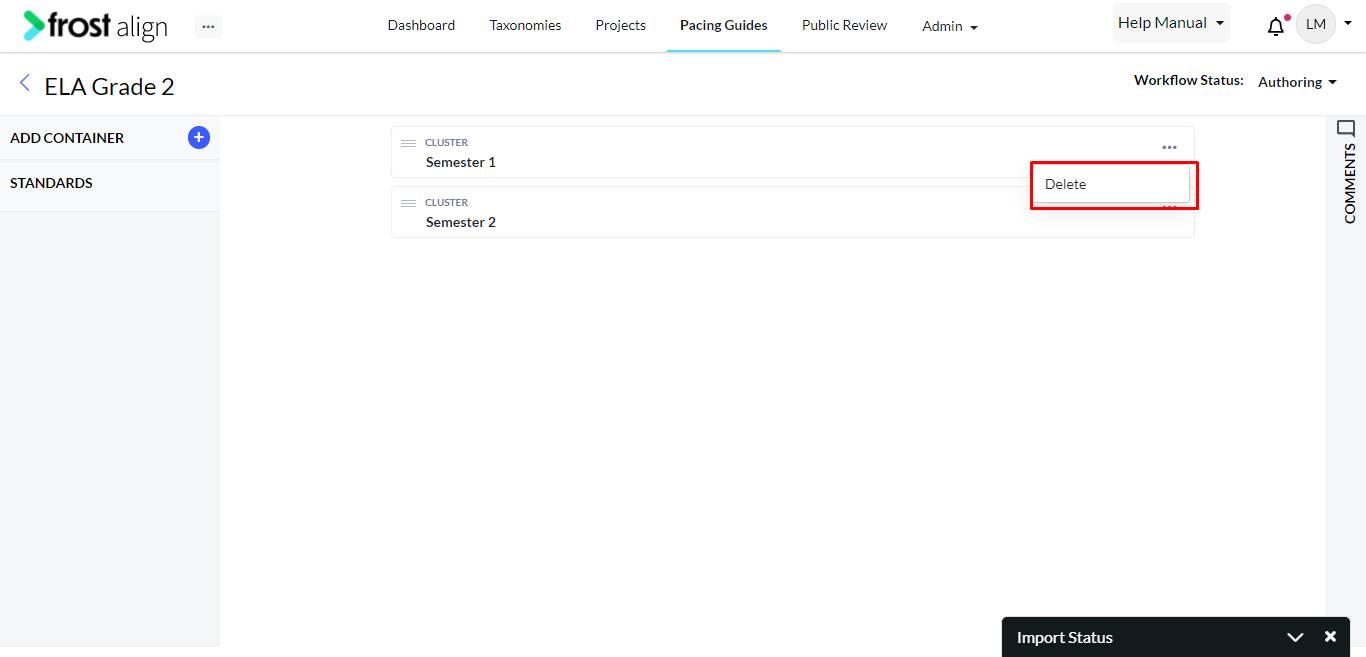
- Once the process is complete, the Pacing guide is displayed as shown in the screenshot below.
- To update the details of the added container and to go back to the original screen to drag and drop, click Edit.