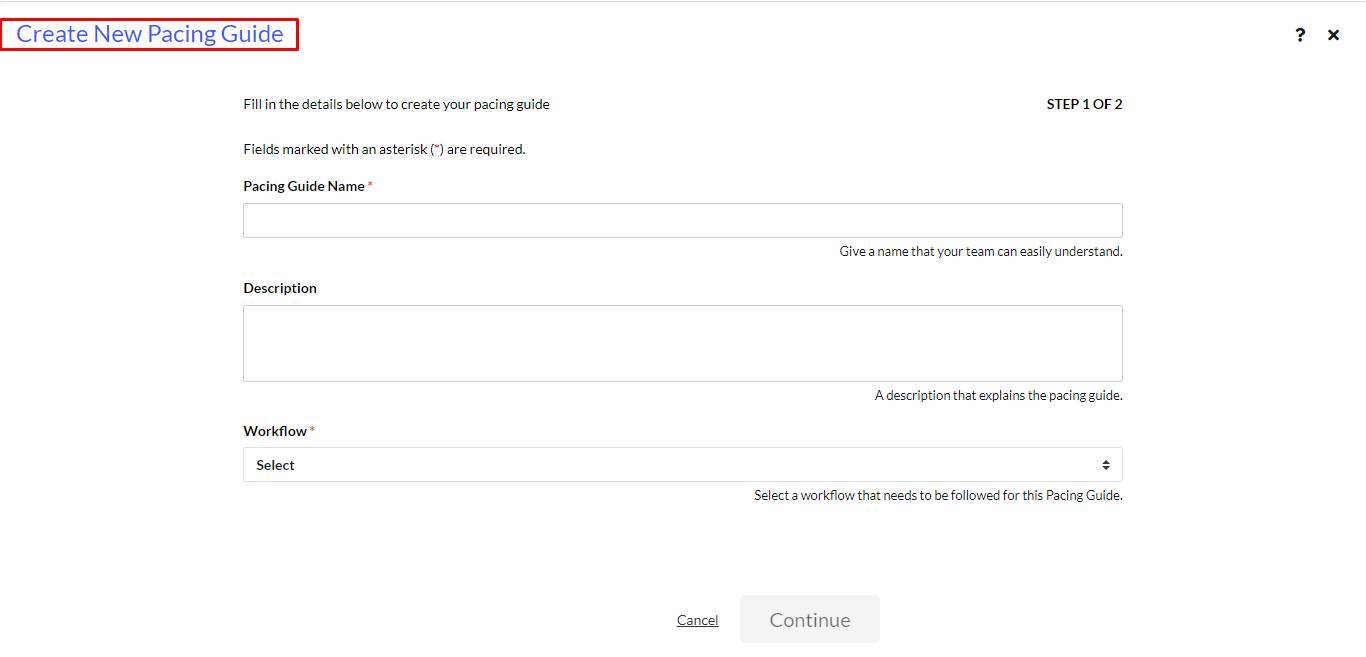
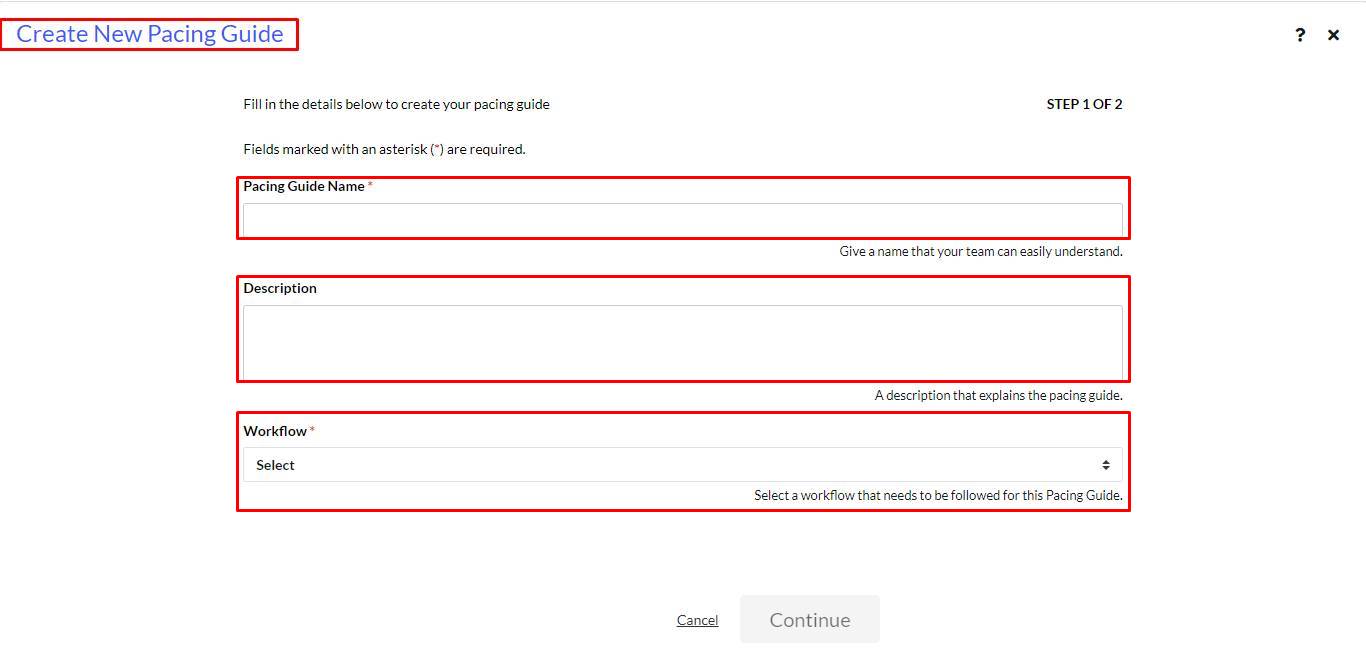
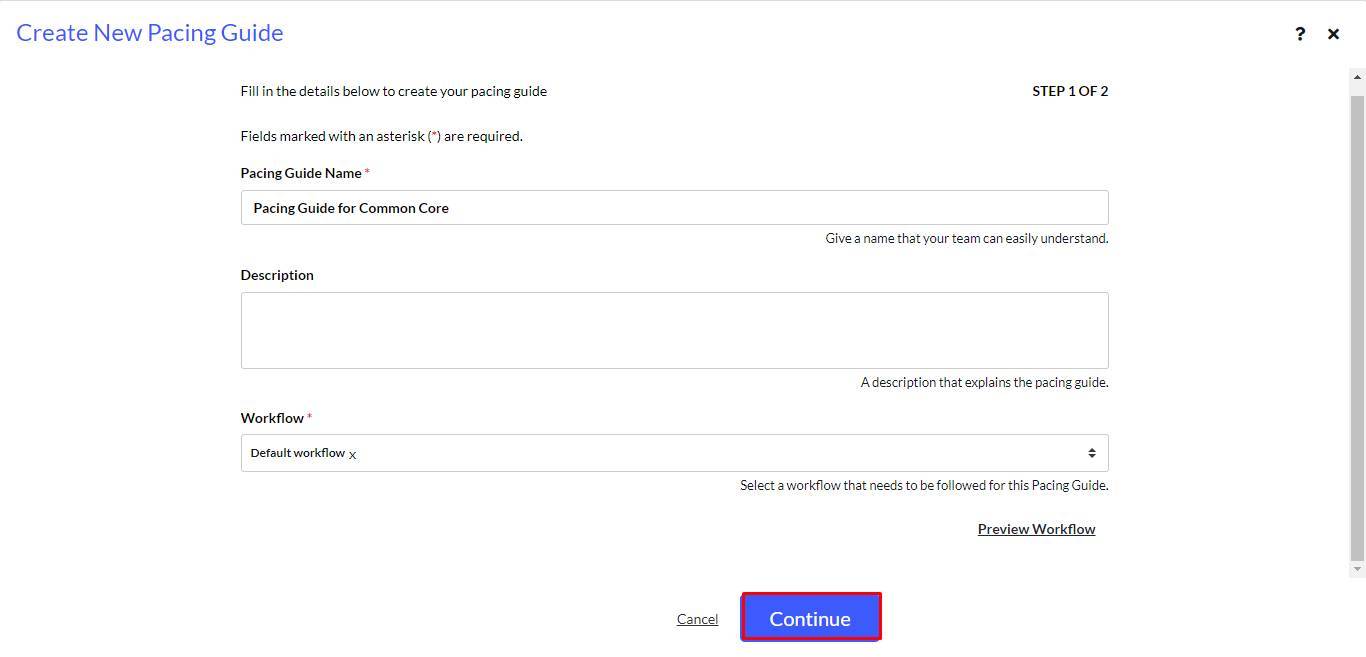
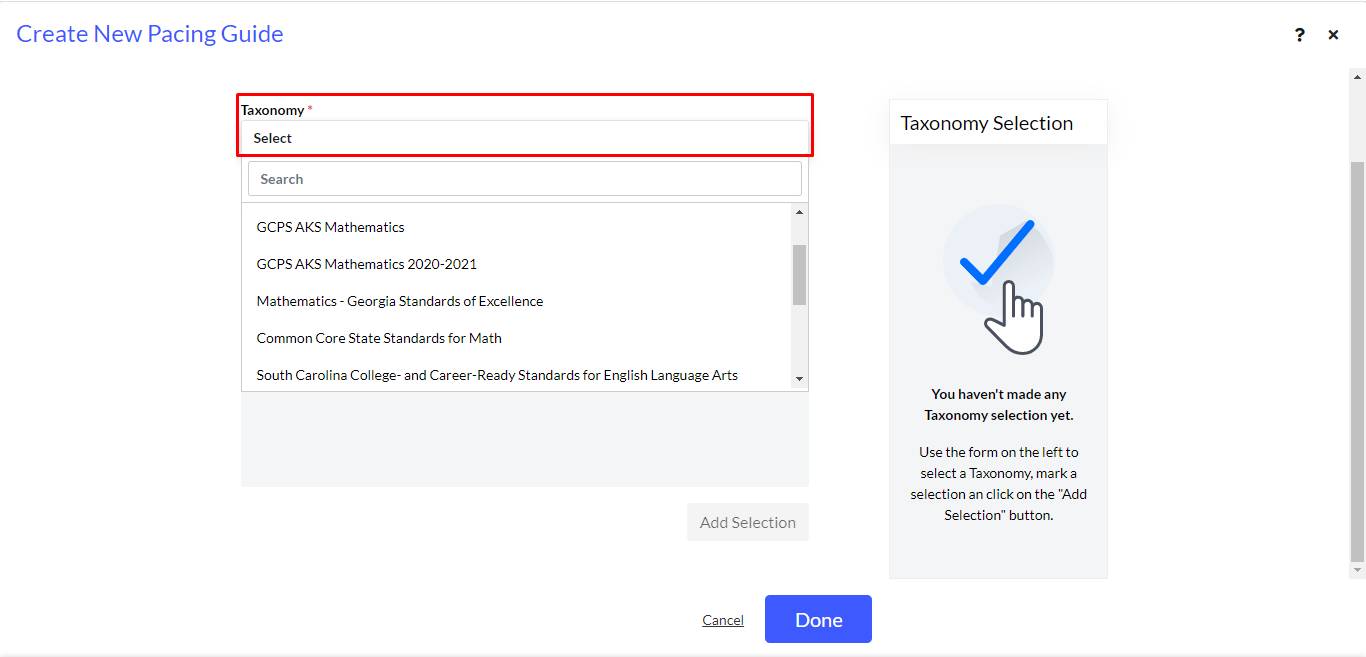
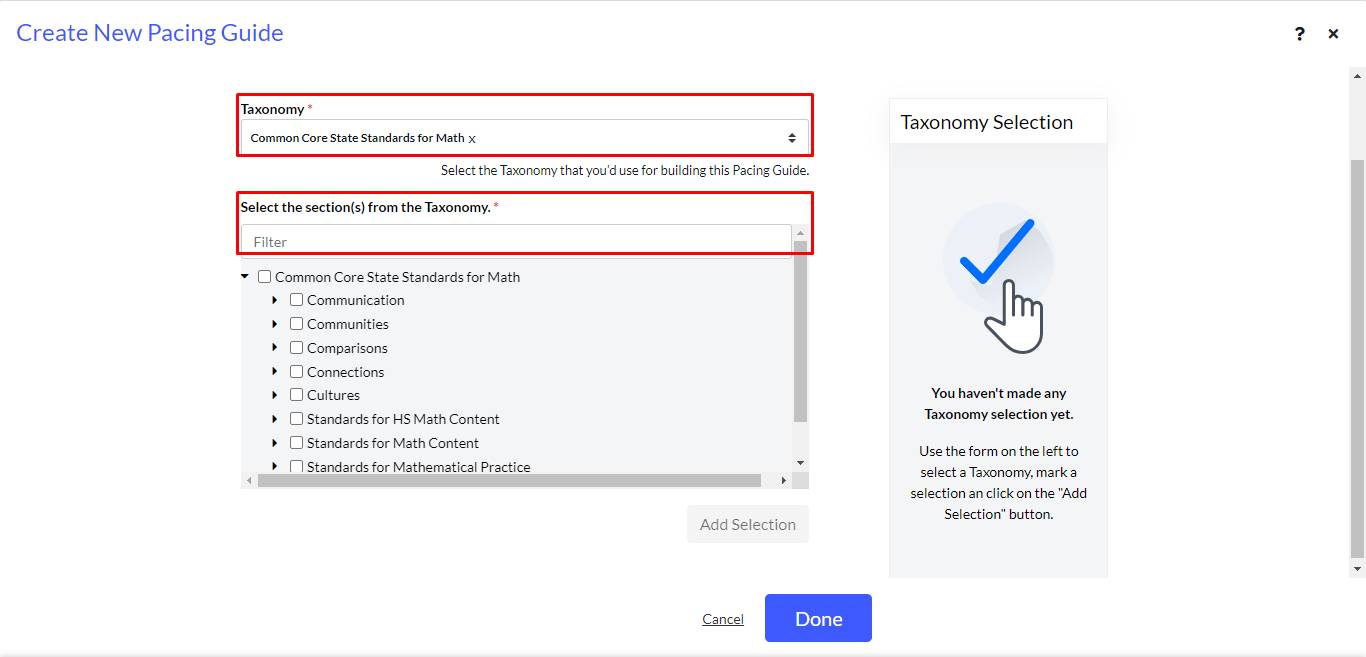
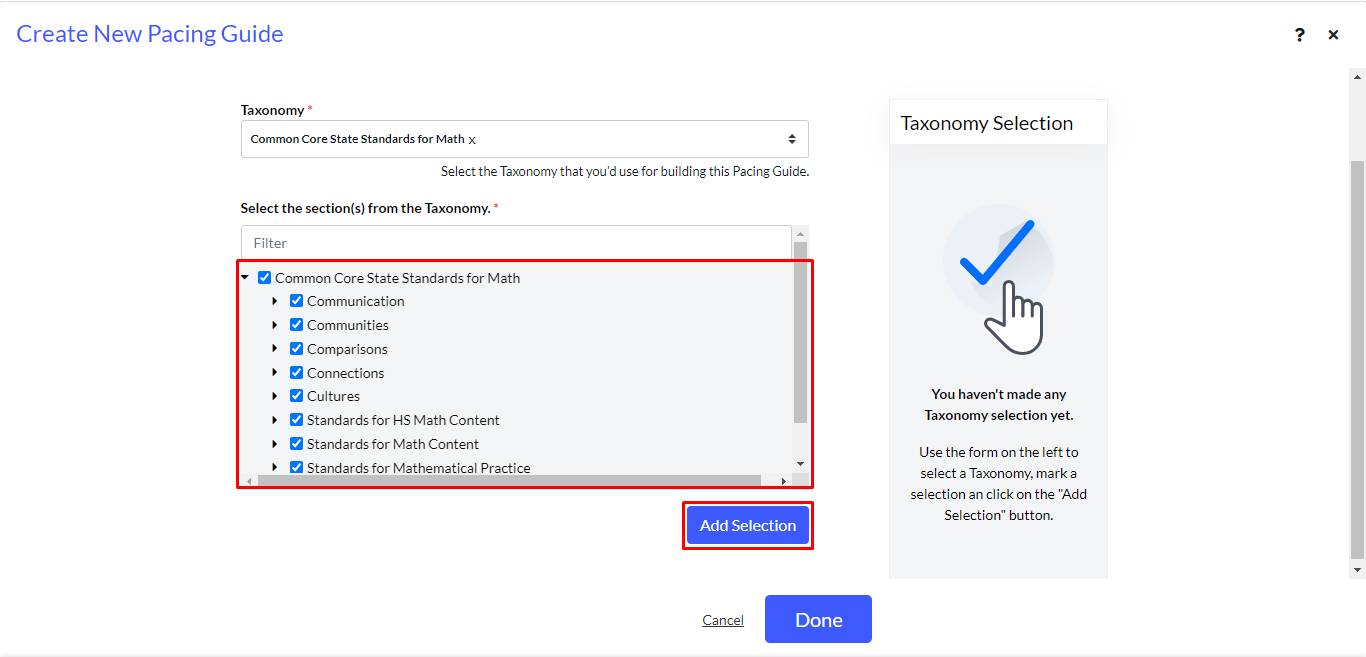
Enter Description details in the box. This would be an introduction to the pacing guide. This step is optional.
Next, select the choice of Workflow * from the dropdown. In this case, it is Workflow 1. This would determine the order in which the work would happen.
Click + to enable the continue button. Select Continue.
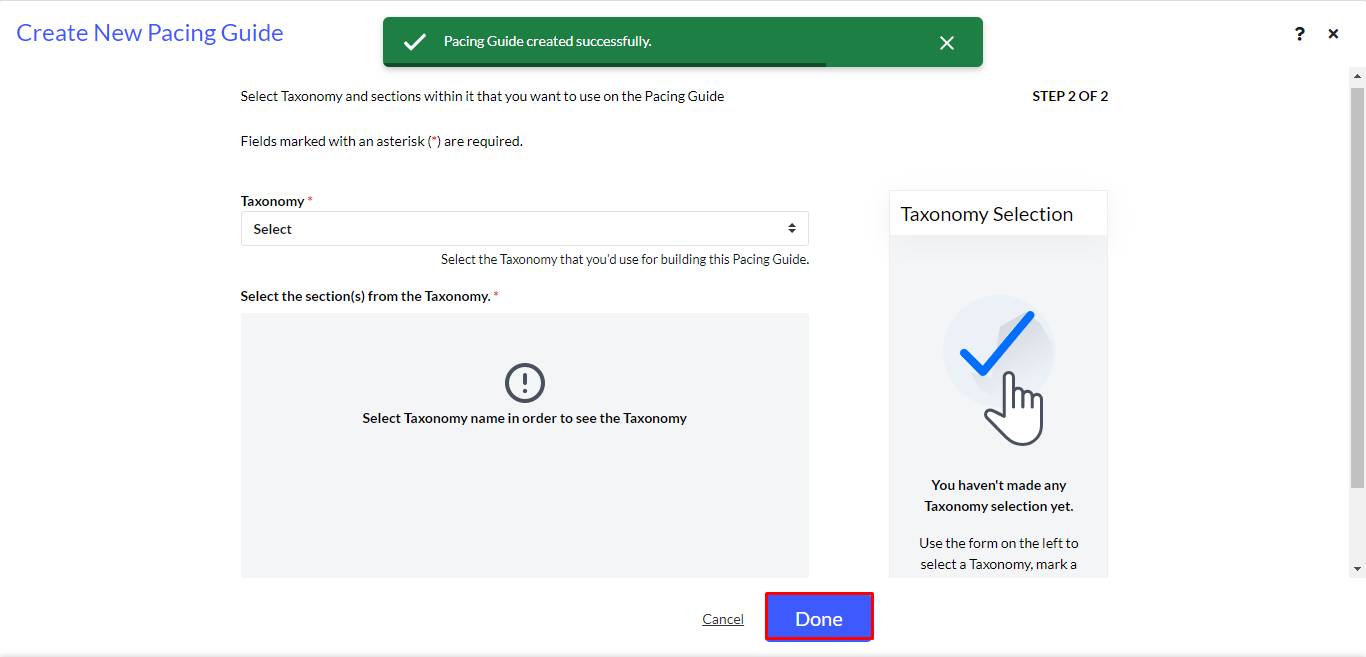
Pacing Guide created successfully. message appears.