Skip to main content
Editing Pacing Guide
How to edit an existing pacing guide?
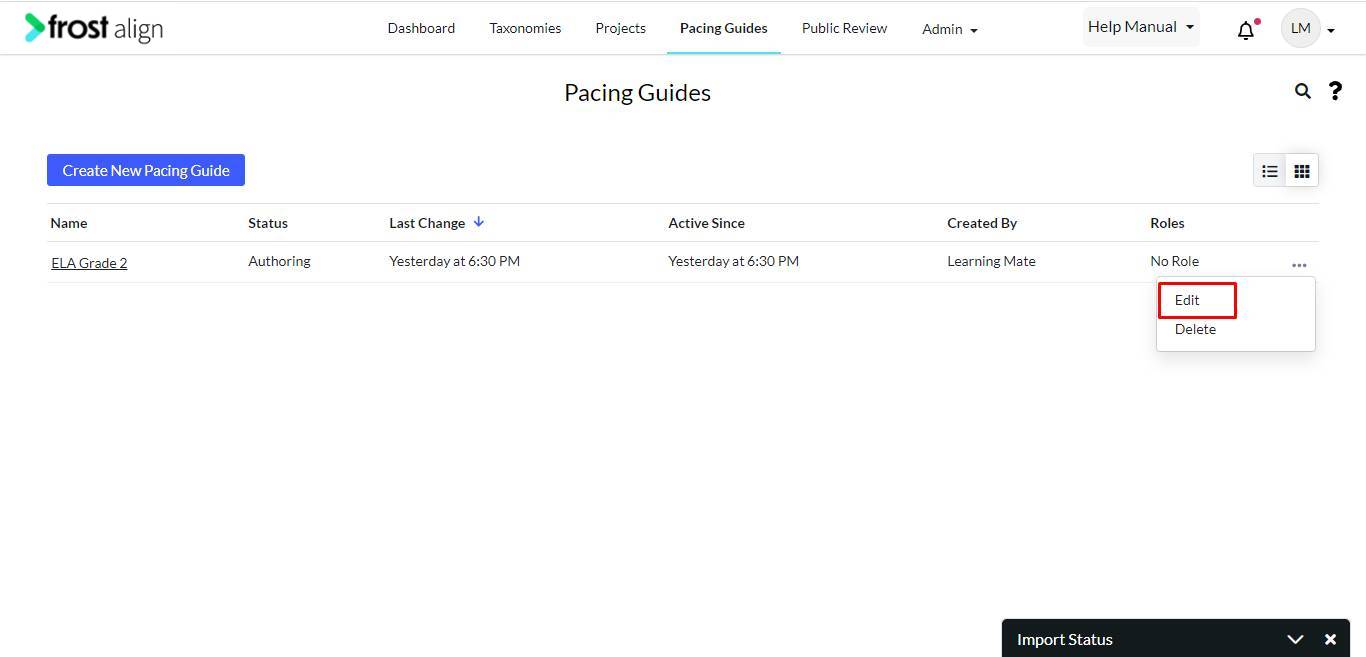
- From the tab list, select Pacing Guides.
- Next, select your choice of pacing guide.
- Select the ellipses (three dots.)
- Select Edit.
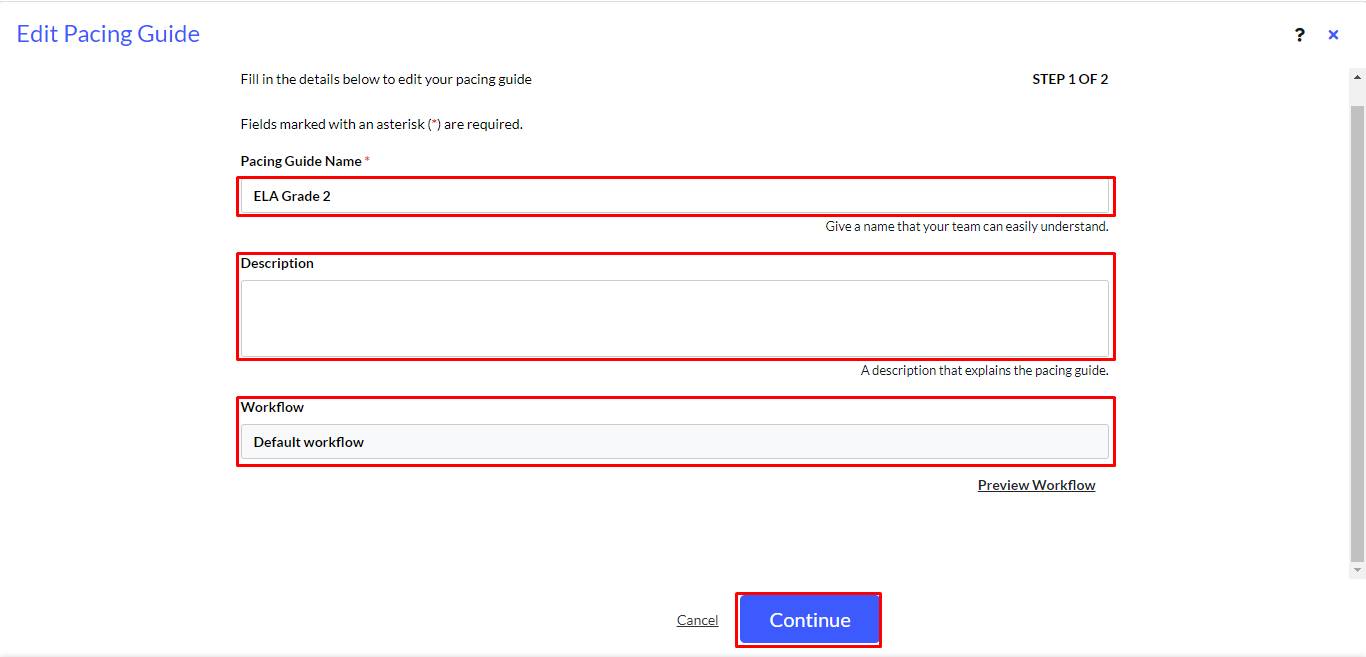
- The Edit Pacing Guide pop-up appears.
- Make changes to the Pacing Guide Name * Description and Workflow.
- Click Continue.
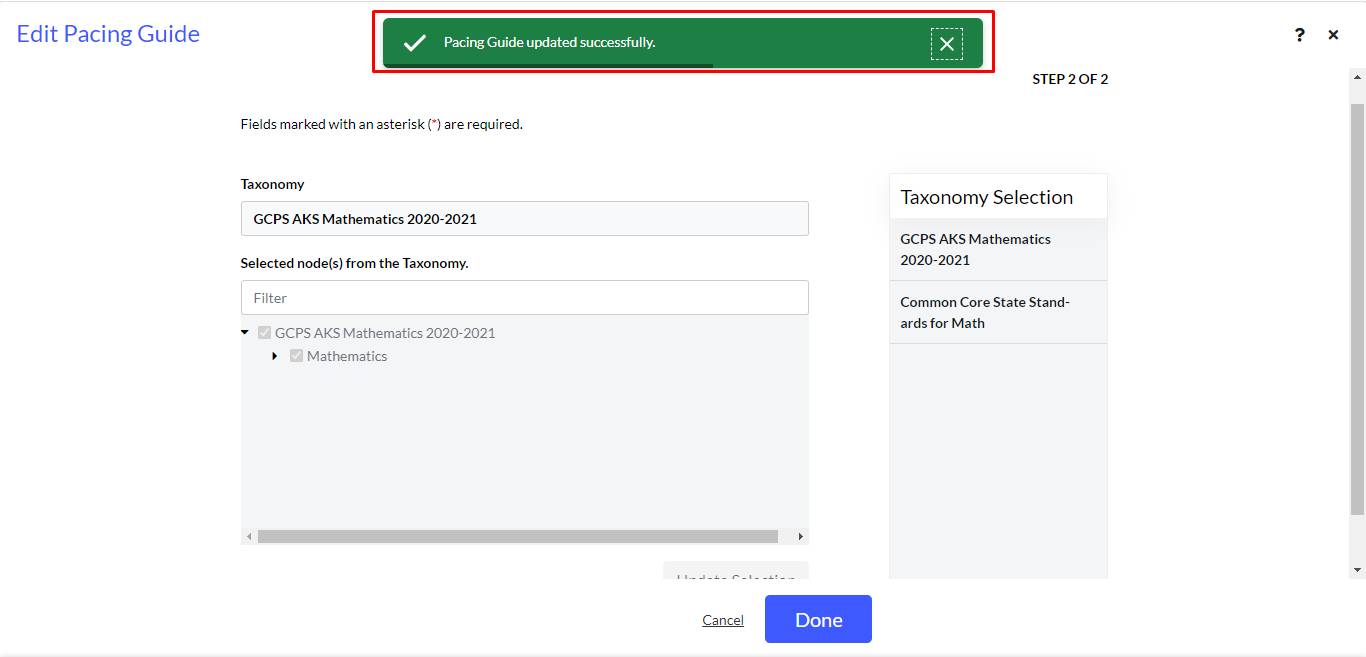
- Pacing Guide updated successfully. message appears.
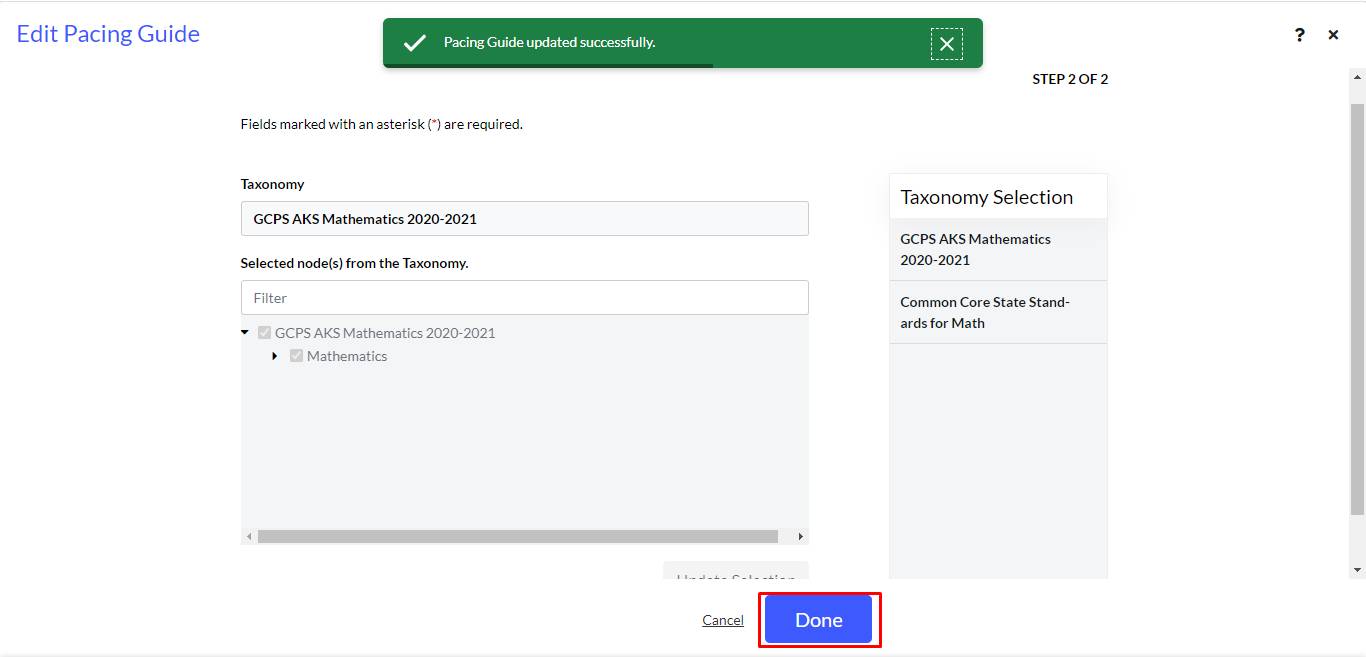
- Click Done.