Skip to main content
Editing an External Tool in the LOR
How to Edit External Tool in the LOR
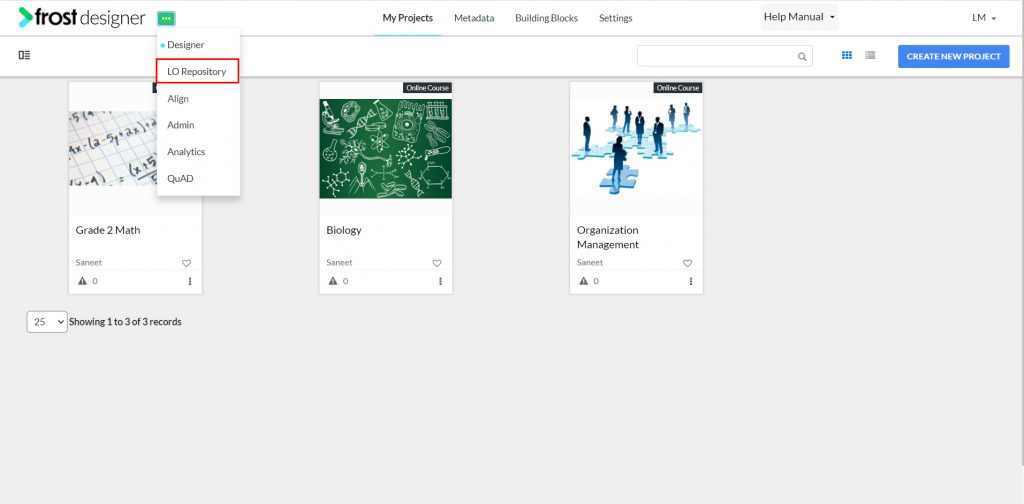
- Navigate to the LO Repository.
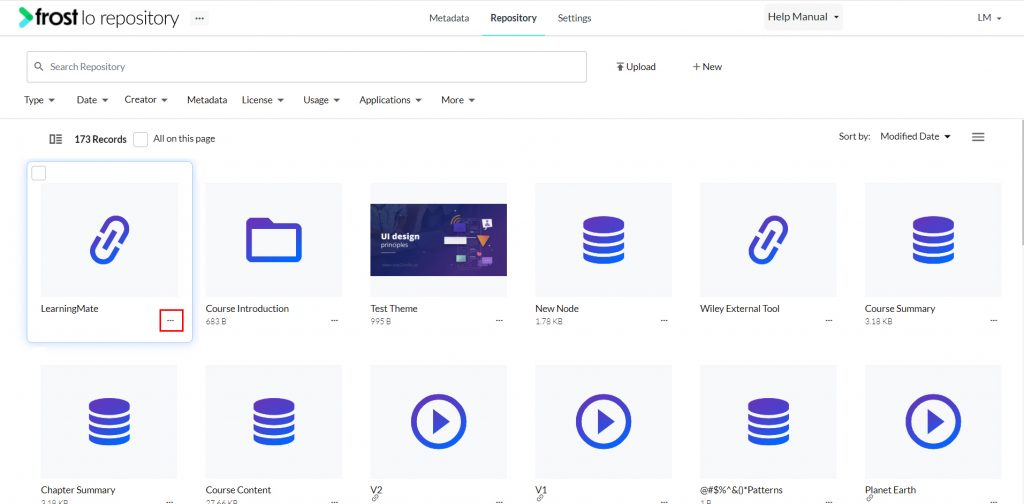
- Click the horizontal ellipsis icon from the bottom right of the External Tool you want to edit.
- Select Edit to open the Edit form.
- Alternatively, you can open the edit form by choosing the Edit icon from the object’s Preview mode.
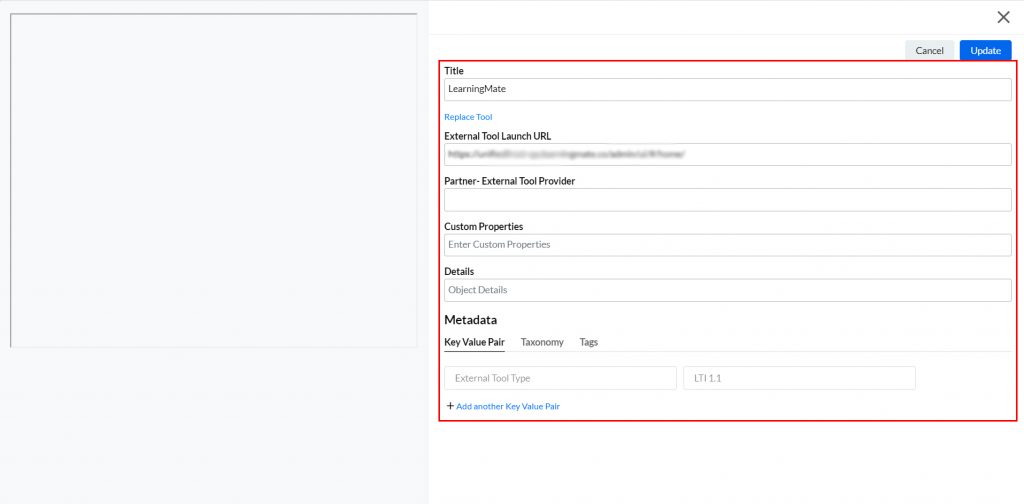
- Following fields are displayed in Edit mode :
- Title: – title of the external tool
- Replace Tool: – replace an existing External Tool.
- External Tool Launch URL
- Partner: – External Tool Provider
- Custom Properties: – to launch the URL (non-mandatory)
- Details: – details of the external link (non-mandatory)
- Metadata: – to associate KVP, Tag and Taxonomy
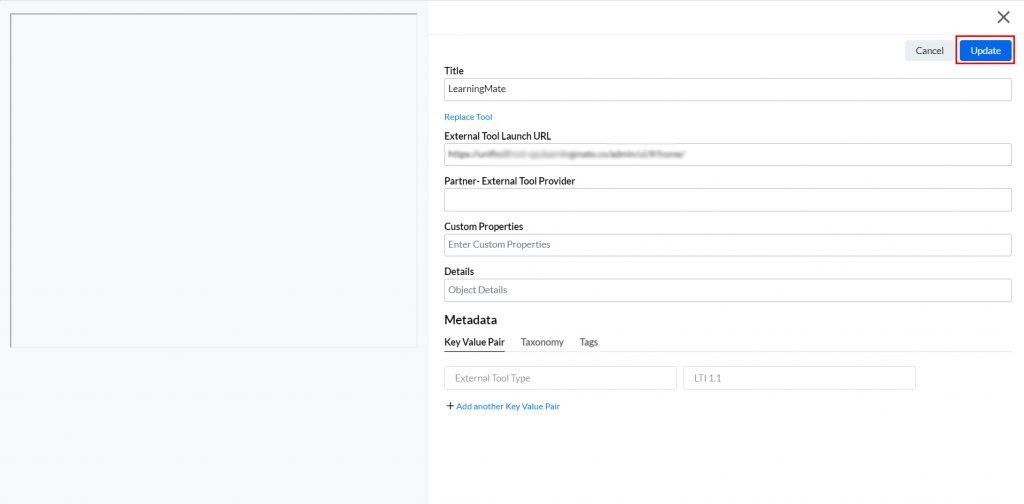
- On editing the required fields, click Update.