How to Search for a Project
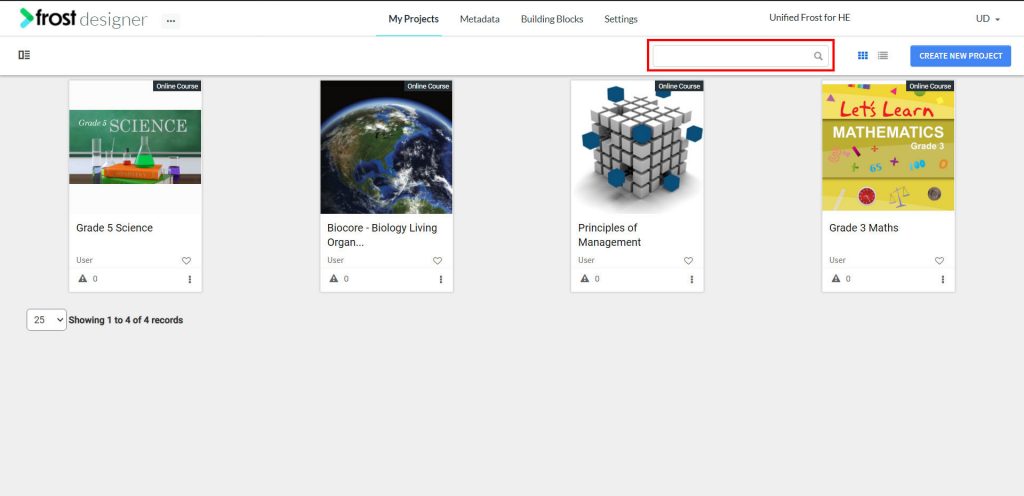
- From the Frost dashboard, navigate to My Projects.
Note: If you are working on a project page, you need to navigate back to the Frost landing page first.
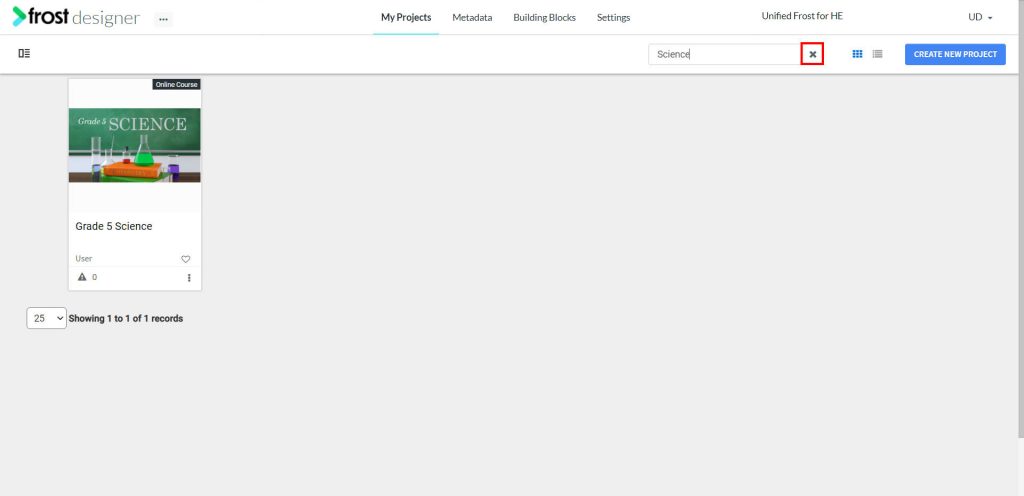
- To find a project, type a key word in the search box and click the search icon to perform the search. Alternatively, you can also hit enter to start the search.
- The project related to the search will be displayed on the dashboard.
- Click the cancel icon to exit the search.