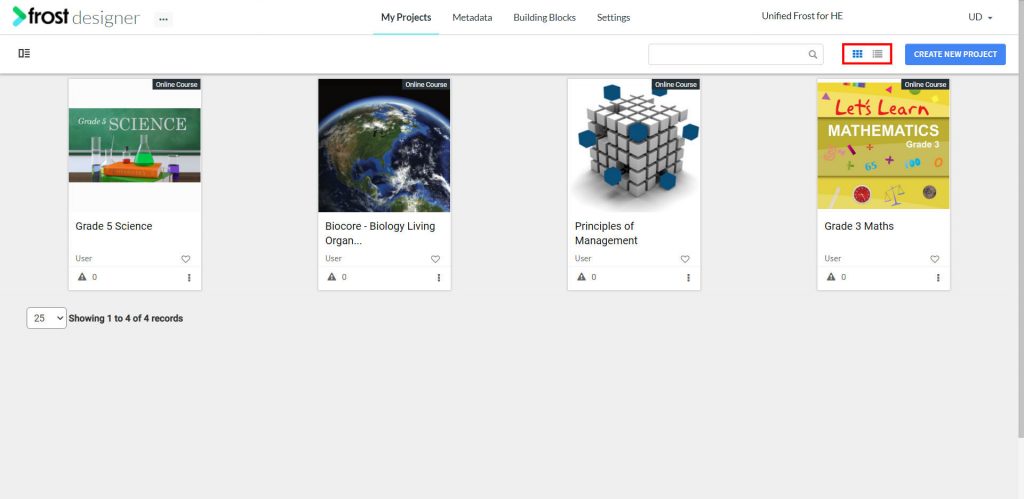
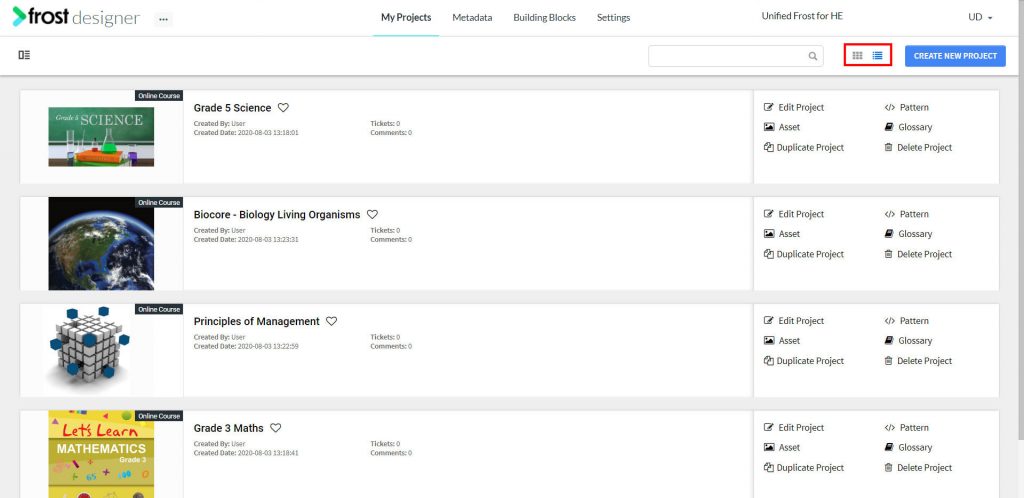
On the My Project page, two project viewing options are available in the top right corner:
Grid View – Default view. This view displays project tiles with information such as Project Type, Project Title, Cover Image, Creator Name, and the Open Issue Count.
List View – Similar to the grid view, this view displays the project’s information and the actions available. Here you can additionally view the project description and the creation date of the project.
Toggle the views by clicking the icons in the upper right corner of the dashboard.