How to Logout
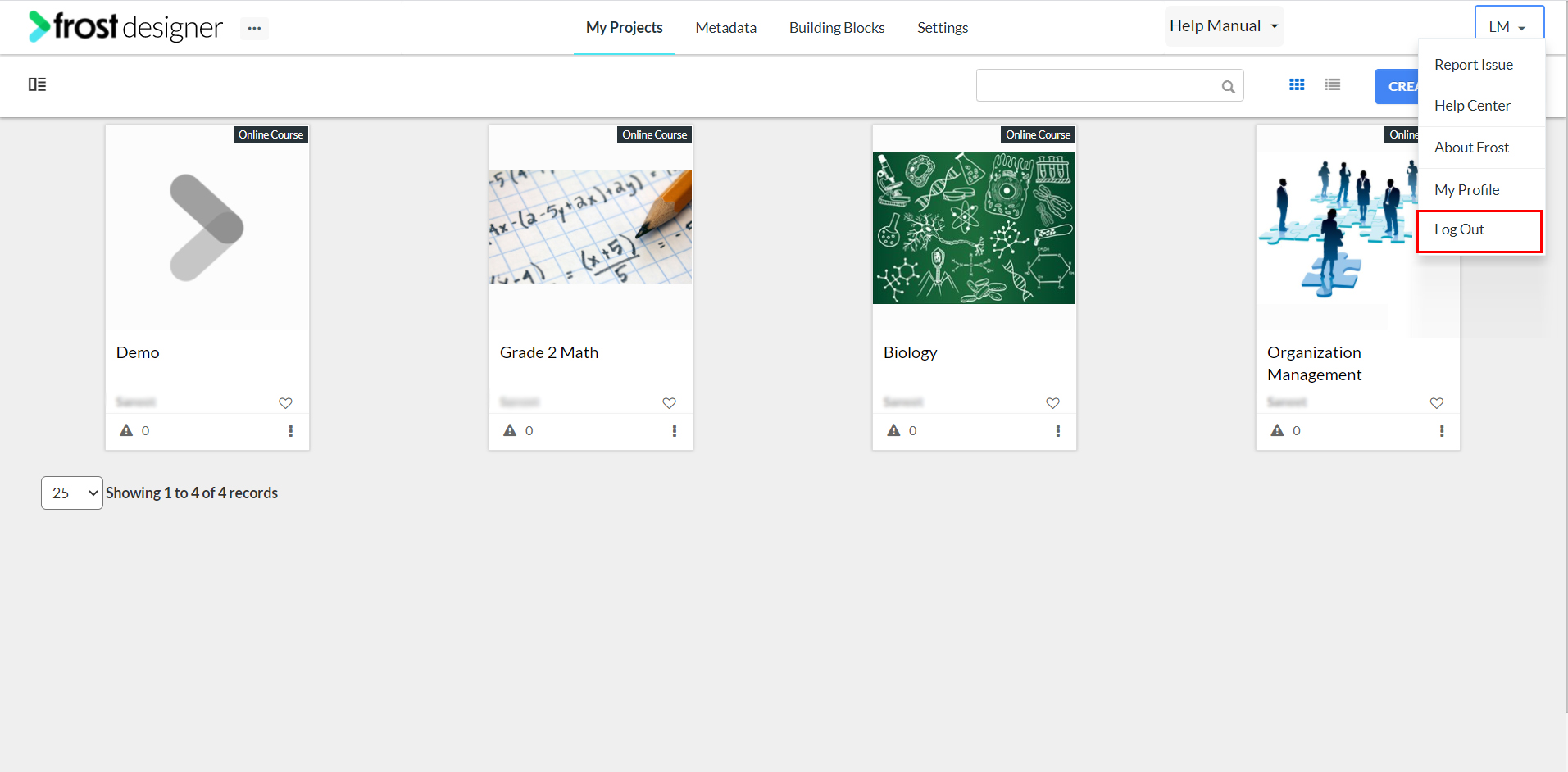
- From the Frost dashboard, click the drop down next to the username on the top right corner of the screen.
Note: If you are working on a project page, you need to navigate back to the Frost landing page first.
- Click Log out.
- After logging out of Frost, you will land on the Login page of the system.