Skip to main content
Creating Association Presets
Creating Association Presets
How to create association presets?
- In the top menu panel, select Admin dropdown, and select Metadata.
- Click the Association Presets tab.
- Select Create Association Preset.
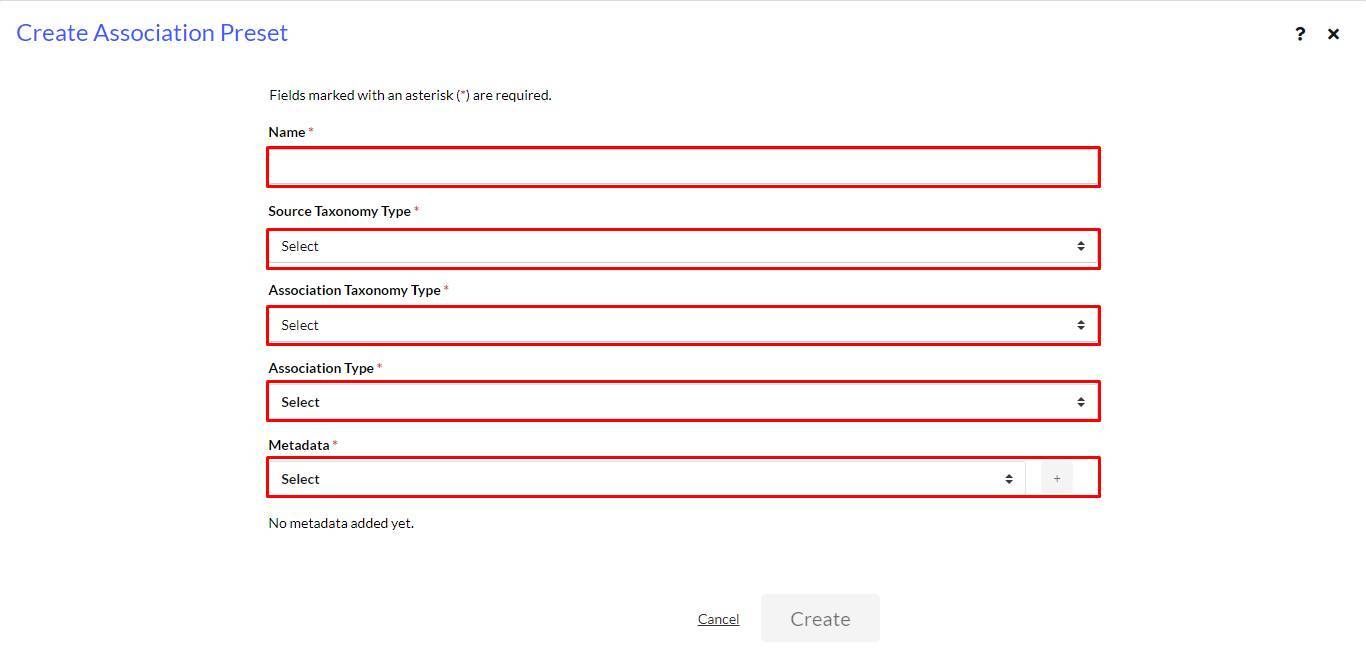
- The Create Association Preset window appears.
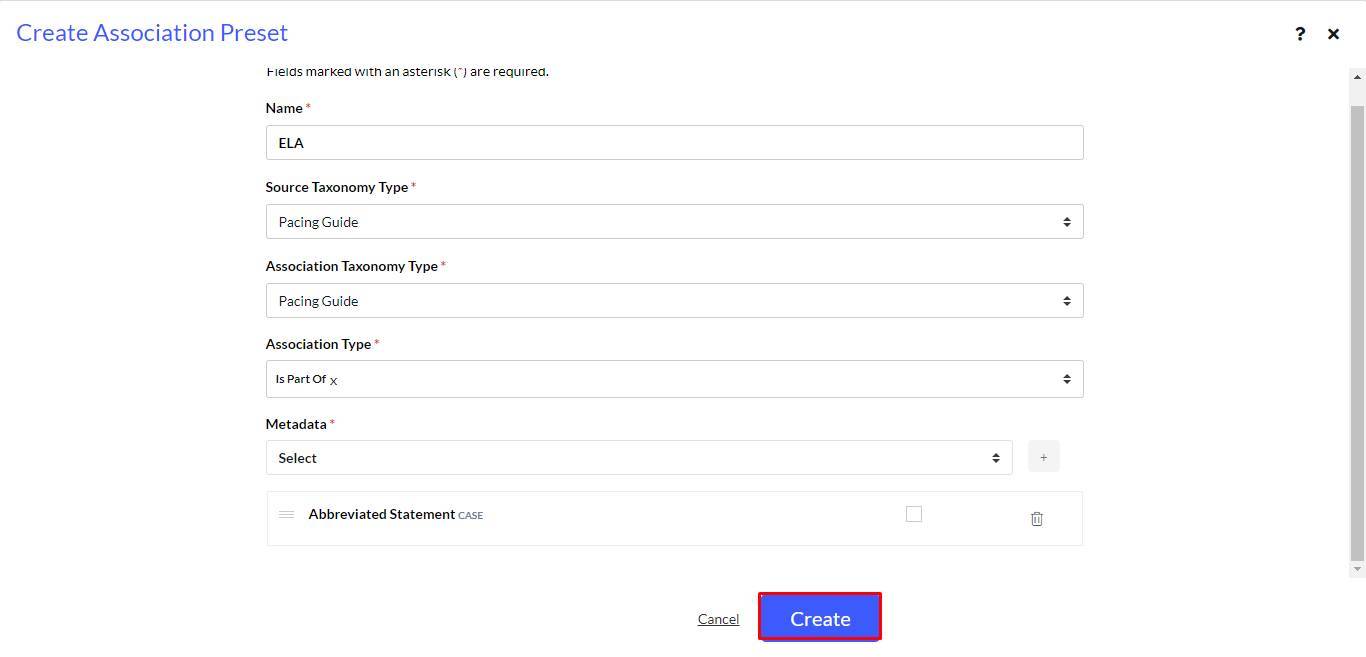
- Fill in the Name * Source Taxonomy Type * Association Taxonomy Type * Association Type * and Metadata *fields in the form.
- Select Create.
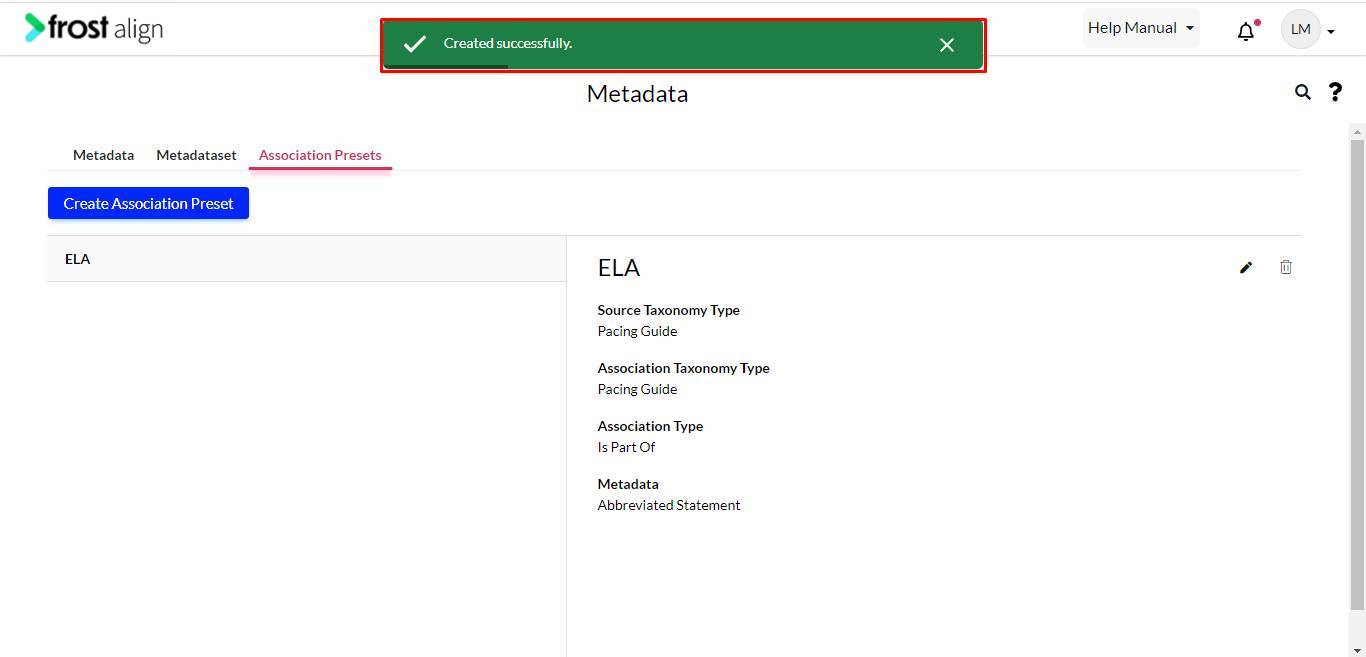
- On successful creation, a message appears.