Editing Association Types
How to edit association types?
- In the top menu panel, select Admin dropdown, and select Metadata.
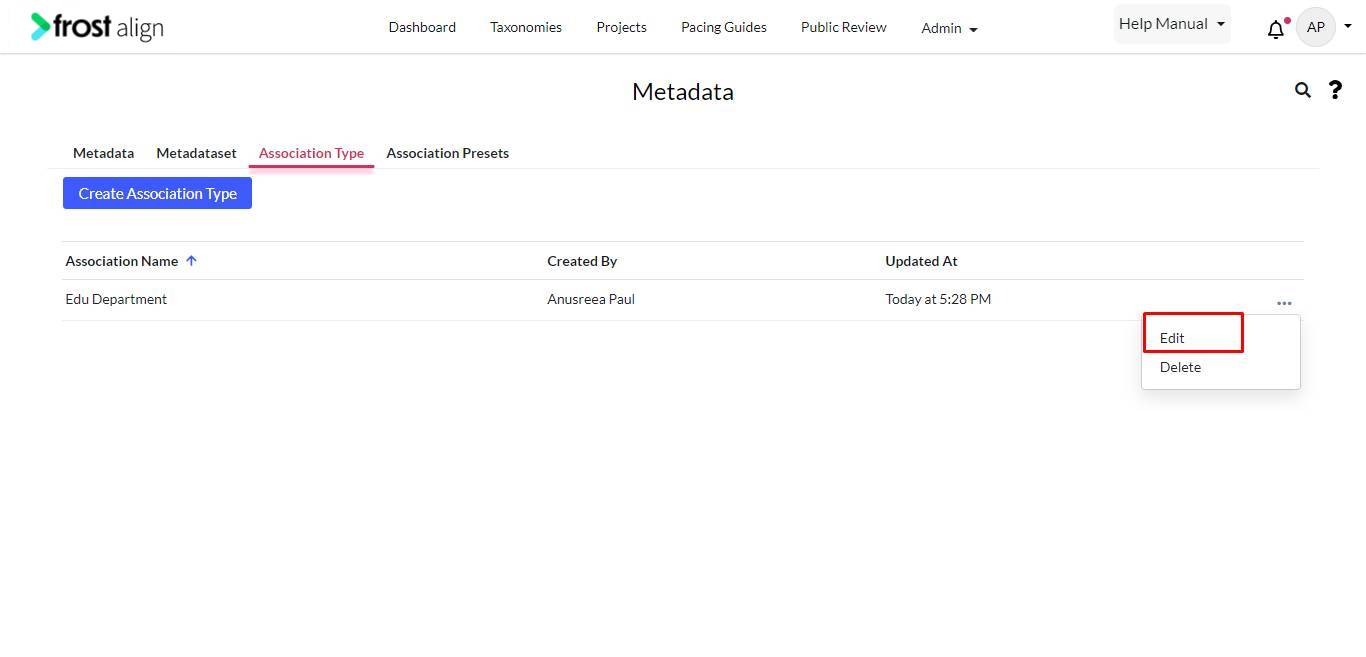
- Select the Association Types tab.
- To edit an association type, select the ellipses (three dots).
- From the dropdown, select Edit.
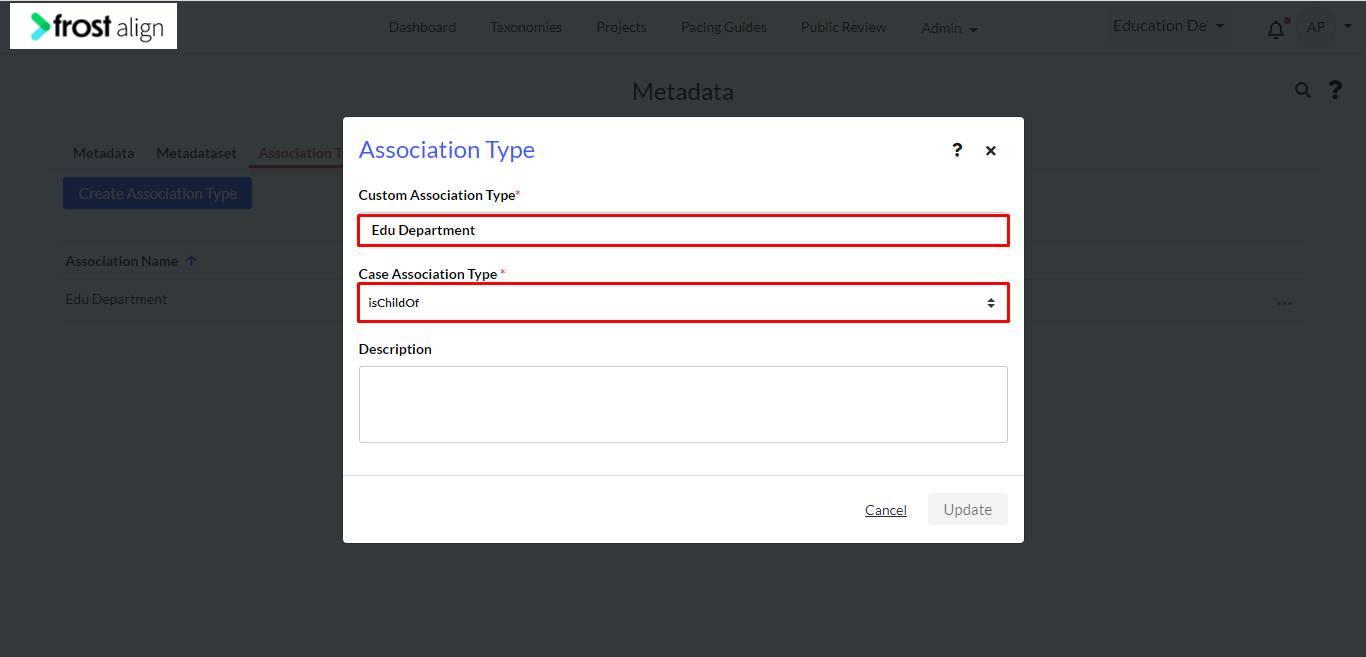
- The Association Types page appears.
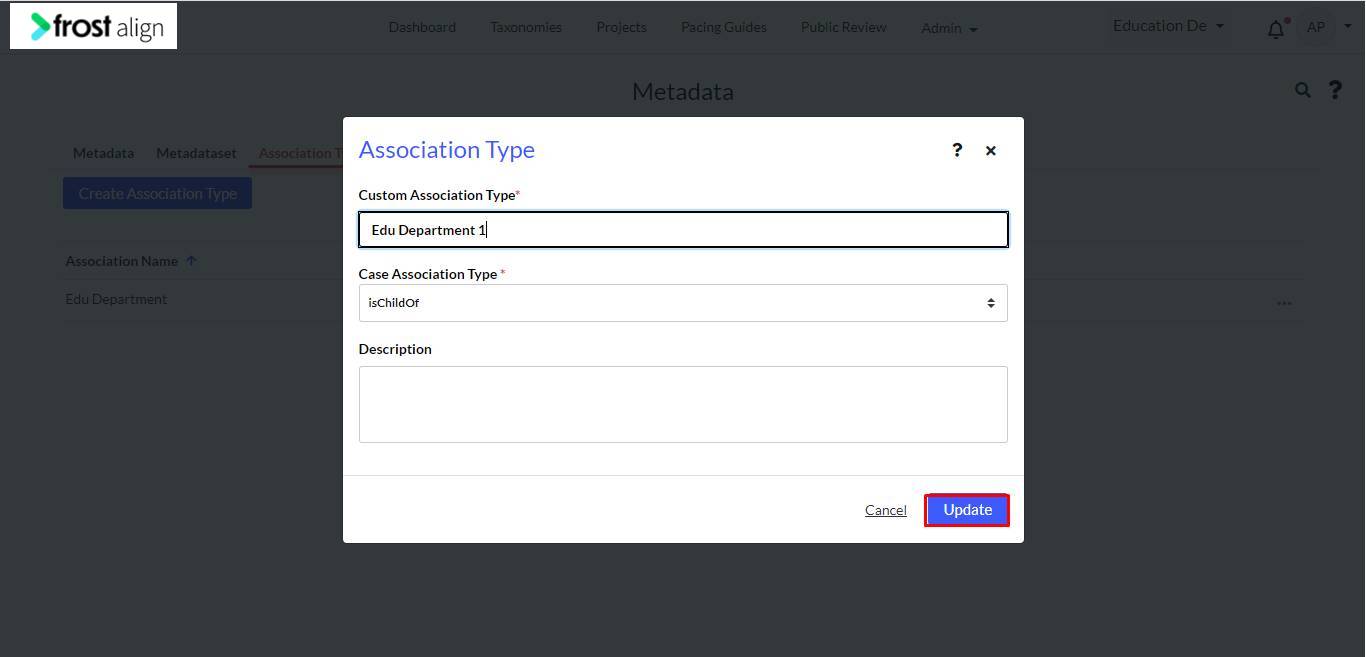
- Update the changes needed.
- Select Update.
Note:
- If your association name is edited, ensure the name is edited in all draft taxonomies
- The edit should not affect any published taxonomy
- While updating/editing, you will get an option to switch/replace with other association types.
- For Association Presets,
Note:
- The created association types can be configured to create presets
- All functionality should continue working as developed for presets