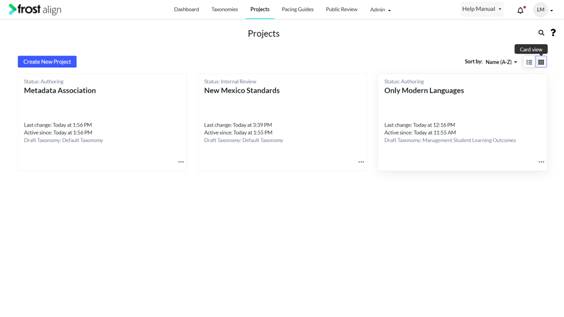
Using the Sorting Feature
How to use the sorting feature?
- Login to access the application. Home screen is displayed.
- From the top menu panel, click Projects.
Select any project to work on. - You can sort the project list in ascending or descending order by Name or Active Since parameters specified in the Sort by: dropdown.
Note:
- The list of active projects that were recently created are displayed in ascending order from newest to oldest order.
- Additionally, once a user sets a filter, sorts a column value, the changes are reflected in both List View and Card View.