Viewing Previously Added Associations Reference while Adding Associations
How to view previously added associations reference while adding associations?
- On the home page, from the menu panel on the top, select Projects.
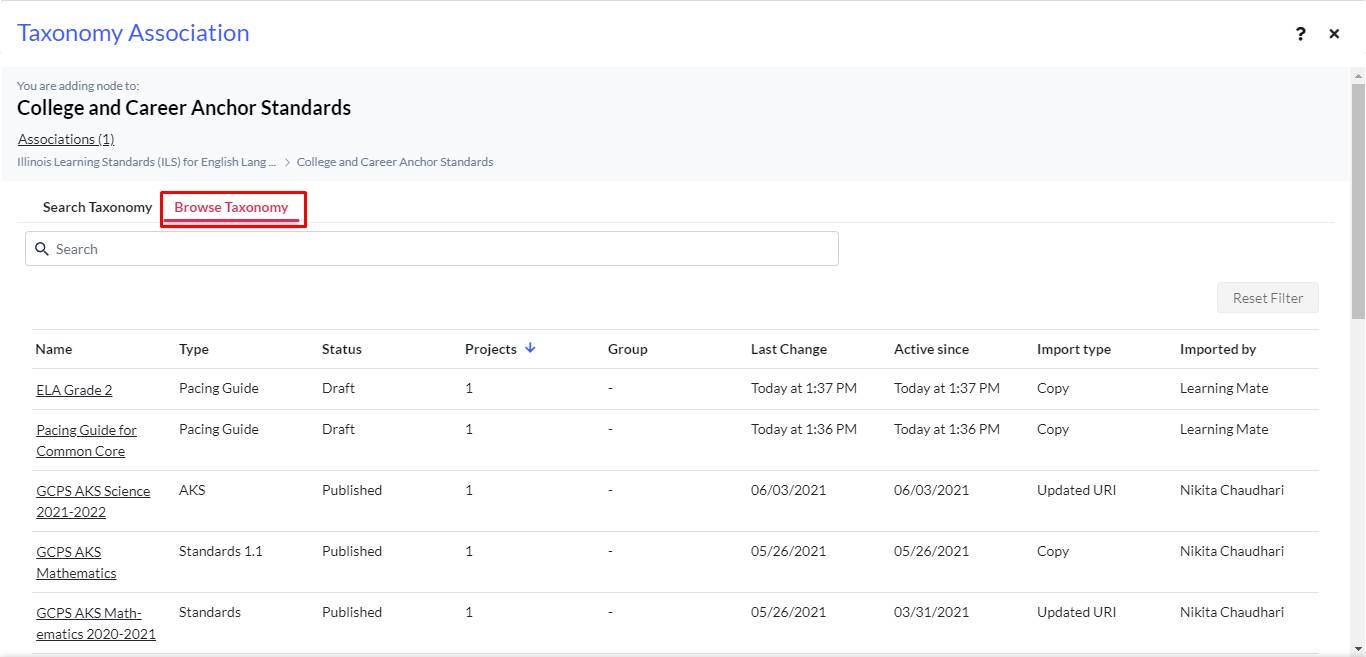
- From Projects, follow steps to the Browse Taxonomy page.
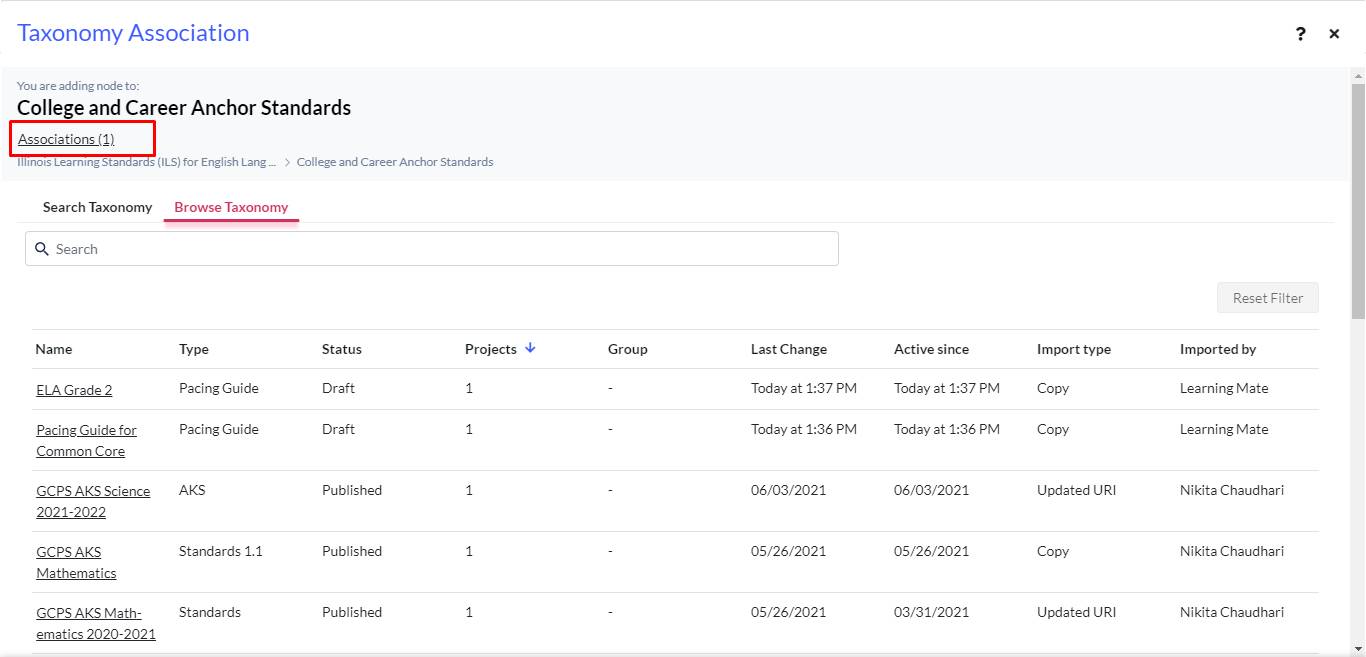
- Notice Associations (10).
- Click the Association link to get directed to the Association list page.
Note: This is how users can view the previously added associations.