Creating a Node Template
What is a node template?
A node template pertains to the names of the levels your state or district uses to distinguish different standard levels. It is best to set up your node template prior to working with Taxonomy. Nodes may be domains, strands, clusters or a term that is appropriate in your state or district. These nodes can further go down to smaller nodes like Standards or Learning Objectives. It can further go down to granular levels of node template like Performance Indicator.
How to create a node template?
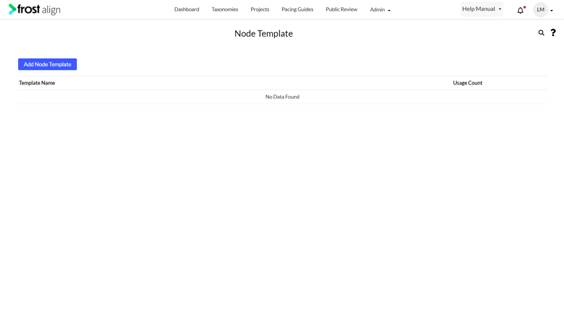
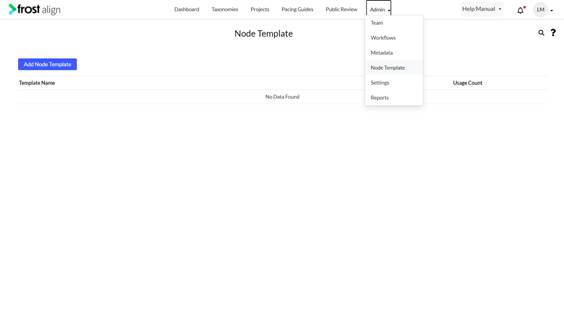
- In the top menu panel, select Admin drop-down, and select Node Template. Select Add Node Template.
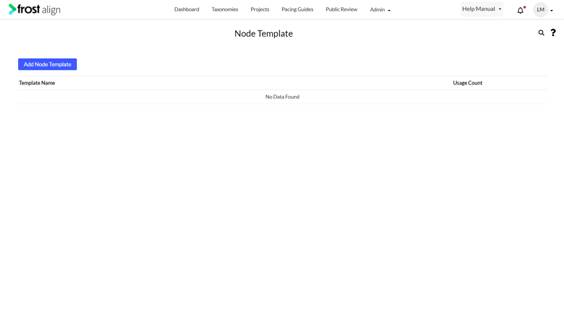
- Select Add Node Template.
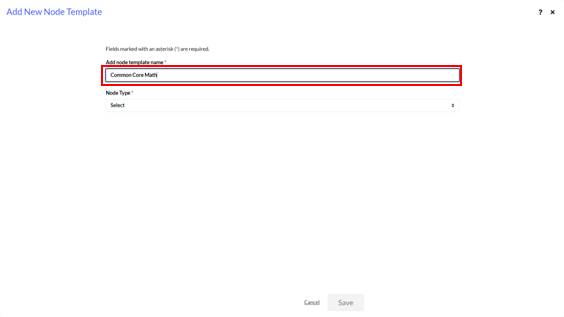
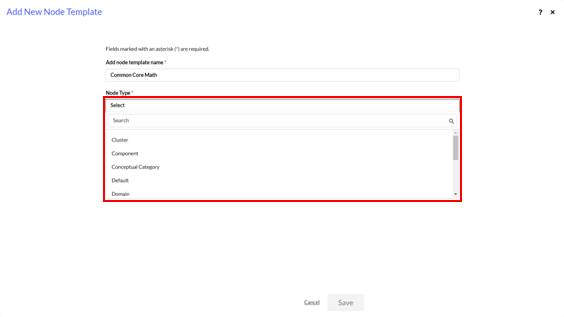
- Select Add node template name *. Give the template a name.
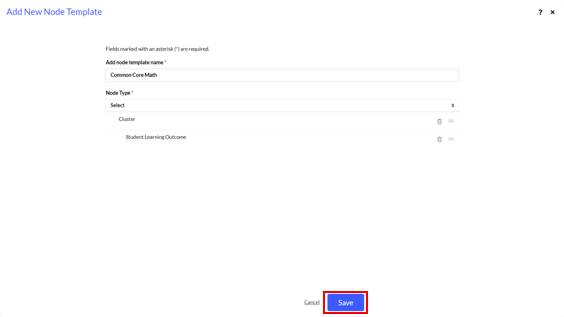
- From the Node Types drop-down, select the highest level of hierarchy.
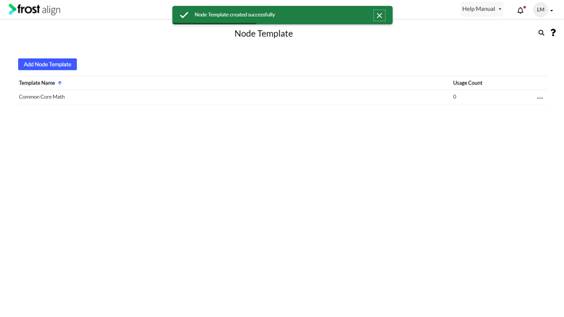
- To save the node template successfully, select Save. The Node template gets successfully added to the list.