Adding a Document
How to add a document?
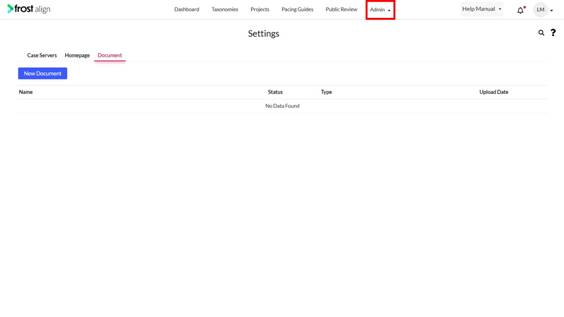
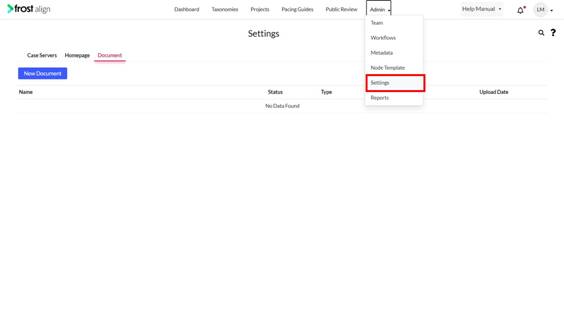
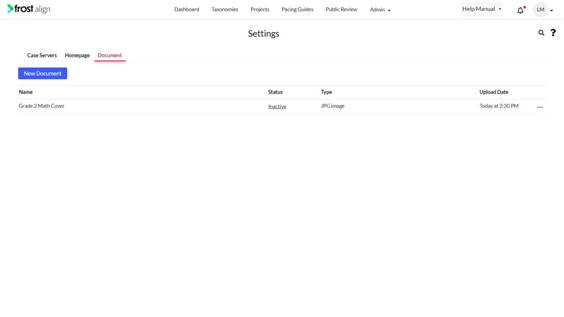
- Select Settings from the Admin drop-down.
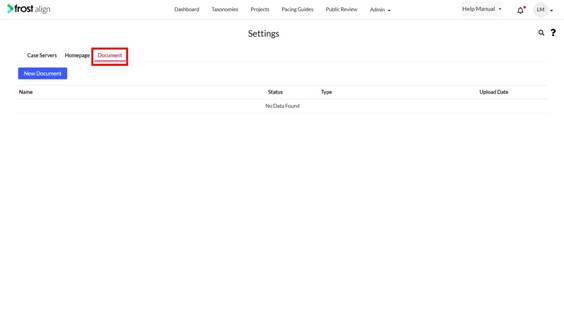
- Next, select the Document tab.
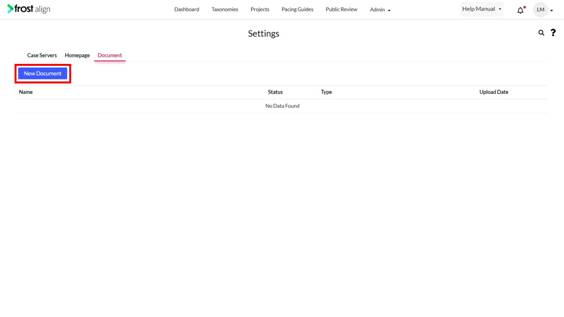
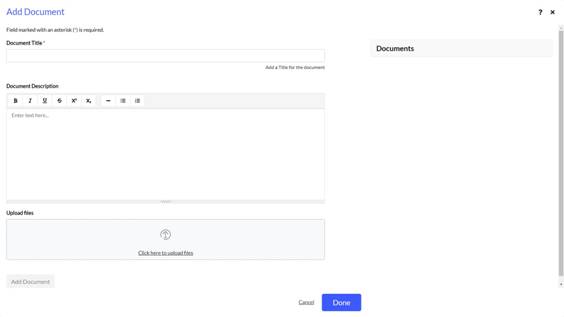
- To create a new document, select New Document.
- Enter the title in the Document Title * field.
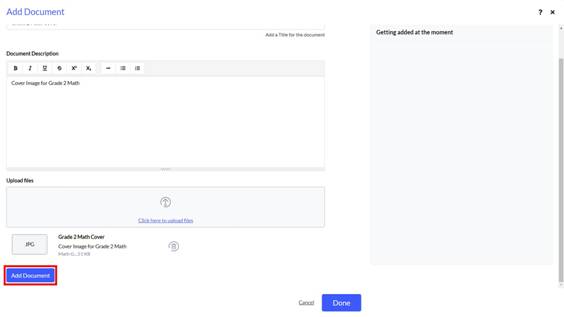
- Enter the Document Description.
- Select Click here to upload files to upload the file(s).
- The Add Document button helps in the document upload.
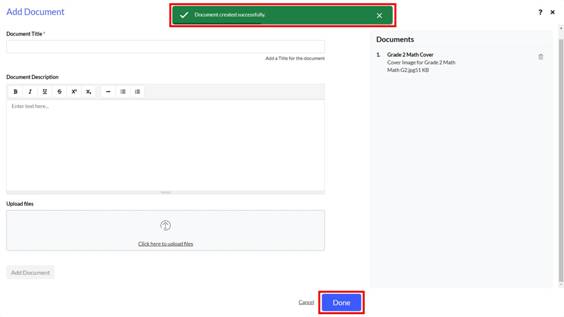
- Select Done to complete the process.
- The Documents section on the right side lists the documents.