Generating Coverage Reports
How to generate coverage reports?
- Login to the application.
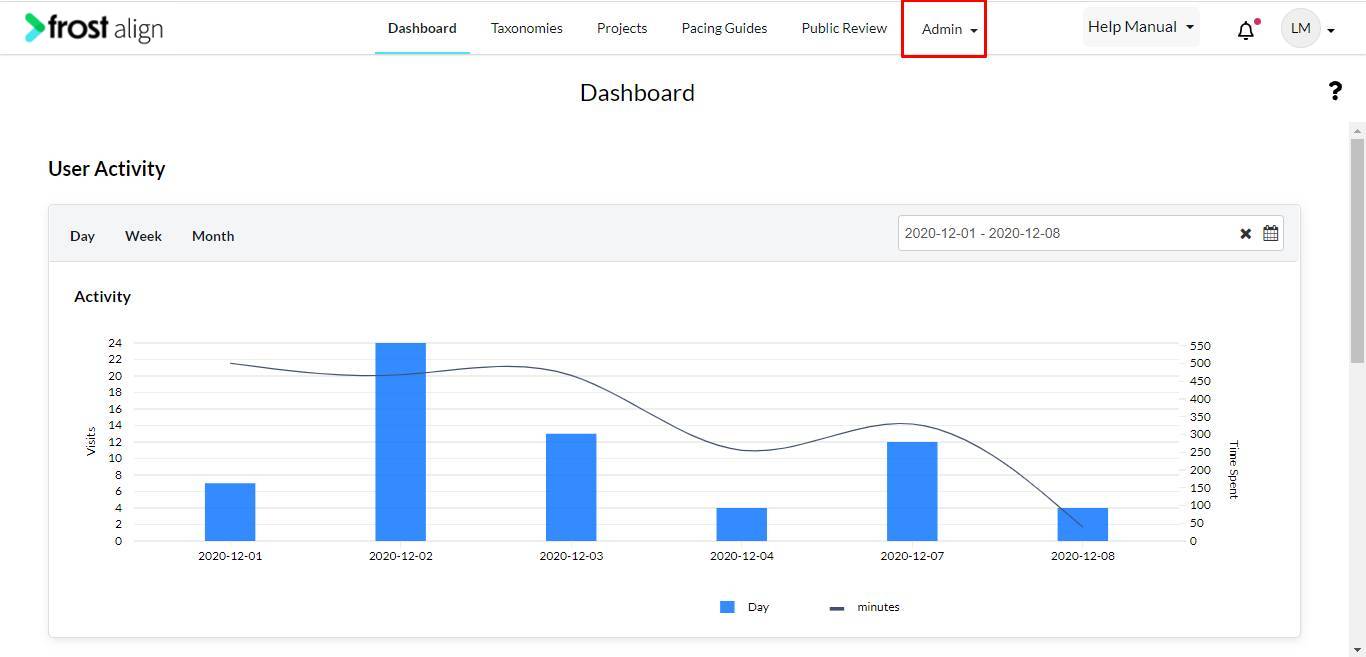
- On the home page, from the Admin panel on the top, select Admin.
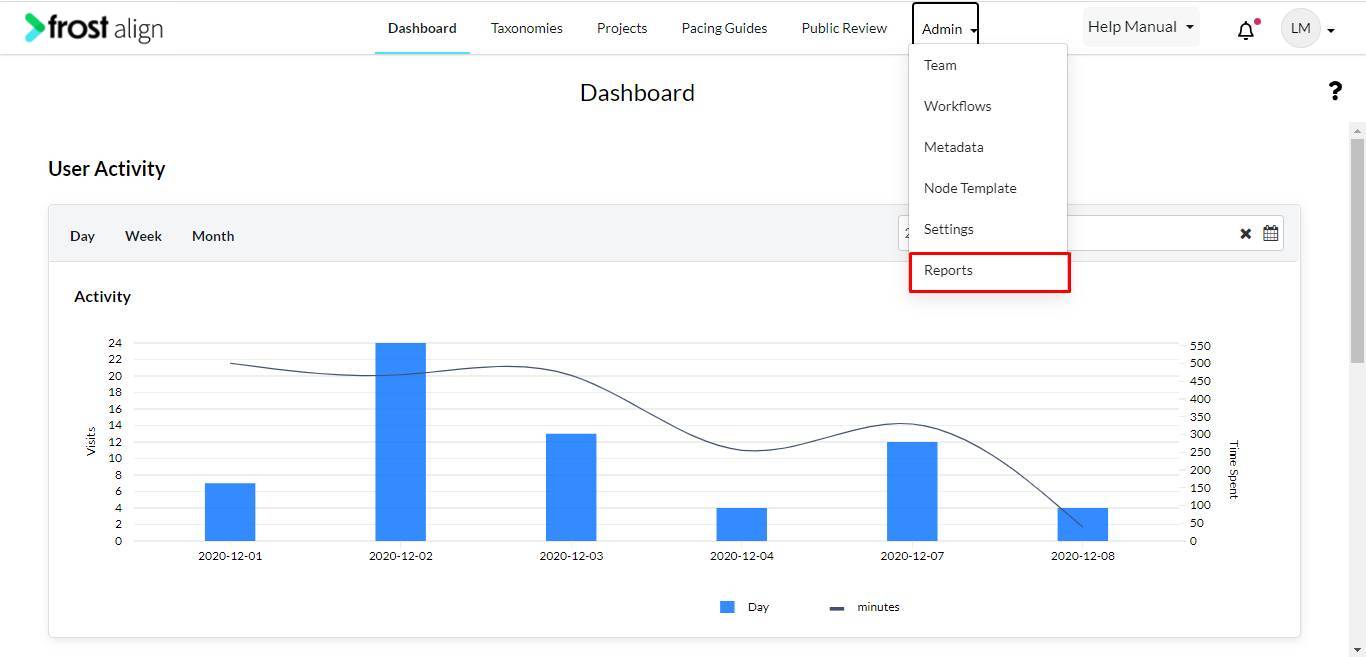
- Select Reports.
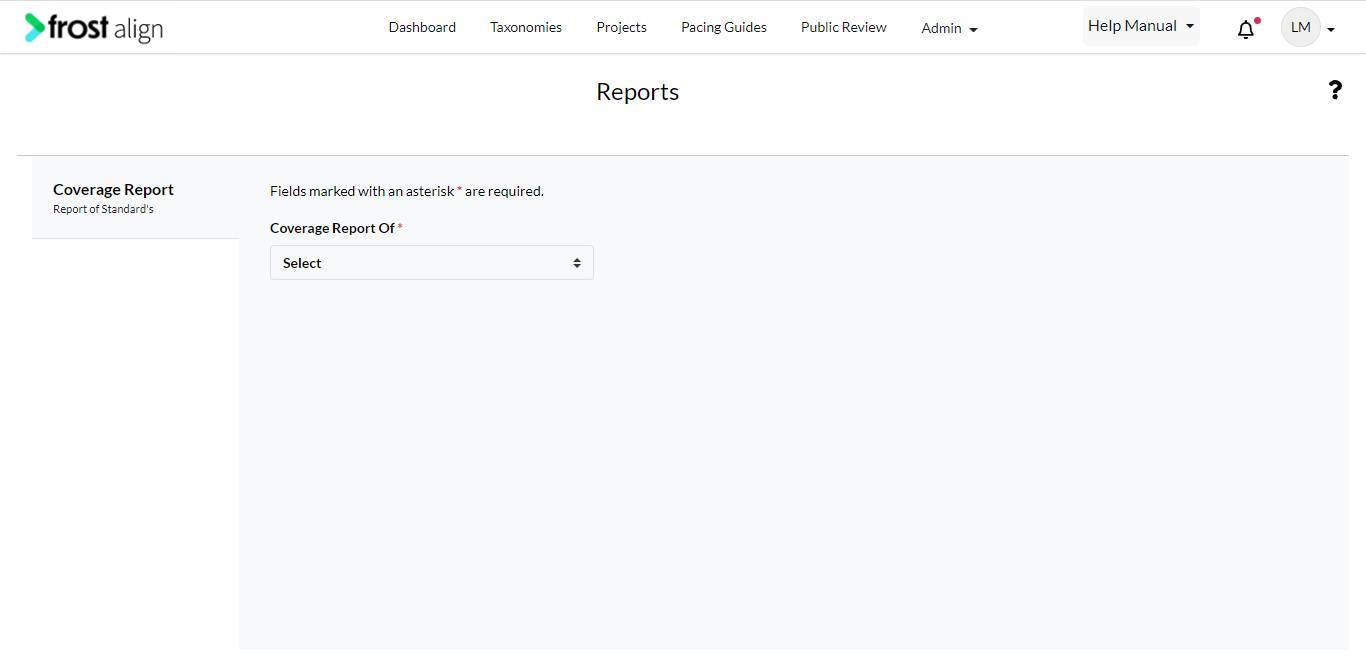
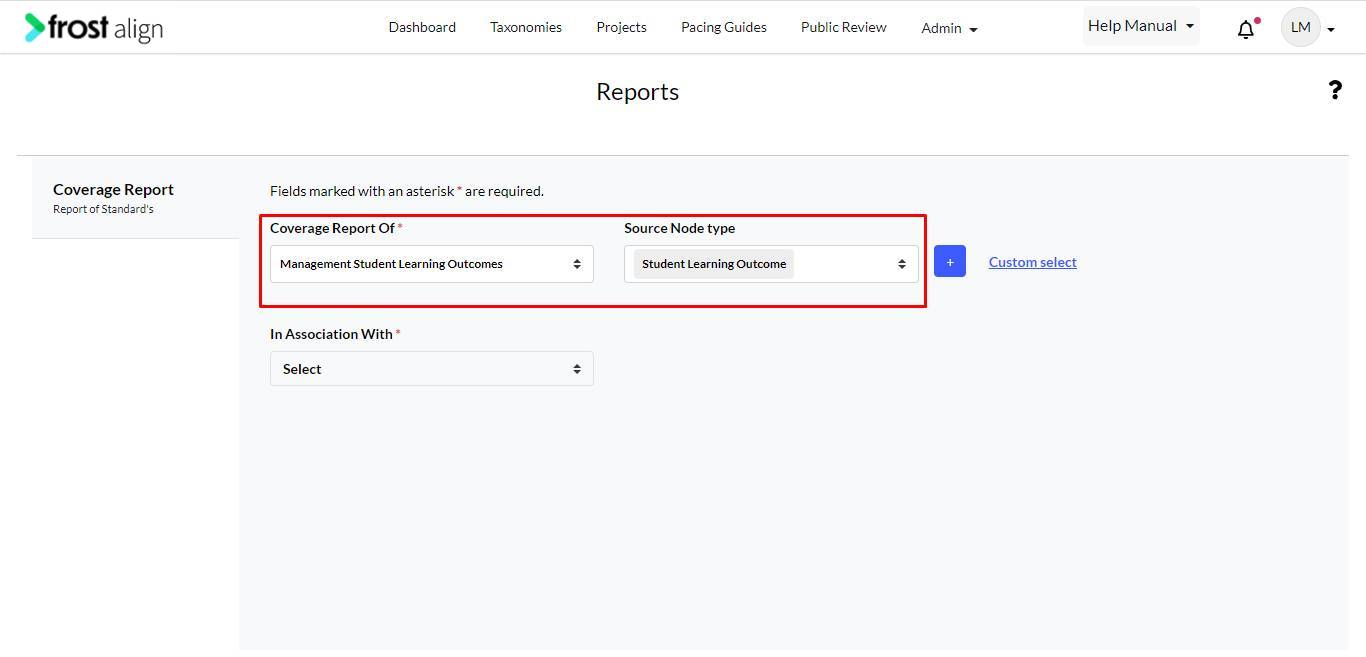
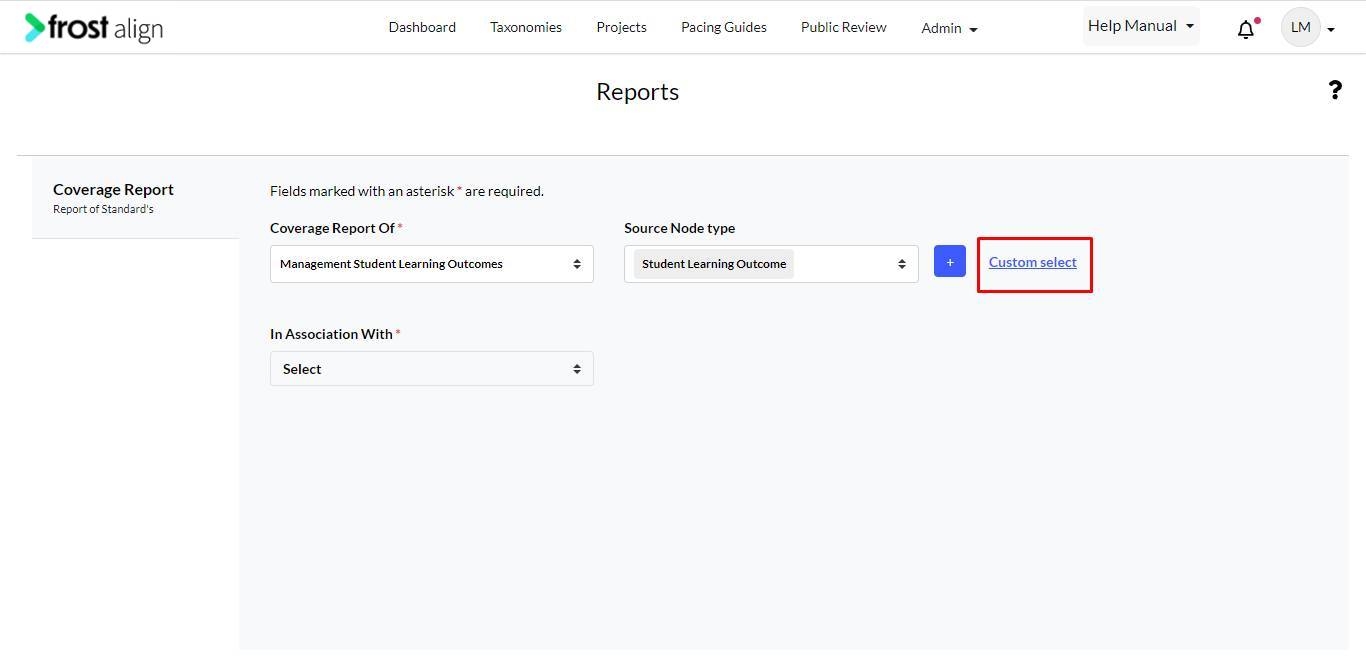
- Fill in the details for Coverage Report Of * Source Node type, and In Association With *
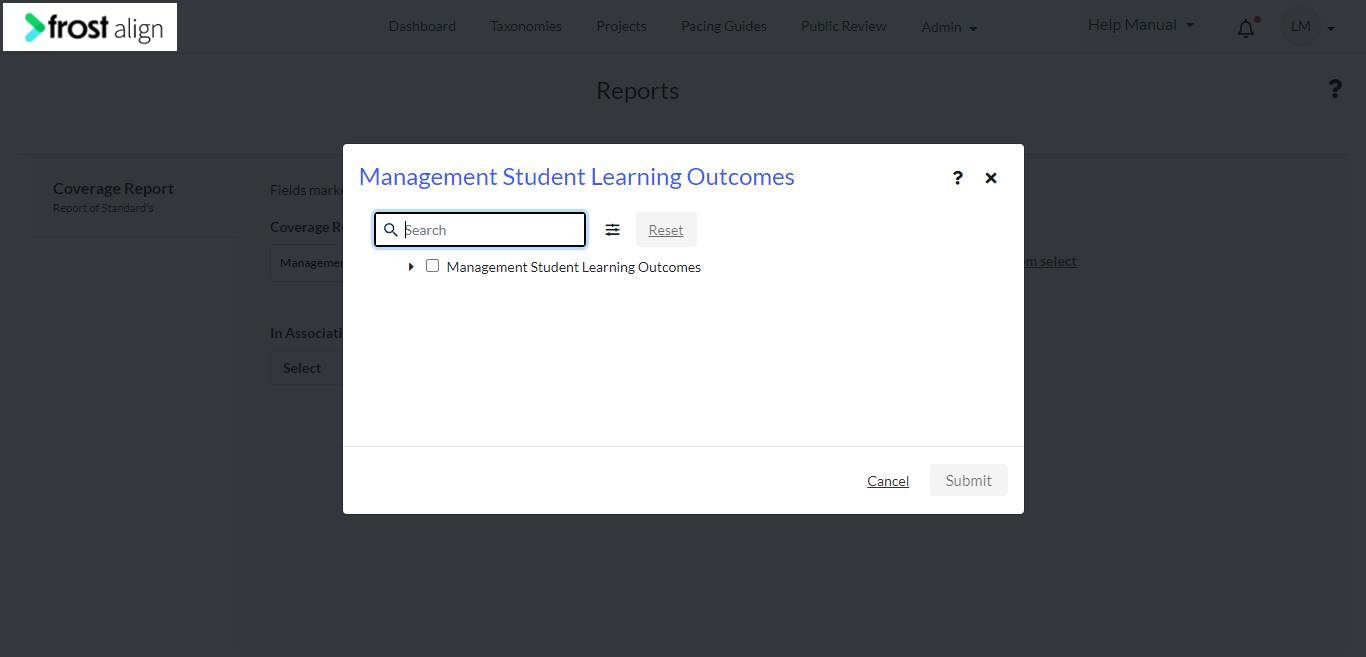
- Use the Custom select option to further enhance your search.
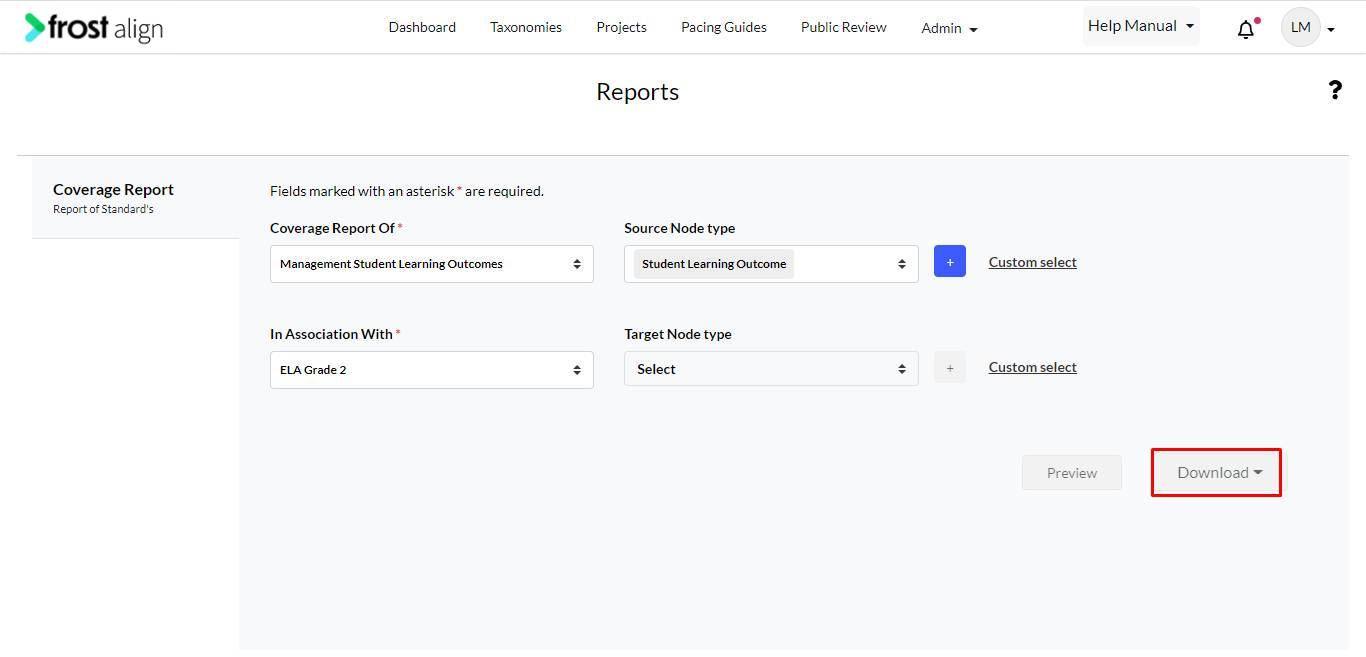
- Select Add to continue to use the Preview and Download button.
Note:
- You can download a coverage report as a PDF/WORD/EXCEL document.
- You can generate the report in your preferred format via Jasper.
- You can preview the report before downloading.
- You can select multiple taxonomies at one go in association with, to view the report.