Skip to main content
Submitting a Review
How to submit a review?
- Login to the application.
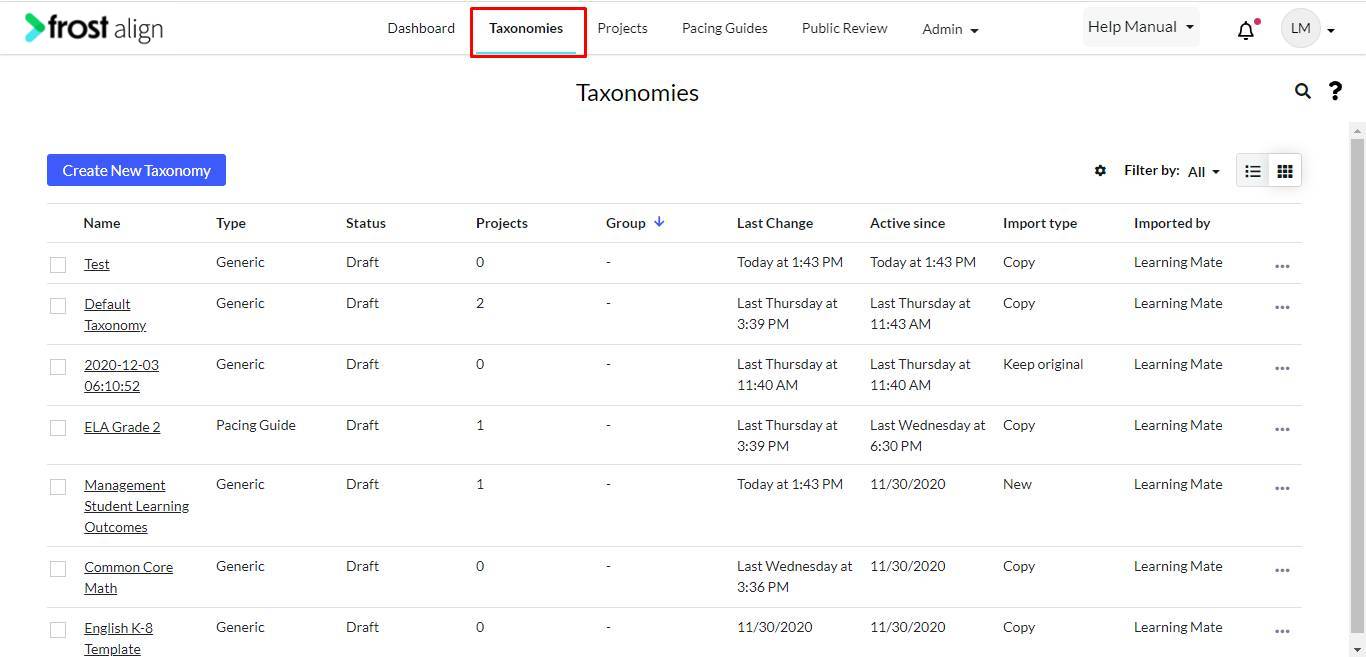
- On the home page, from the Admin panel on the top, select Taxonomies.
- Select your choice of taxonomy.
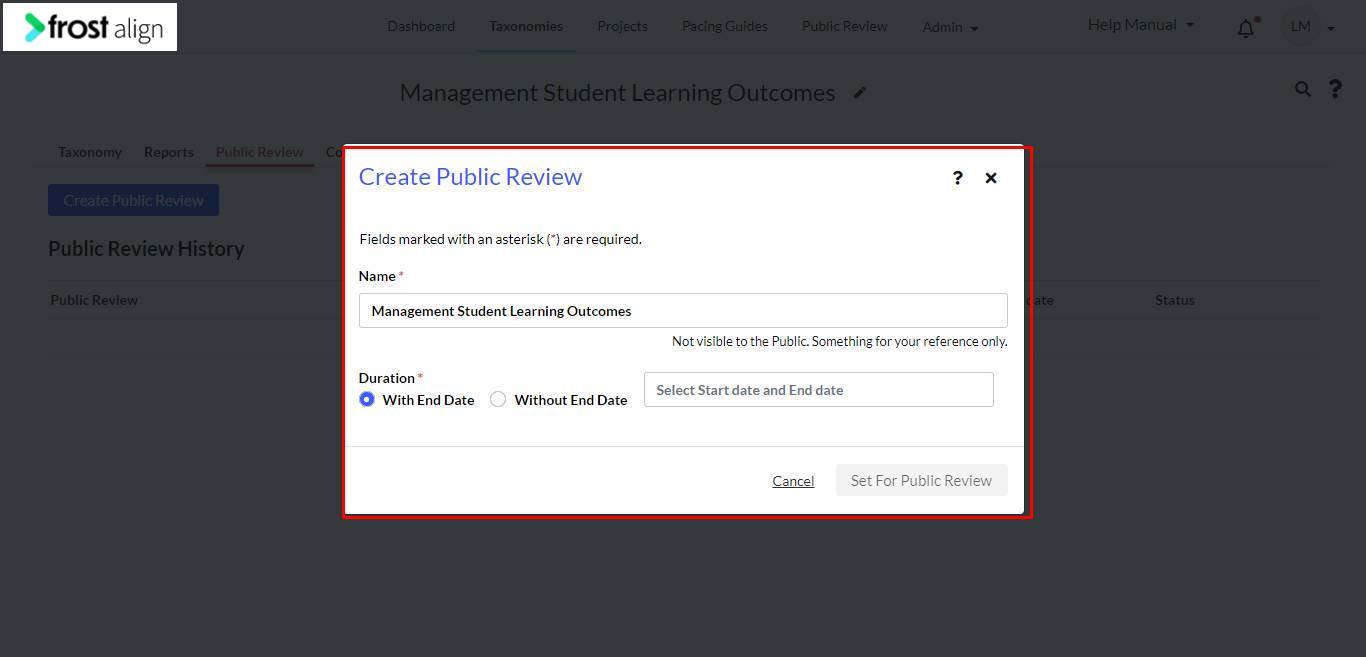
- From the tab list, select Public Review.
- Next, select Create Public Review.
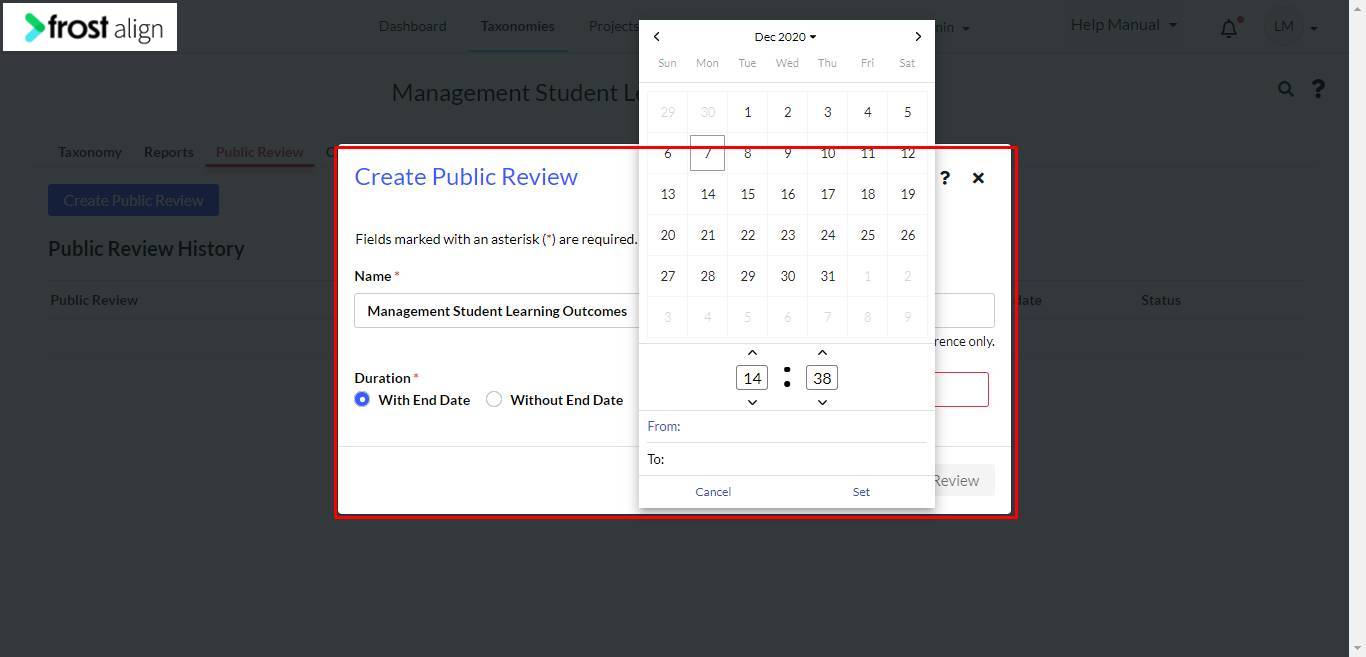
- In the Create Public Review pop-up window, fill in the Duration *
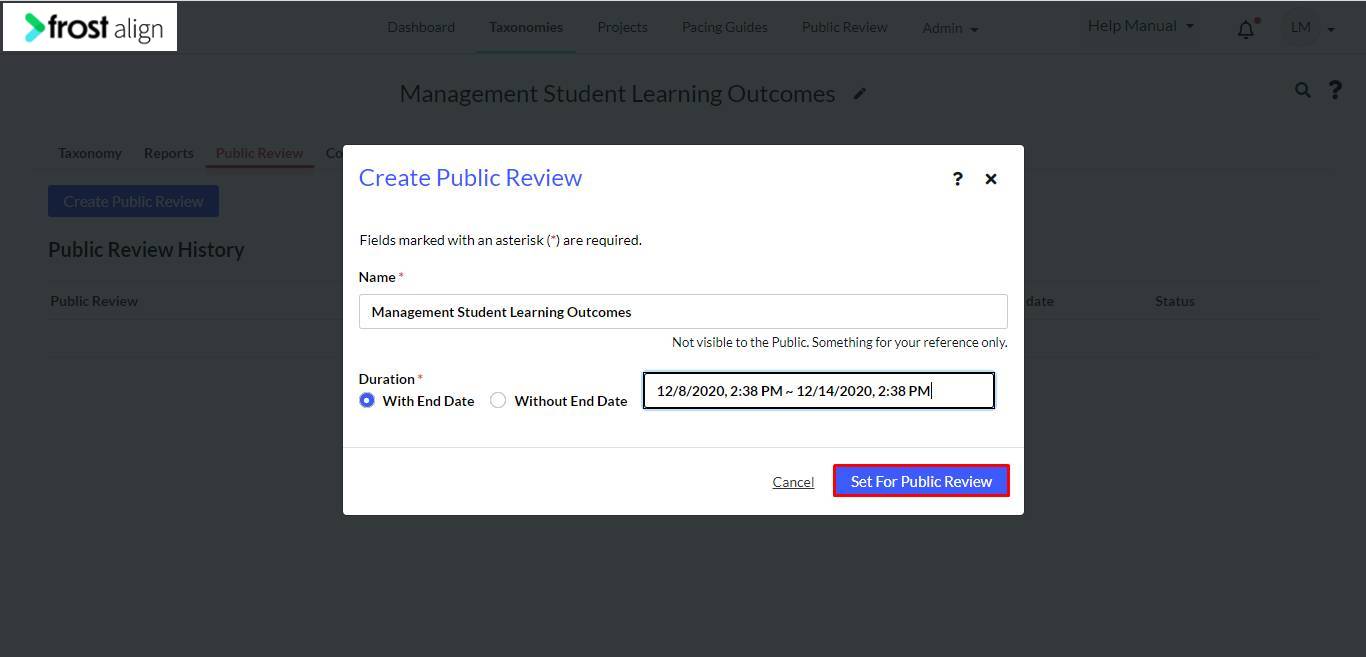
- Fill in the Select Start date and End date box.
- Select Set.
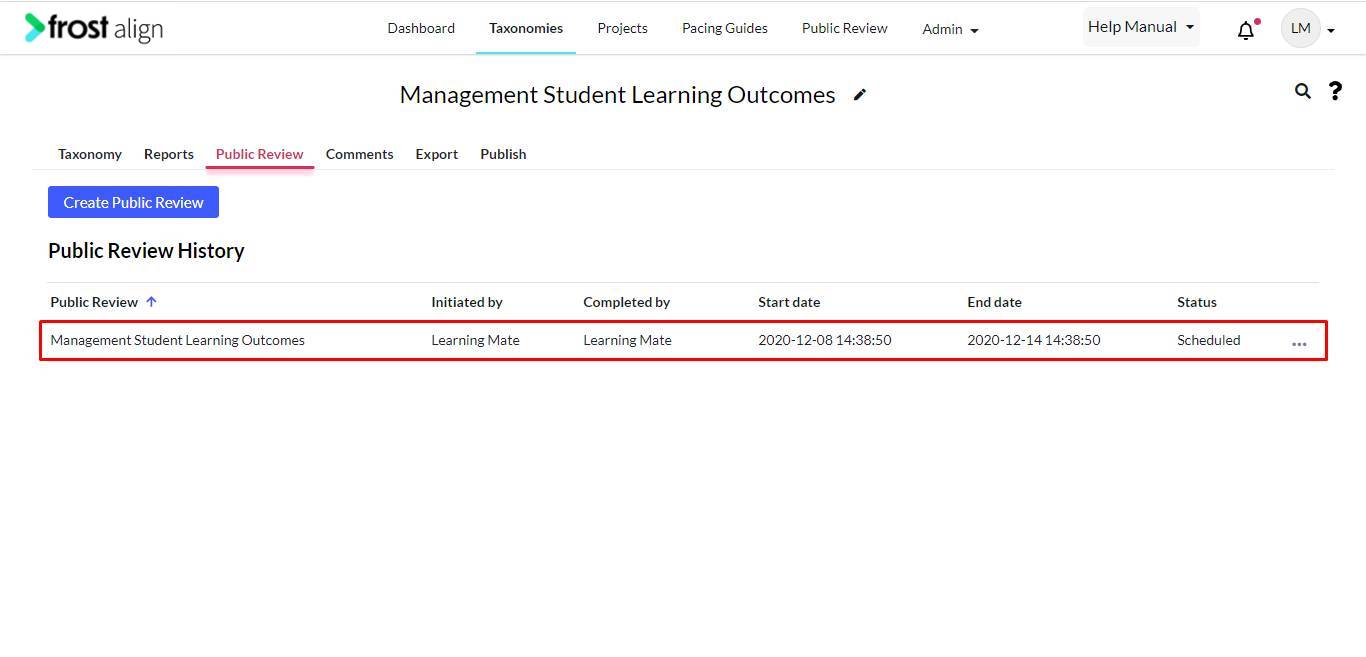
- The taxonomy appears under the Public Review tab.
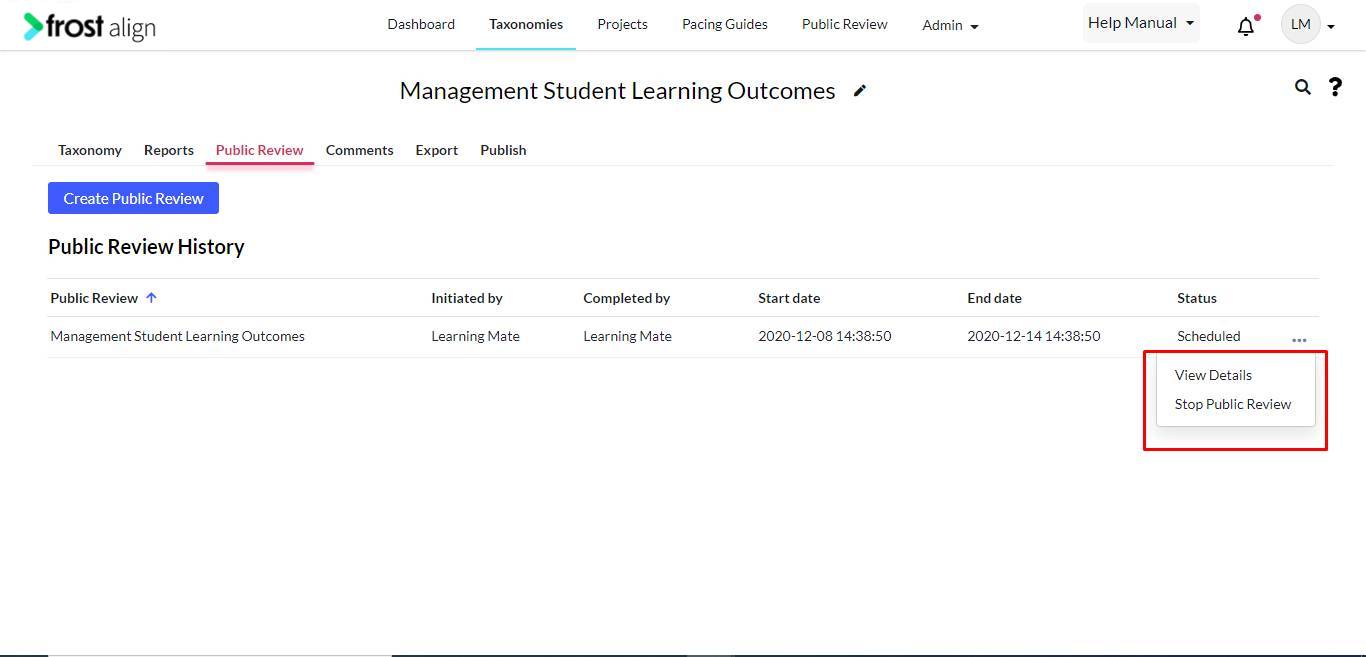
- You can choose from the two options – View Details or Stop Public Review.
- Select View Details to get a detailed review.
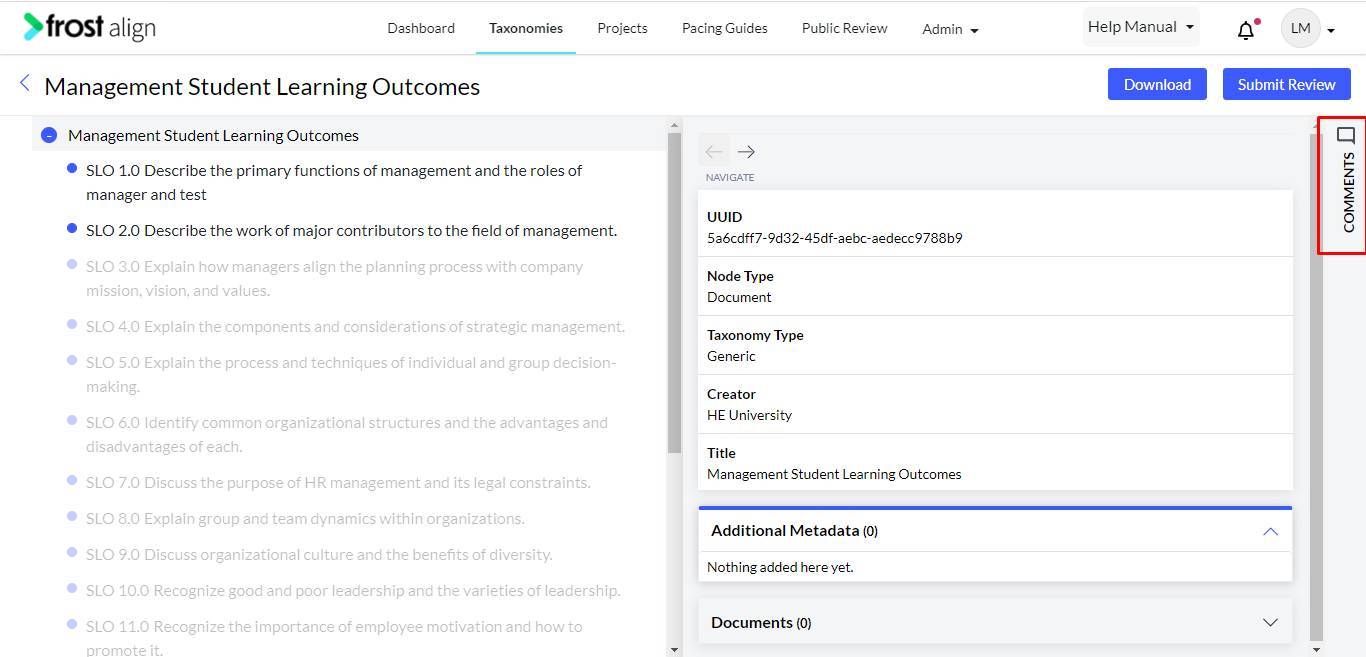
- Select Comments.
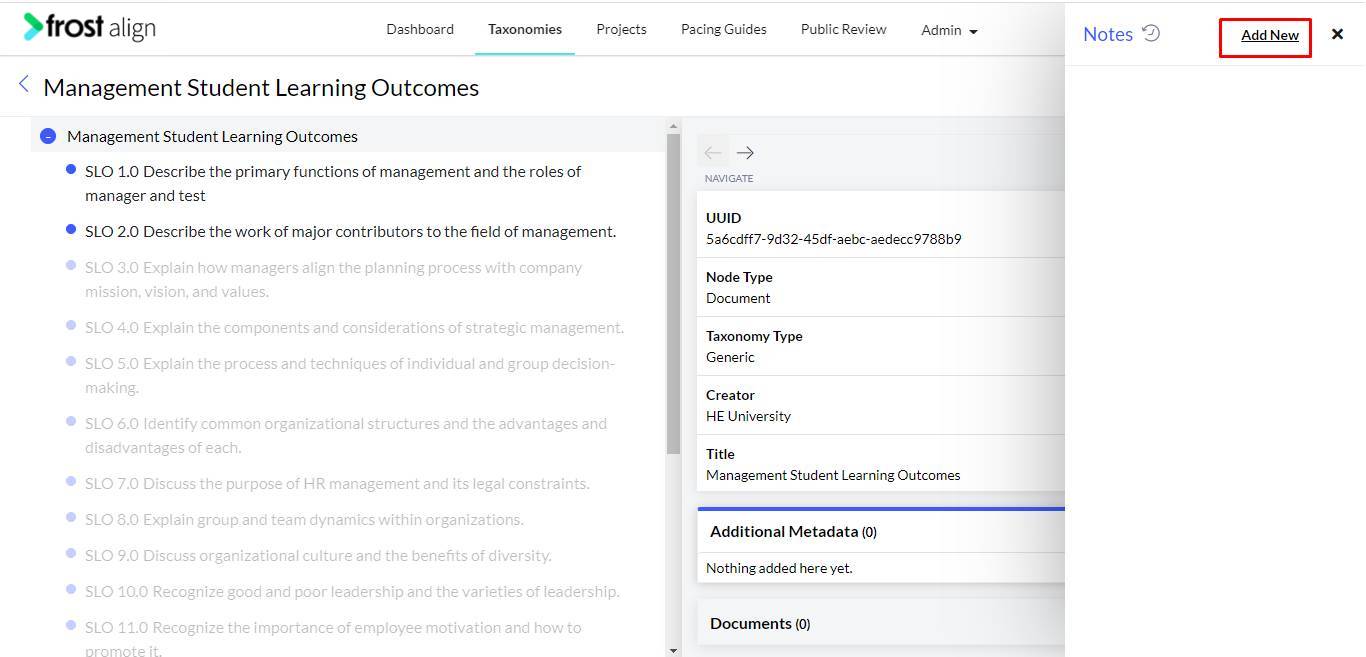
- Select Add New.
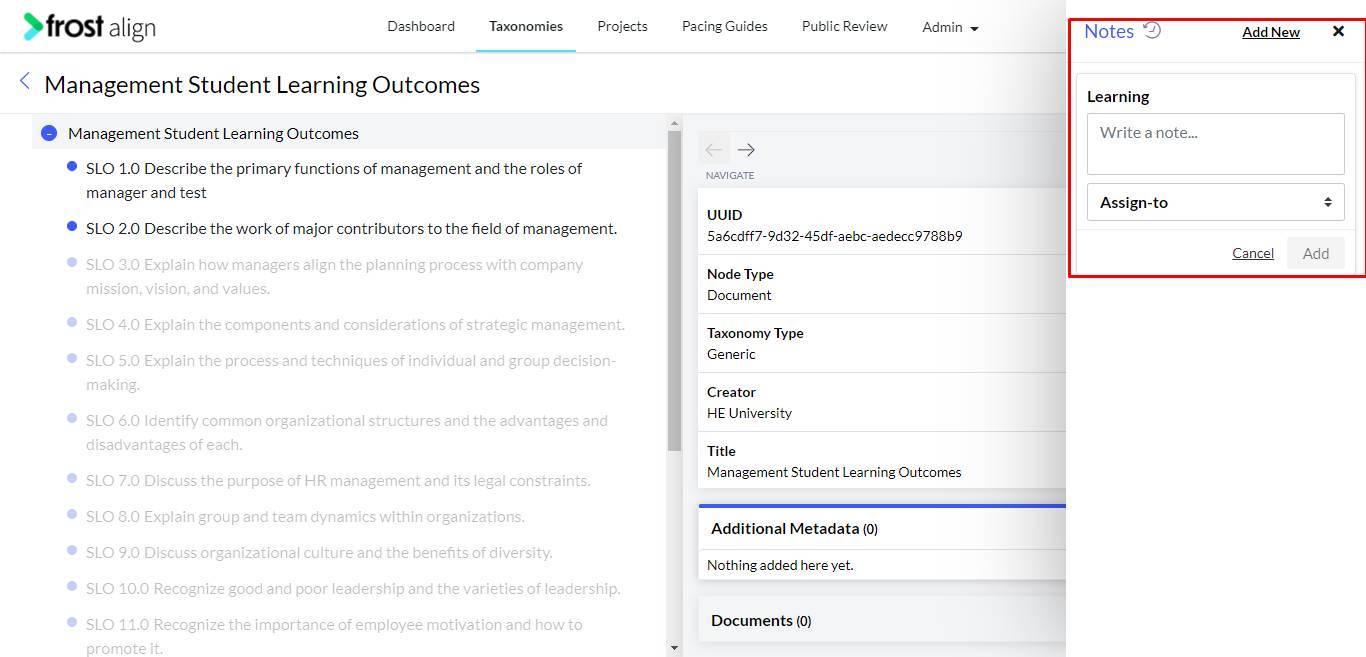
- Add a note, and Assign-to. Select Add.
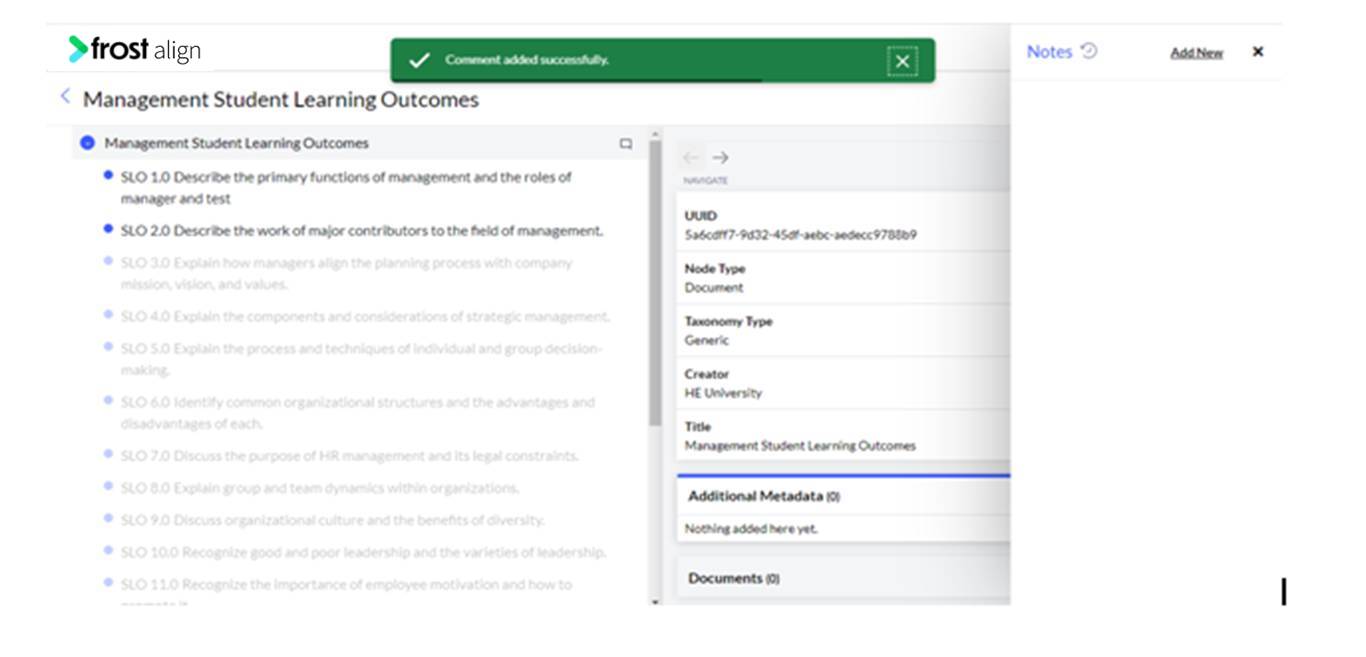
- Message confirming that Comment added successfully. and the note appears.
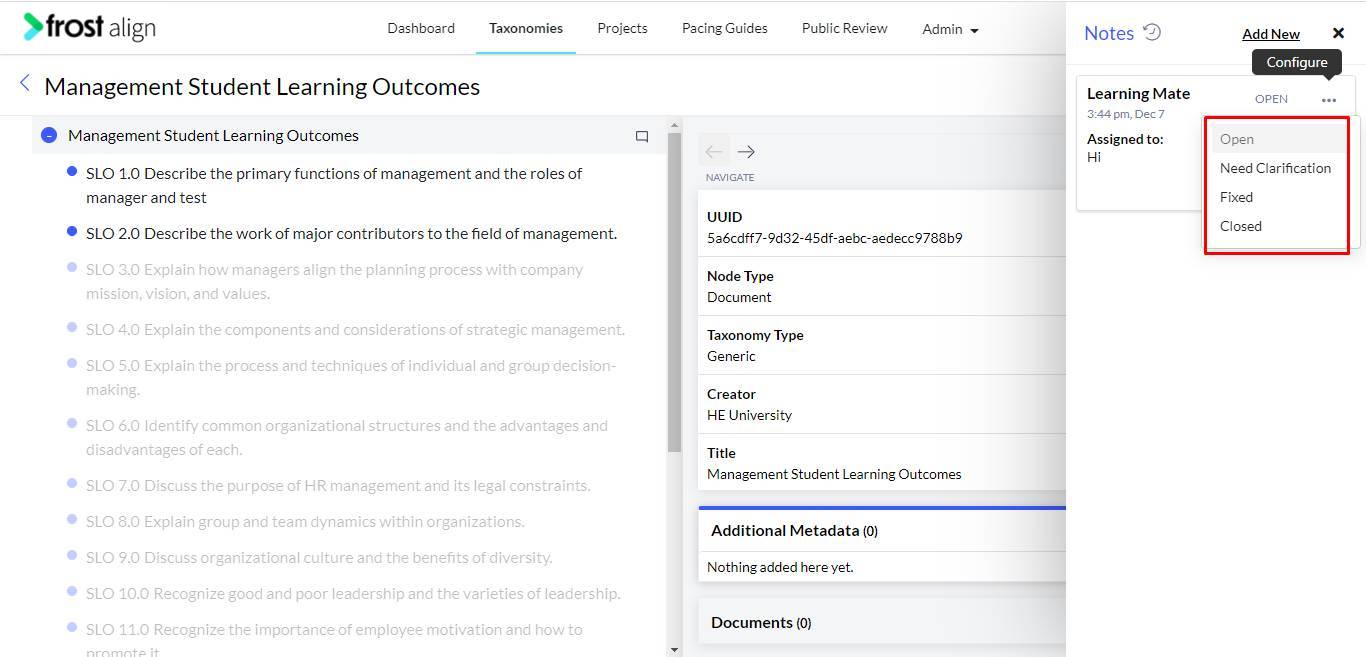
- Select the ellipses (three dots) on the side of the note to perform any action from Open, Need Clarification, Fixed and Closed.
- You can choose to Reply to the note.
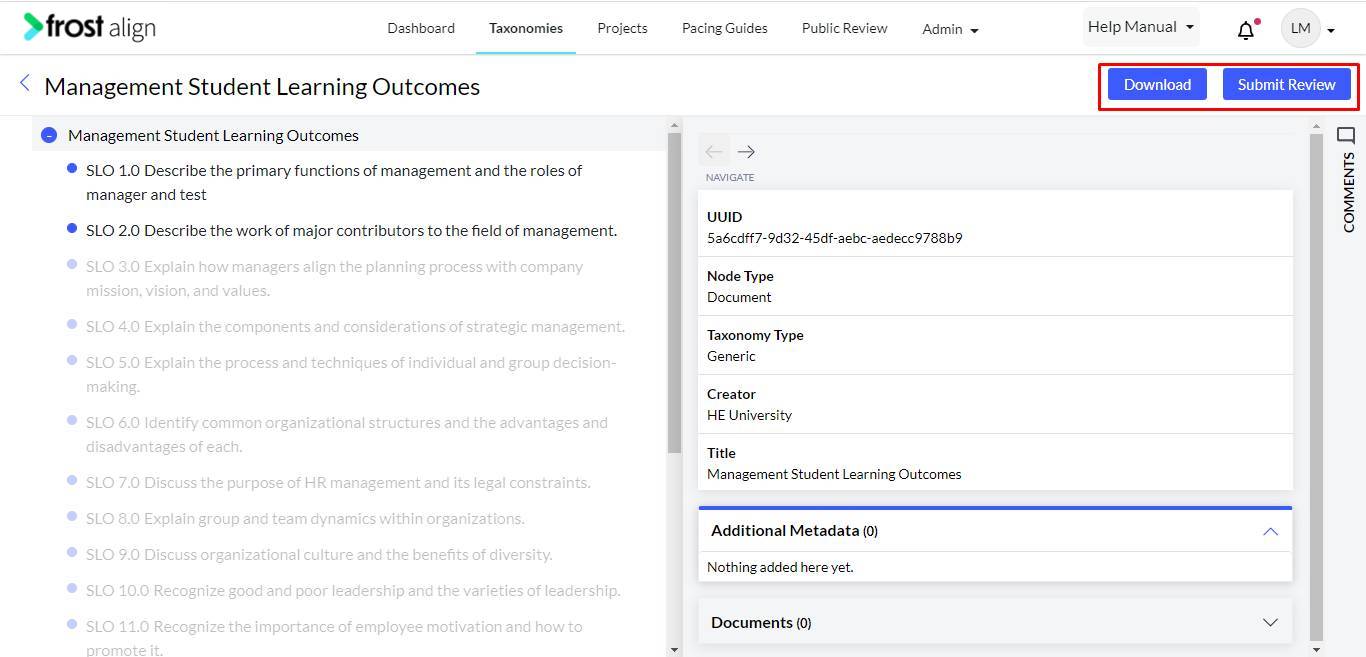
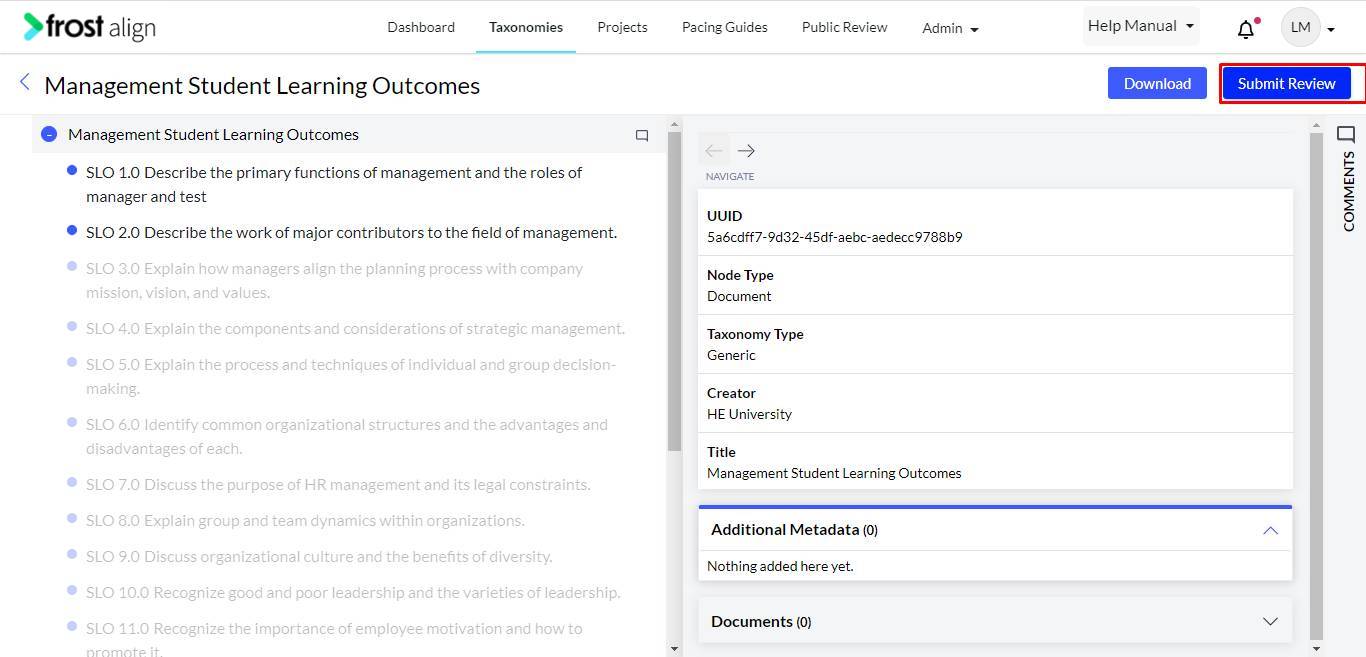
- Once you’re done making changes, select Submit Review.
- The complete review nodes appear.