How to enable the Canvas LTI Export type option for exporting content pages as native pages in Canvas LMS
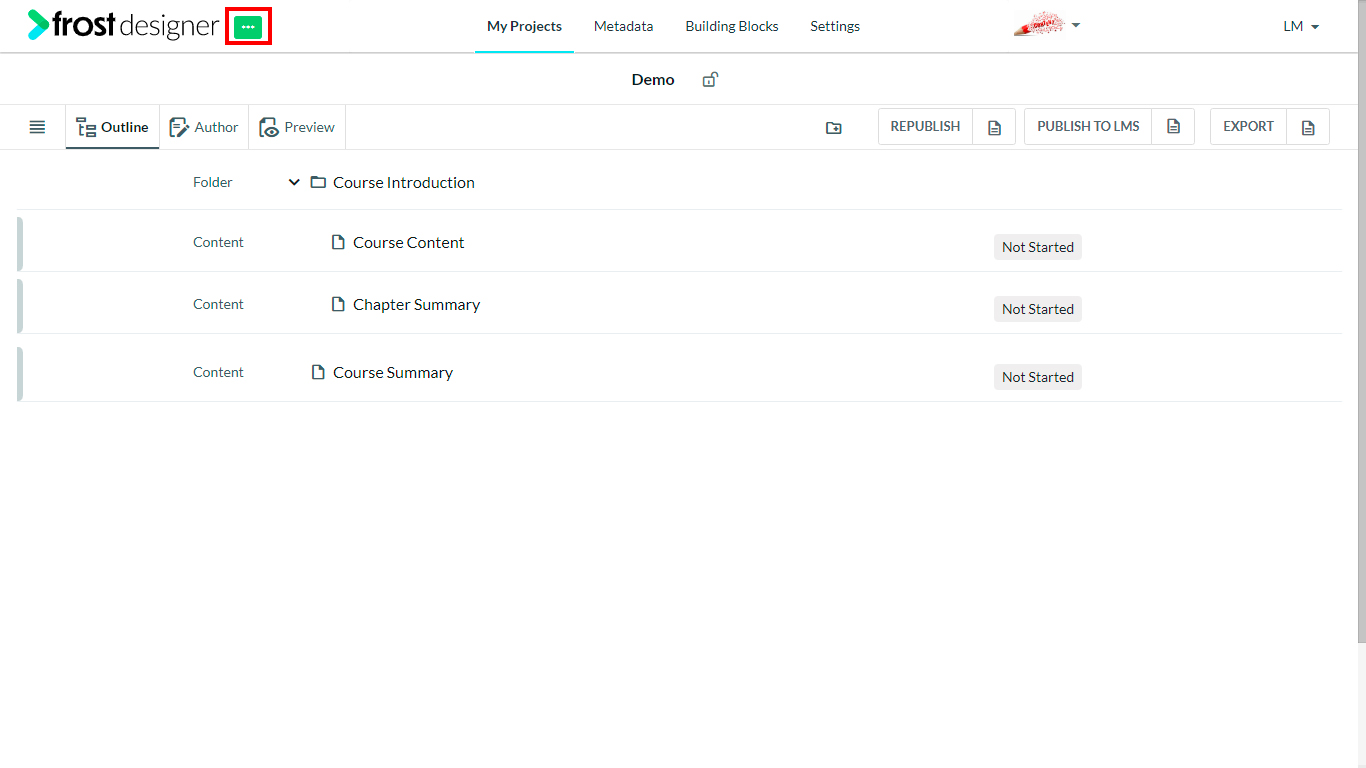
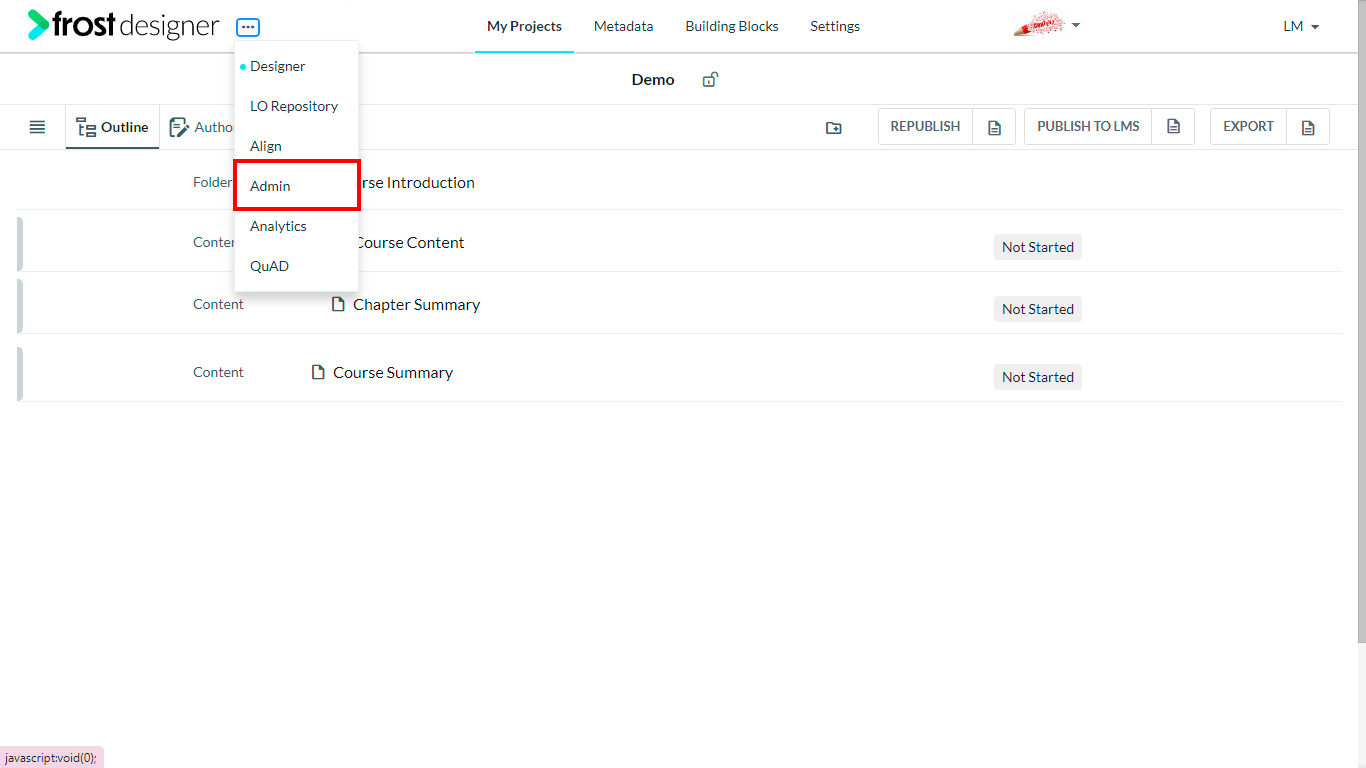
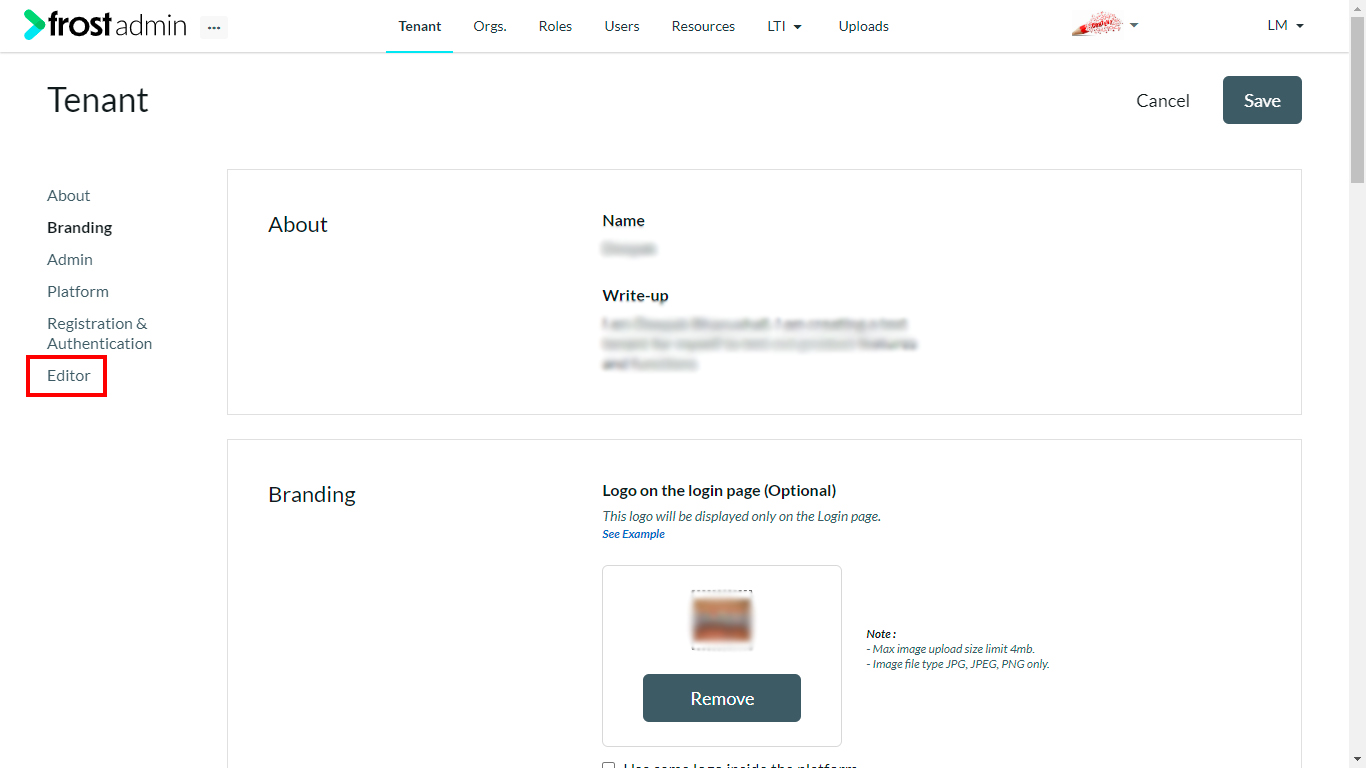
- Navigate to the Admin platform by clicking on the horizontal ellipses. The ellipses are at the top-left corner of the screen.
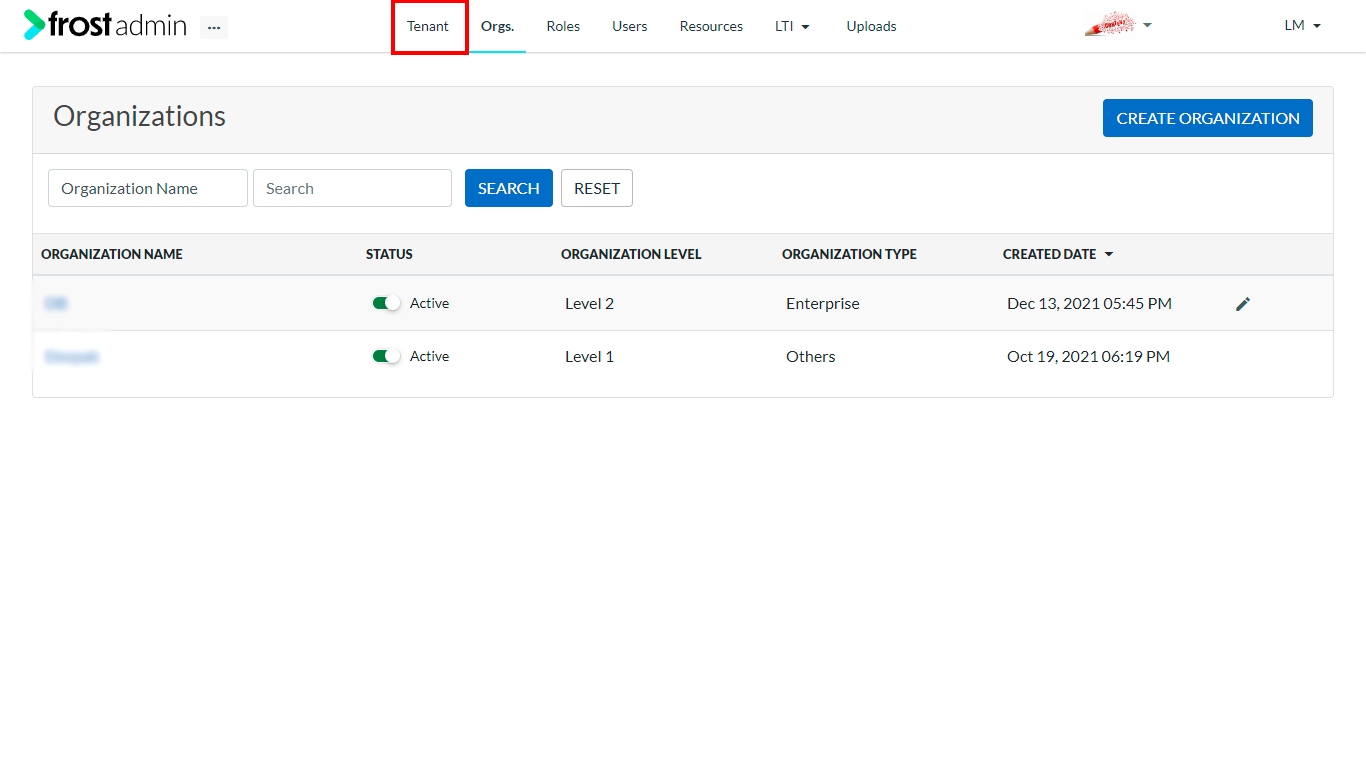
- On the Admin dashboard, select the Tenant tab to navigate to the Tenant Configuration page.
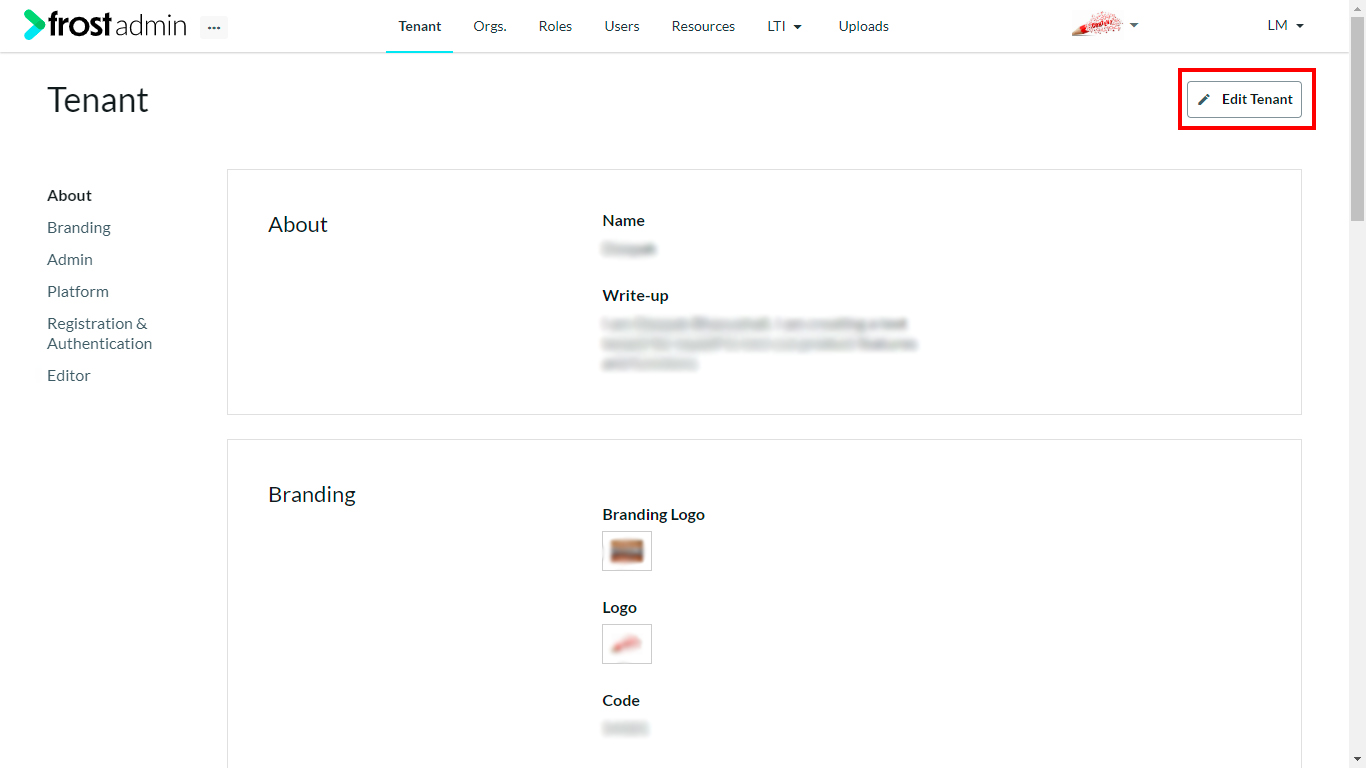
- Click the Edit button to open the configuration form and navigate to the Editor section.
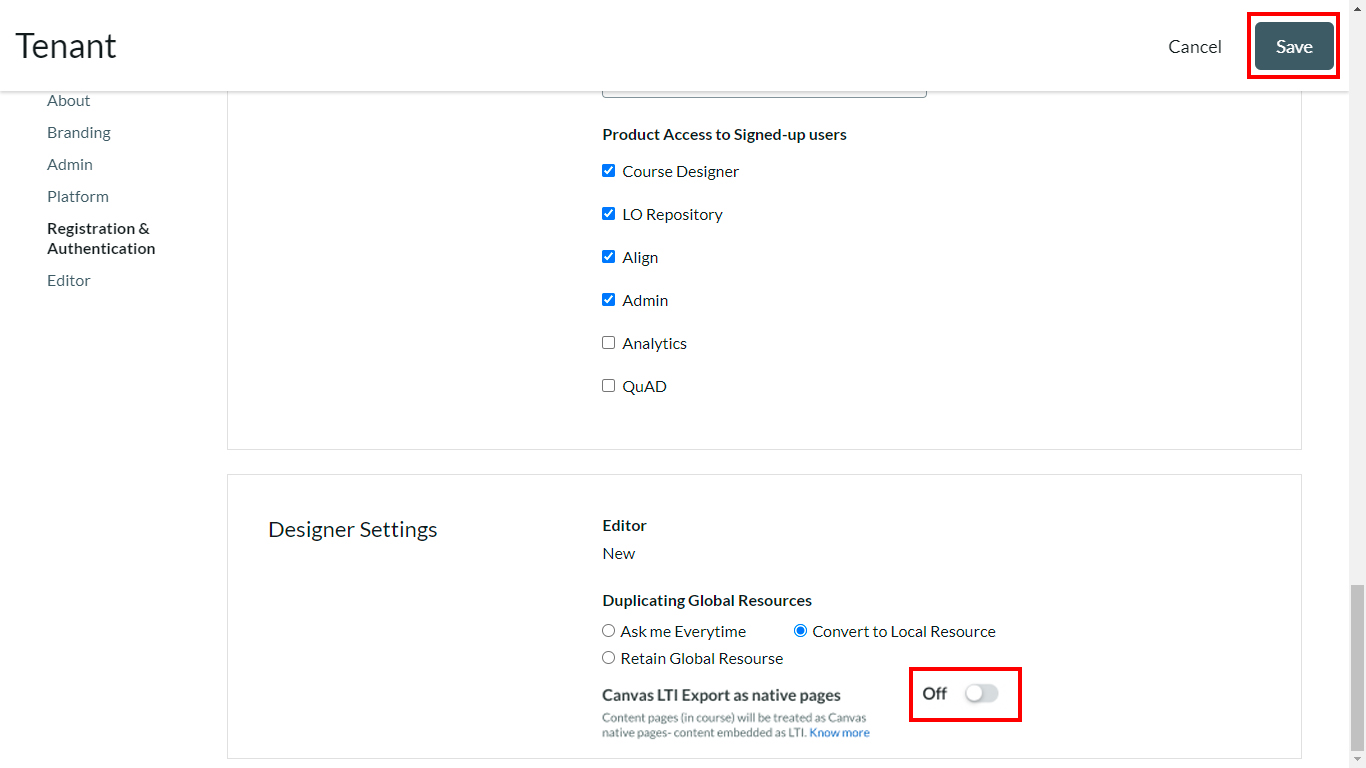
- Under Designer Settings, turn On the option Canvas LTI Export as native pages.
Note: Once this option is turned on it will be visible while exporting an Online Course as Canvas LTI to enable exporting content pages as native pages in Canvas LMS
- Click the Save button to update the changes.