Importing a Taxonomy via CASE API
How to request for a taxonomy via CASE API?
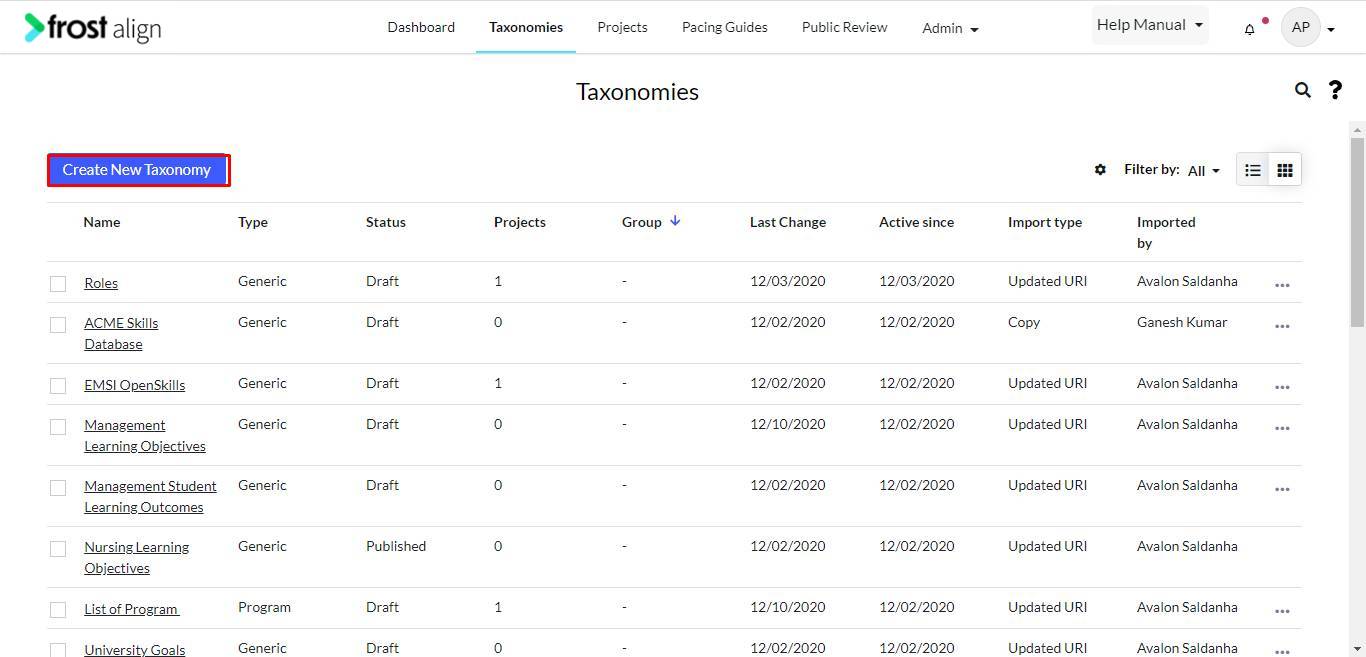
- On the home page, from the Admin panel on the top, select Taxonomies.
- Select Create New Taxonomy.
- Next, click Import files.
- Click Continue.
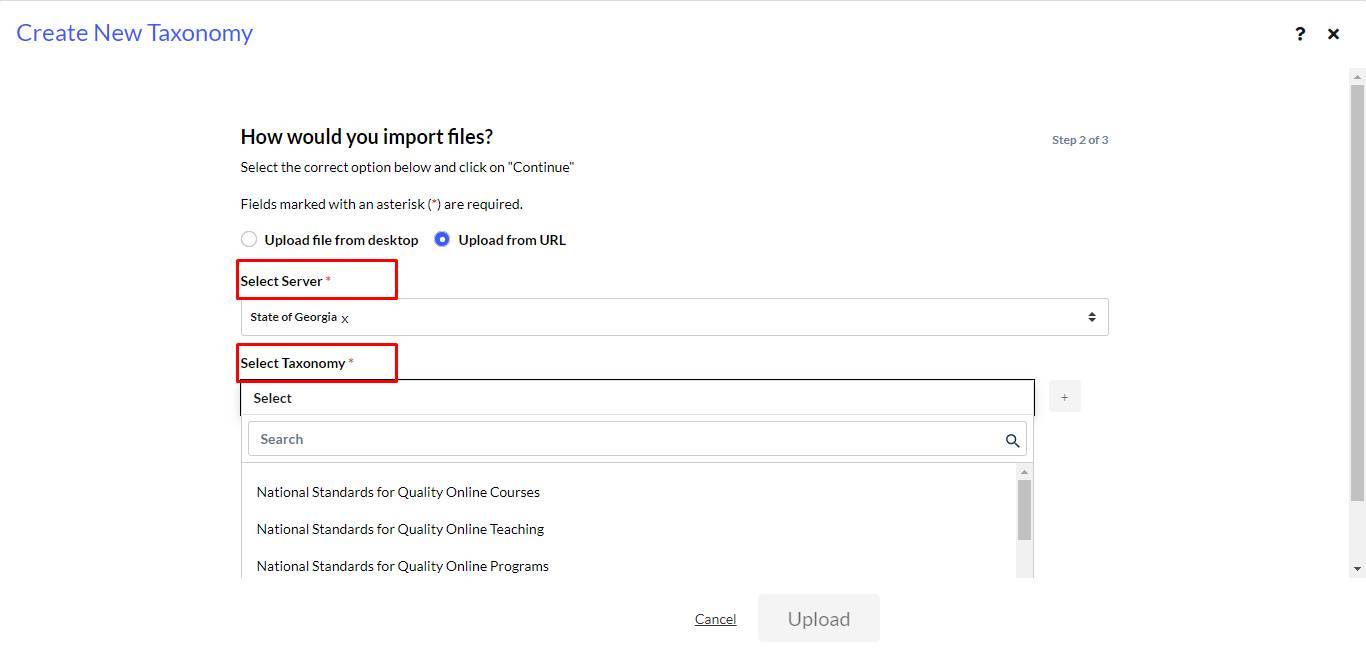
- Select details for Select Server and Select Taxonomy (See CASE Servers to configure servers,) and make selections from the drop-down list to proceed.
Note: Users can select multiple taxonomies to upload. The drop-down list has three options.
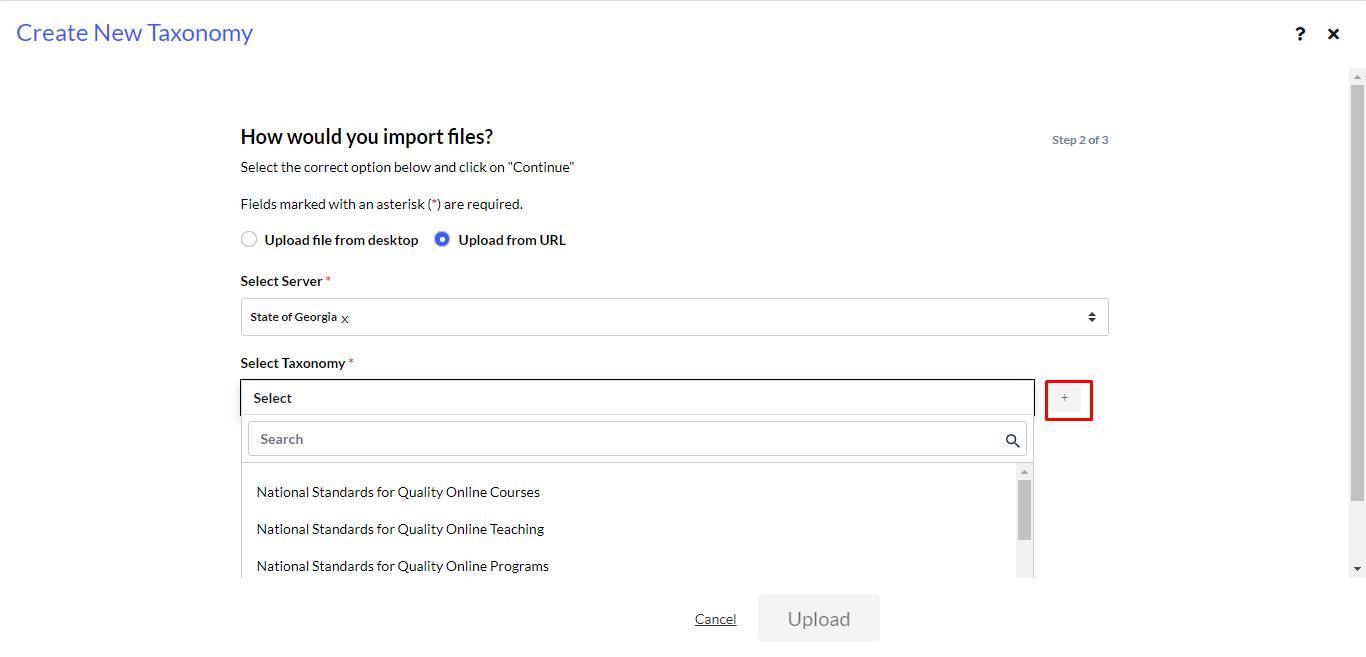
- Select the “+” to continue.
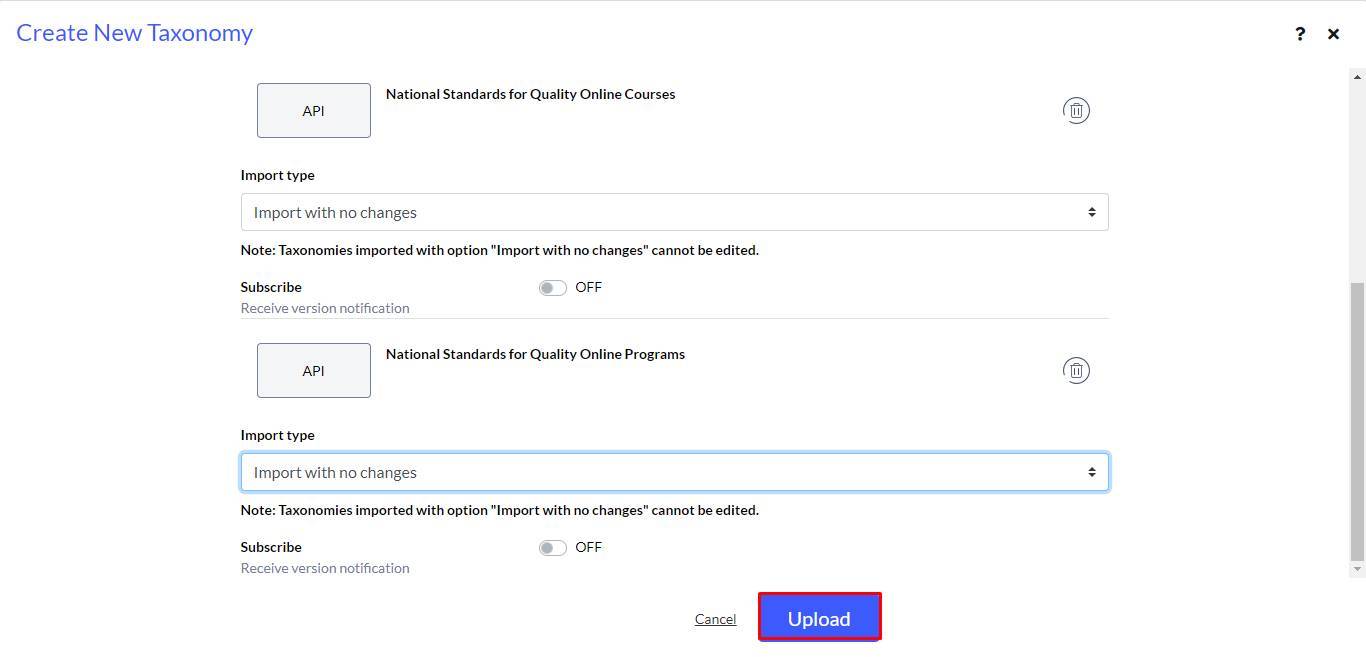
- Select options for Import type from the drop-down list.
- Click Upload.
- To complete the process, select Finish.
Note:
- Users can now request the draft taxonomy through the CF Packages CASE API.
- Once the API settings are configured, the next step is followed.
- For taxonomies with submitted URIs, the user will get a response. Else an error message will be displayed.